
Email Client
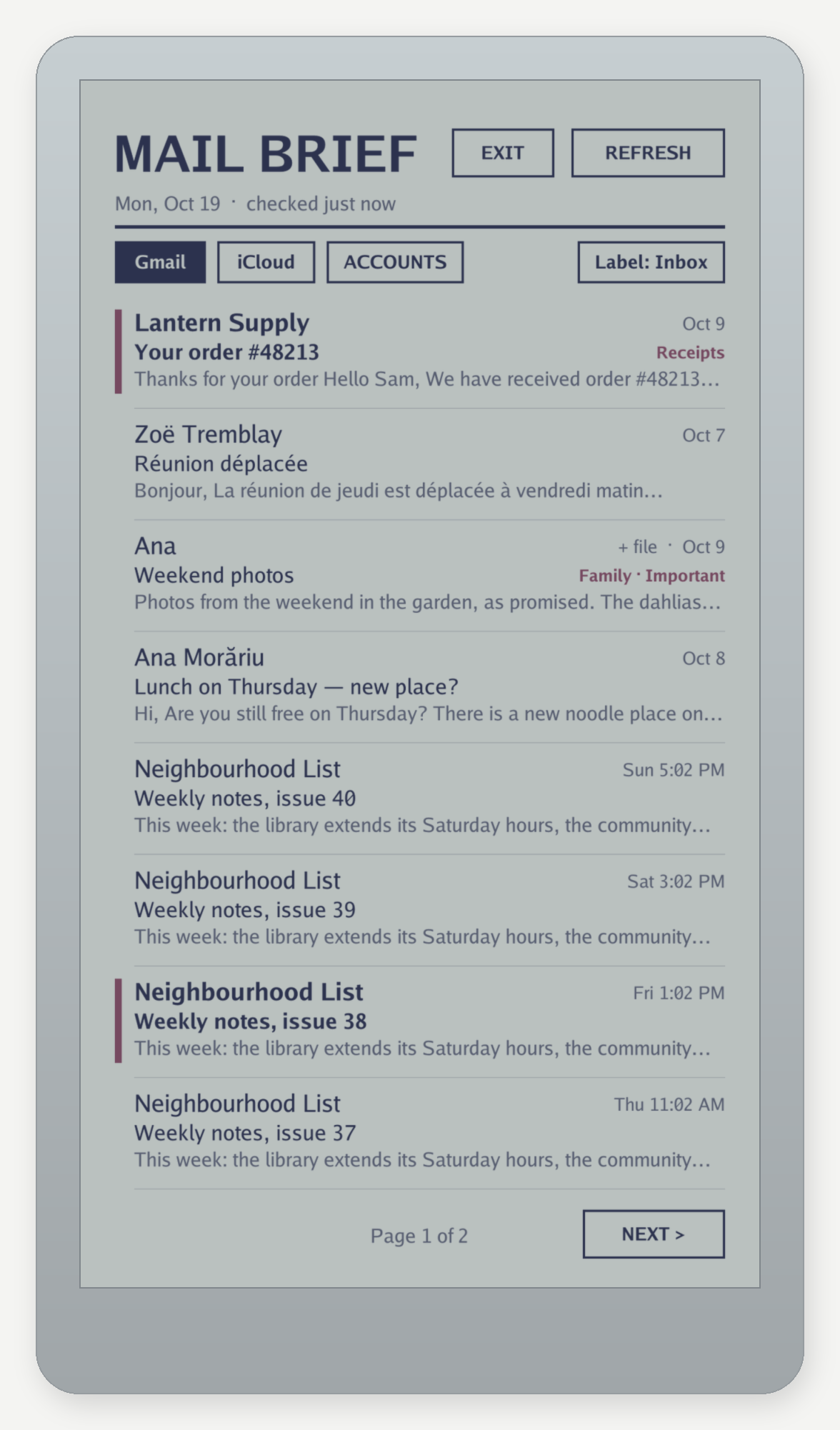
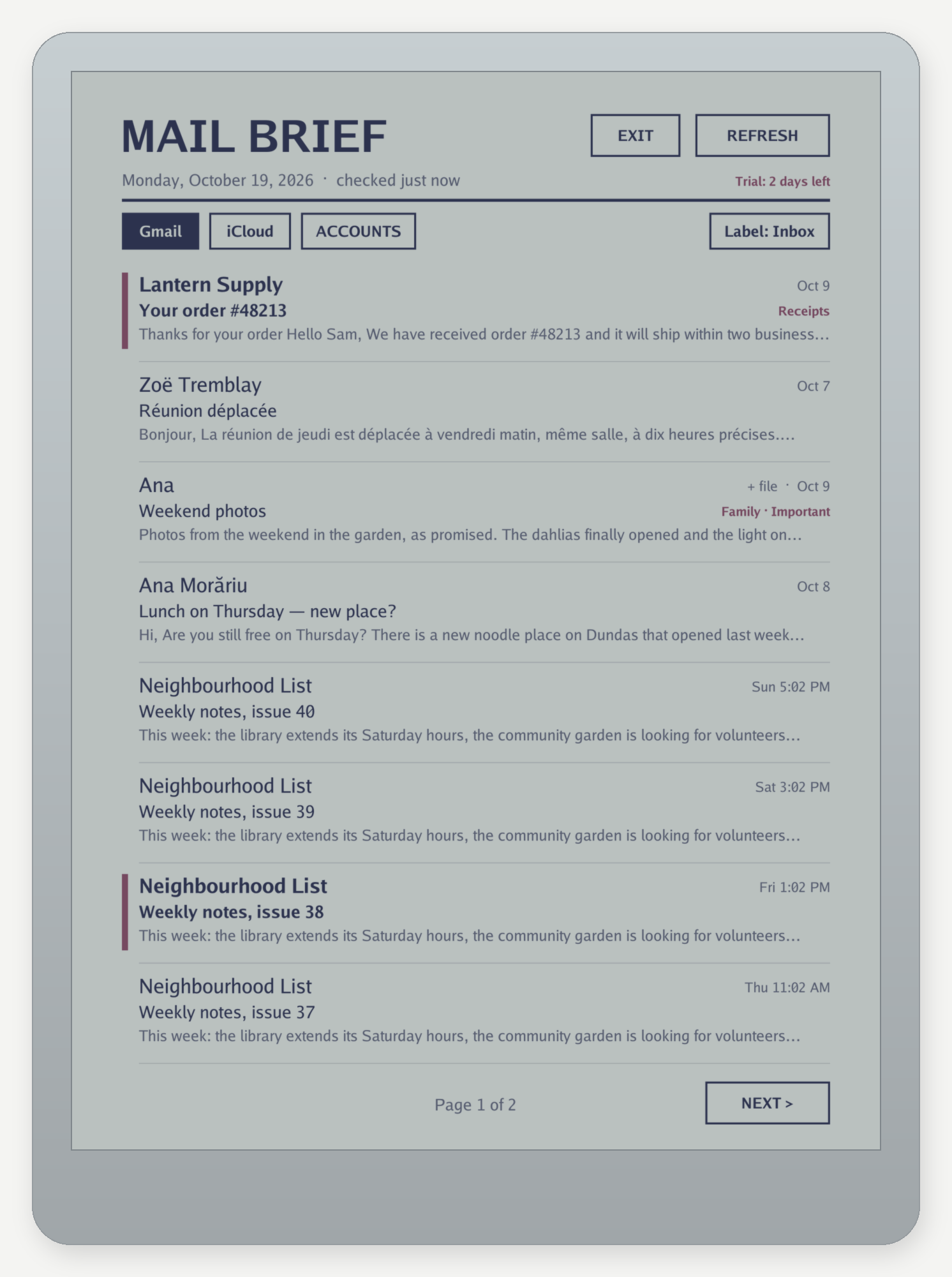
Email client for reMarkable tablets that allows you to download, read emails on a distraction-free paper display, annotate PDFs, and send replies using quick templates, typing, or handwritten notes.
$7.99
Full app, free for 3 days. No account or payment needed. It installs the same way as the paid version (see Get Tablet Ready). Buy any time to keep using it.
Your only email on your reMarkable
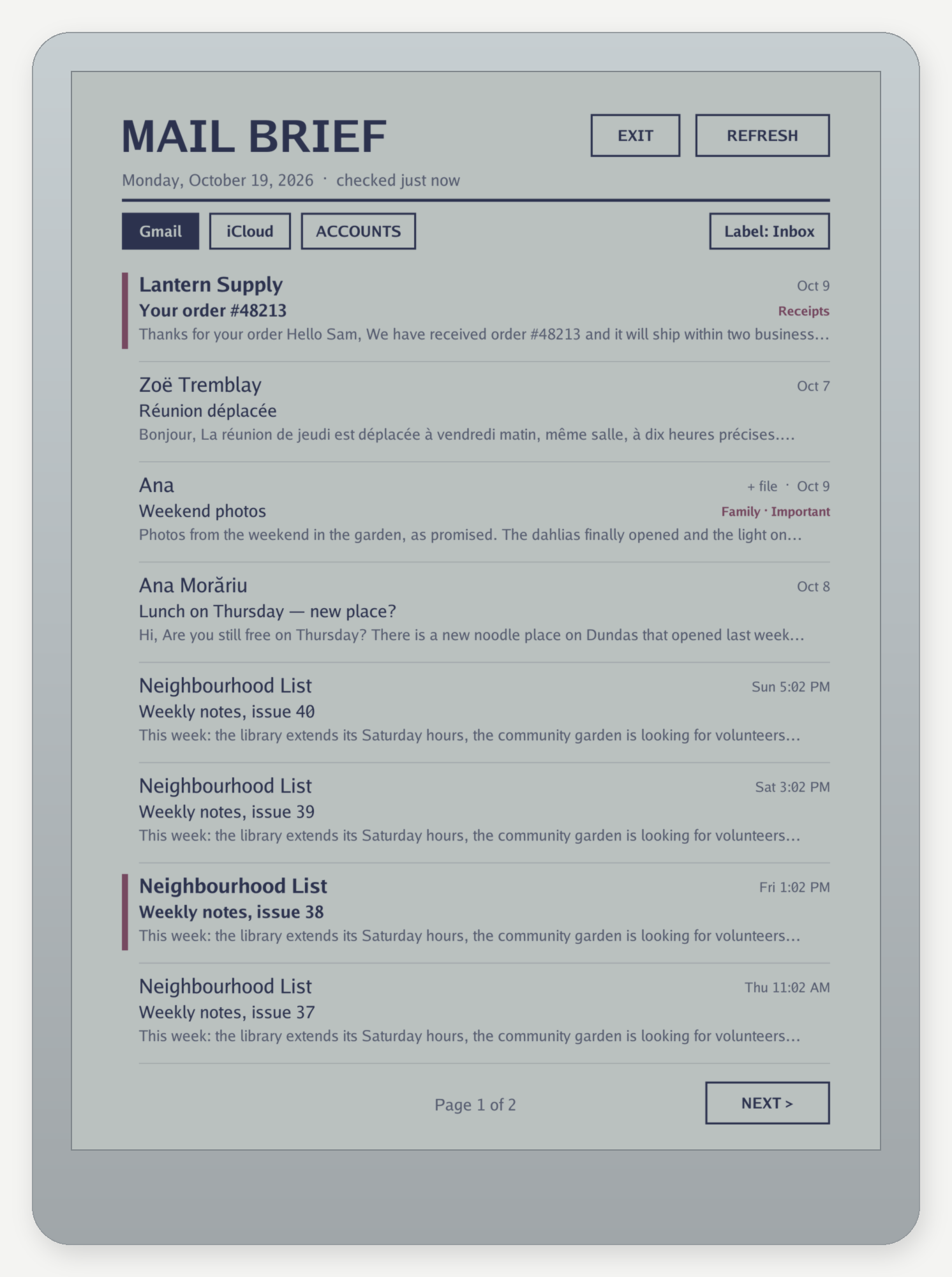
Read your email on paper, not on a screen. Mail Brief brings your inbox to the reMarkable Paper Pro and Paper Pro Move. It downloads your newest messages so you can read them anywhere, even without Wi-Fi.
How it works
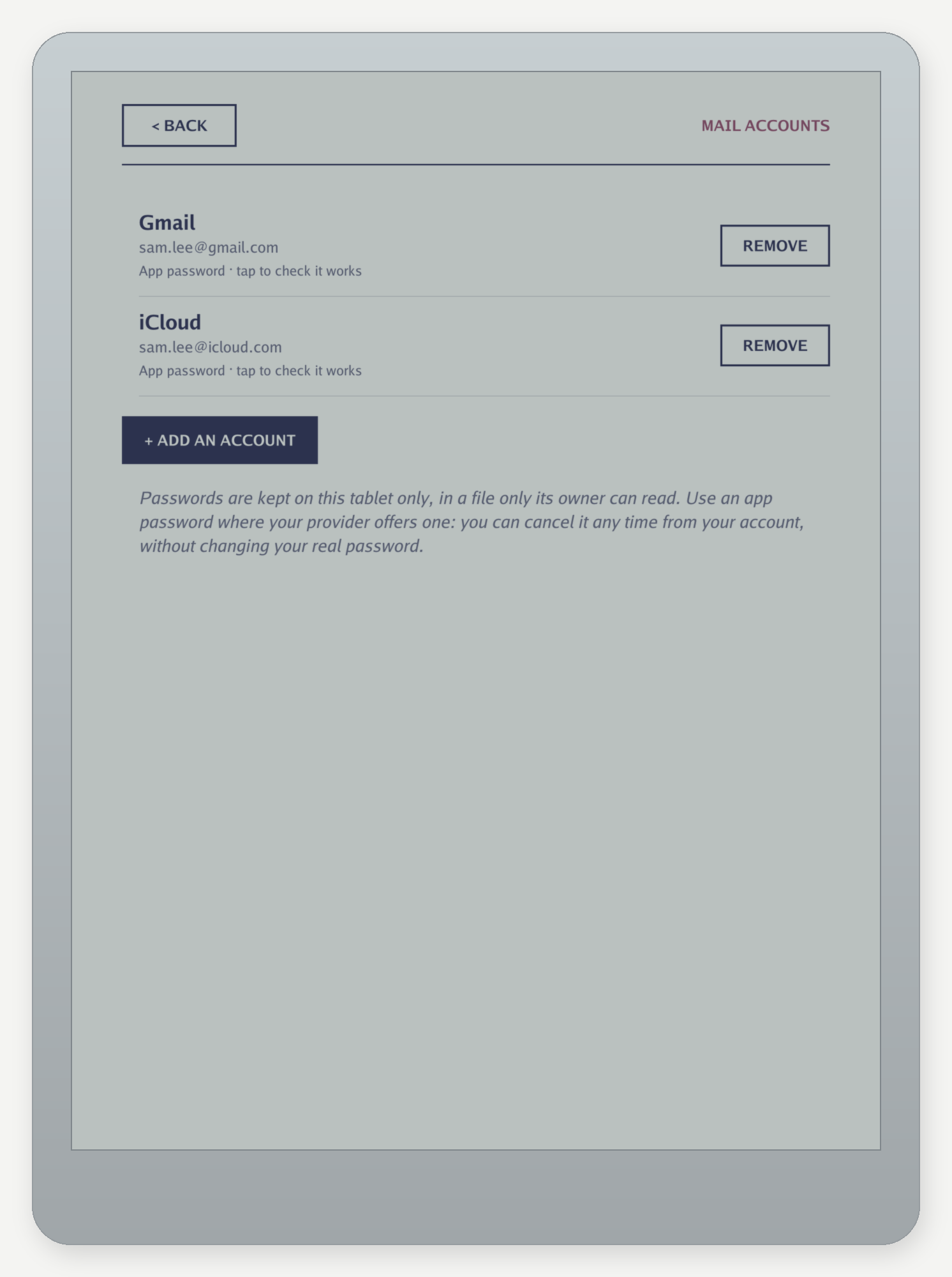
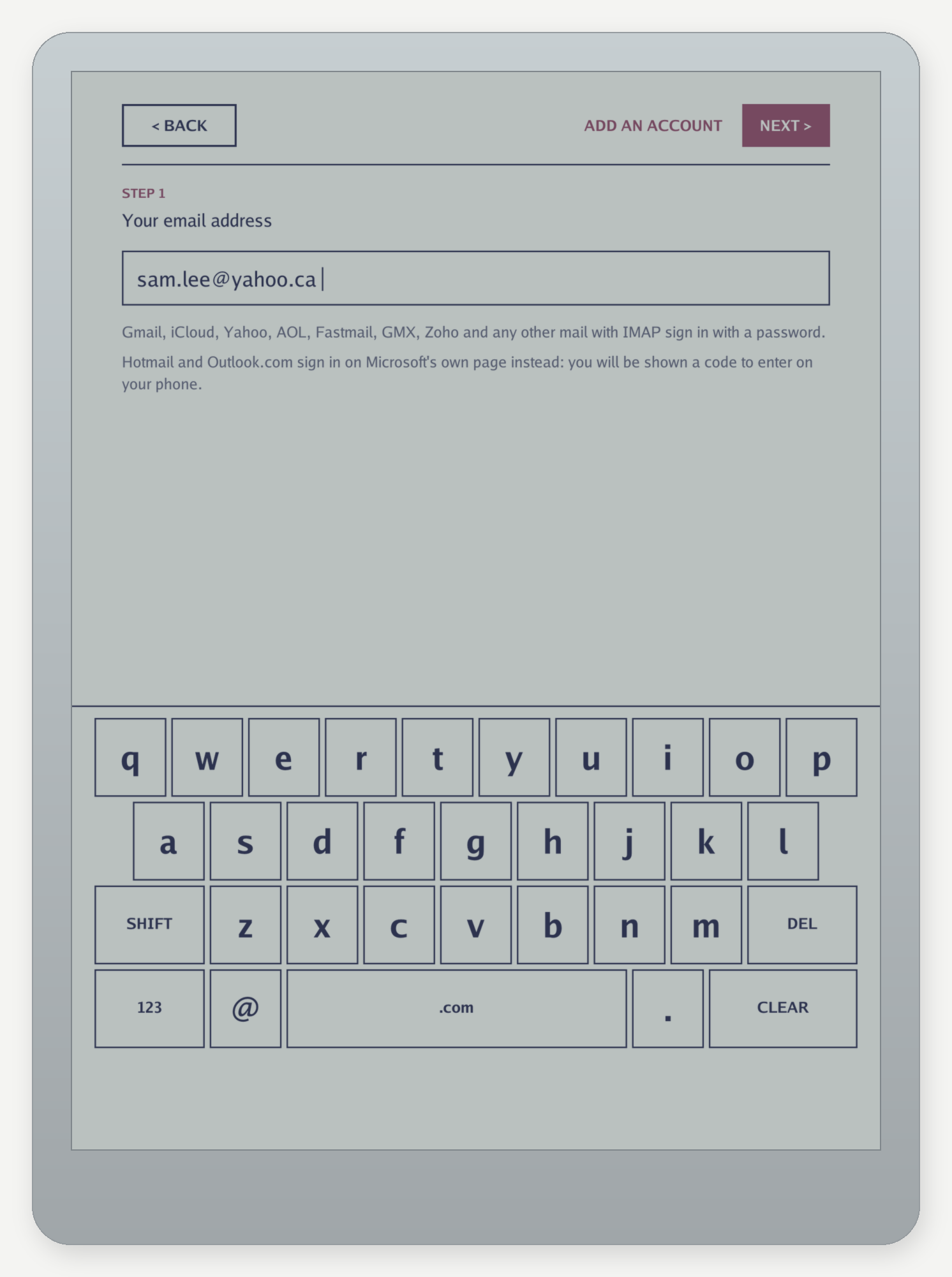
- Open Mail Brief from AppLoad and tap ADD AN ACCOUNT.
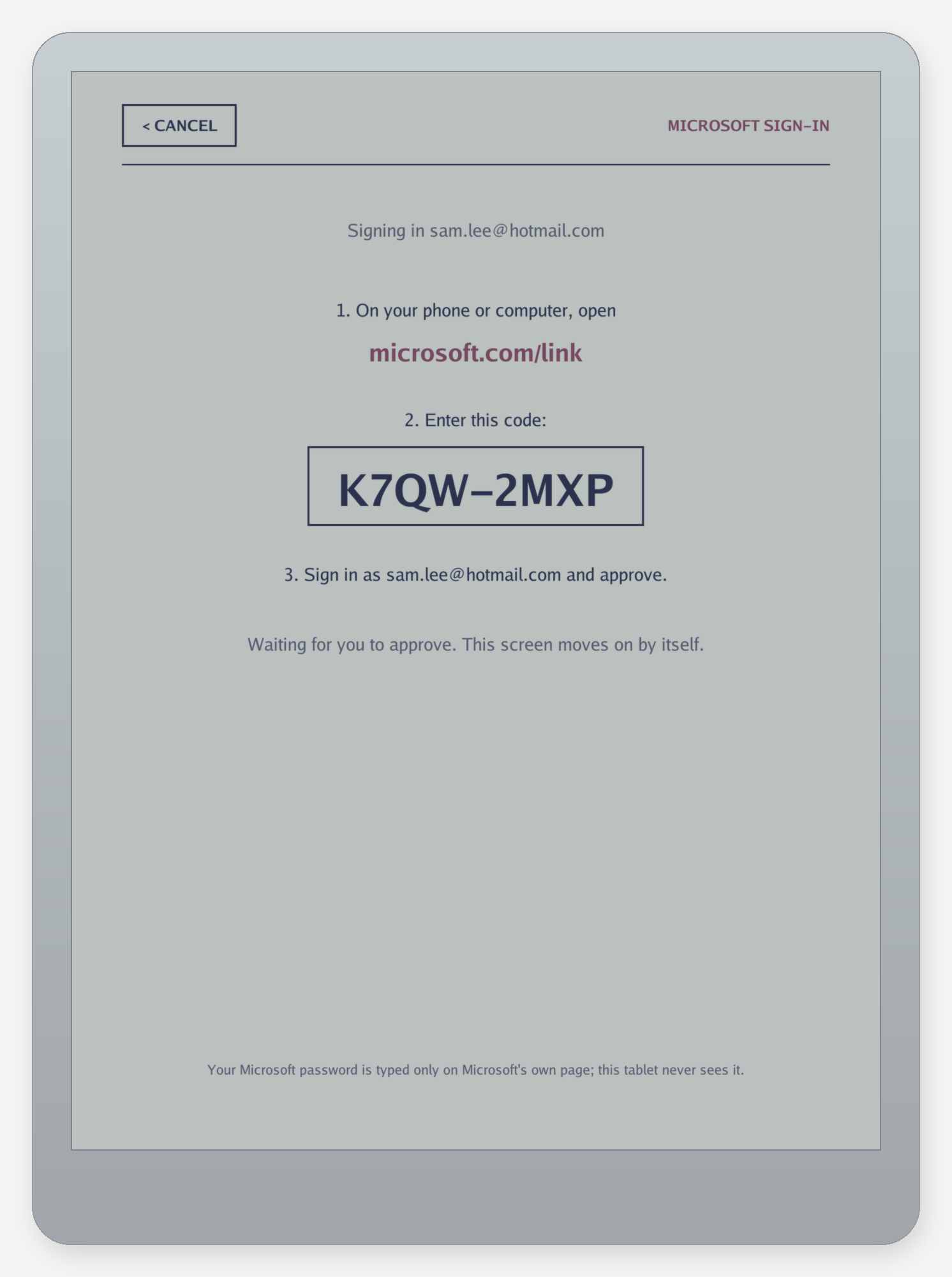
- Type your email address. Mail Brief recognizes Gmail, iCloud, Yahoo, AOL, Fastmail, GMX, Zoho and more, and fills in the settings for you.
- Type your app password. The screen tells you where to create one. Mail Brief signs in to check it works before saving anything.
- Your newest 50 messages download to the tablet. Tap REFRESH whenever you’re on Wi-Fi to get new mail.
- Delete emails natively from your tablet.
What you can do
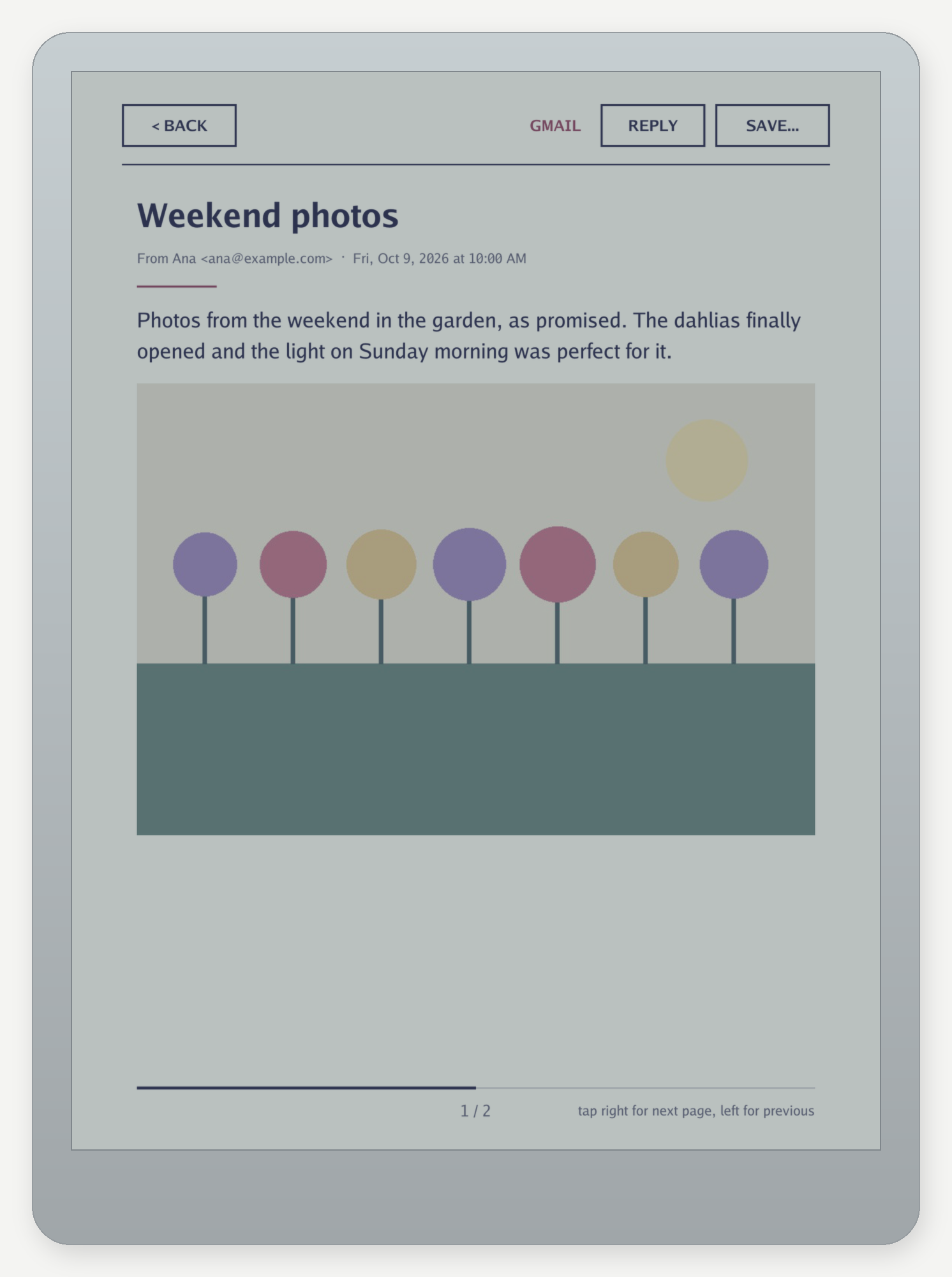
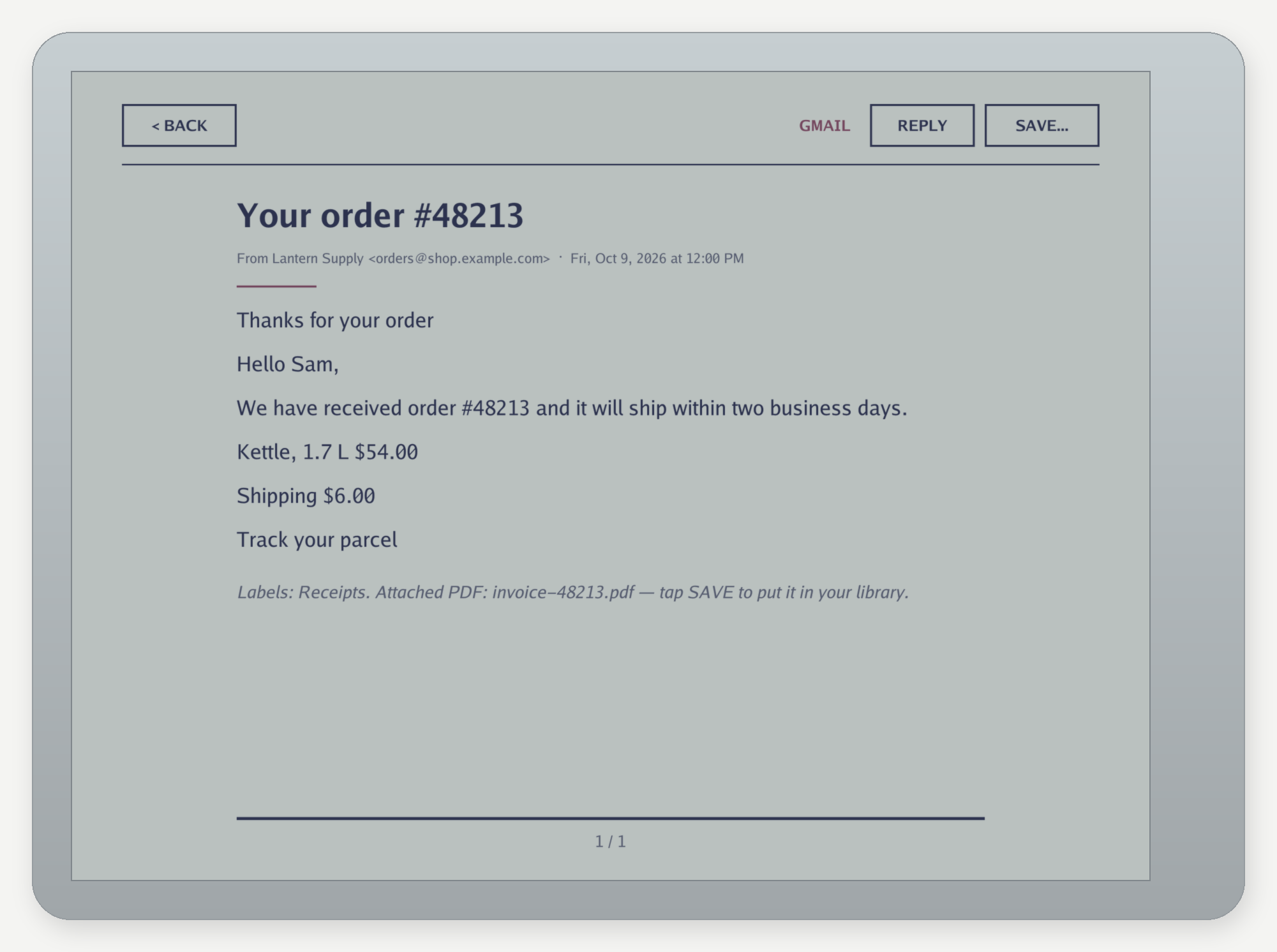
- Read comfortably: messages are laid out like pages, with photos and designed emails shown in the text. Tap or swipe to turn pages.
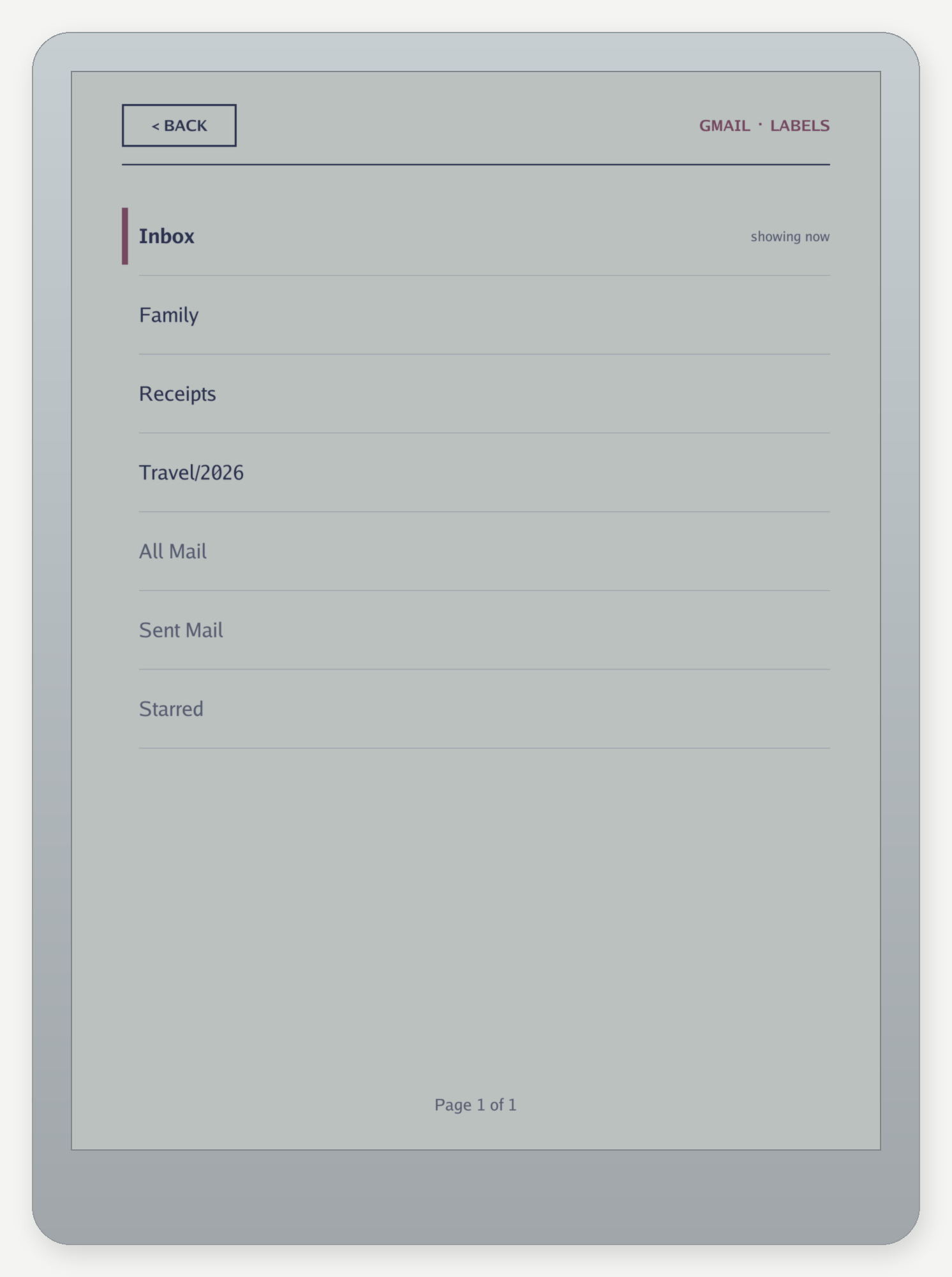
- Several accounts: switch between them with one tap, and browse your Gmail labels.
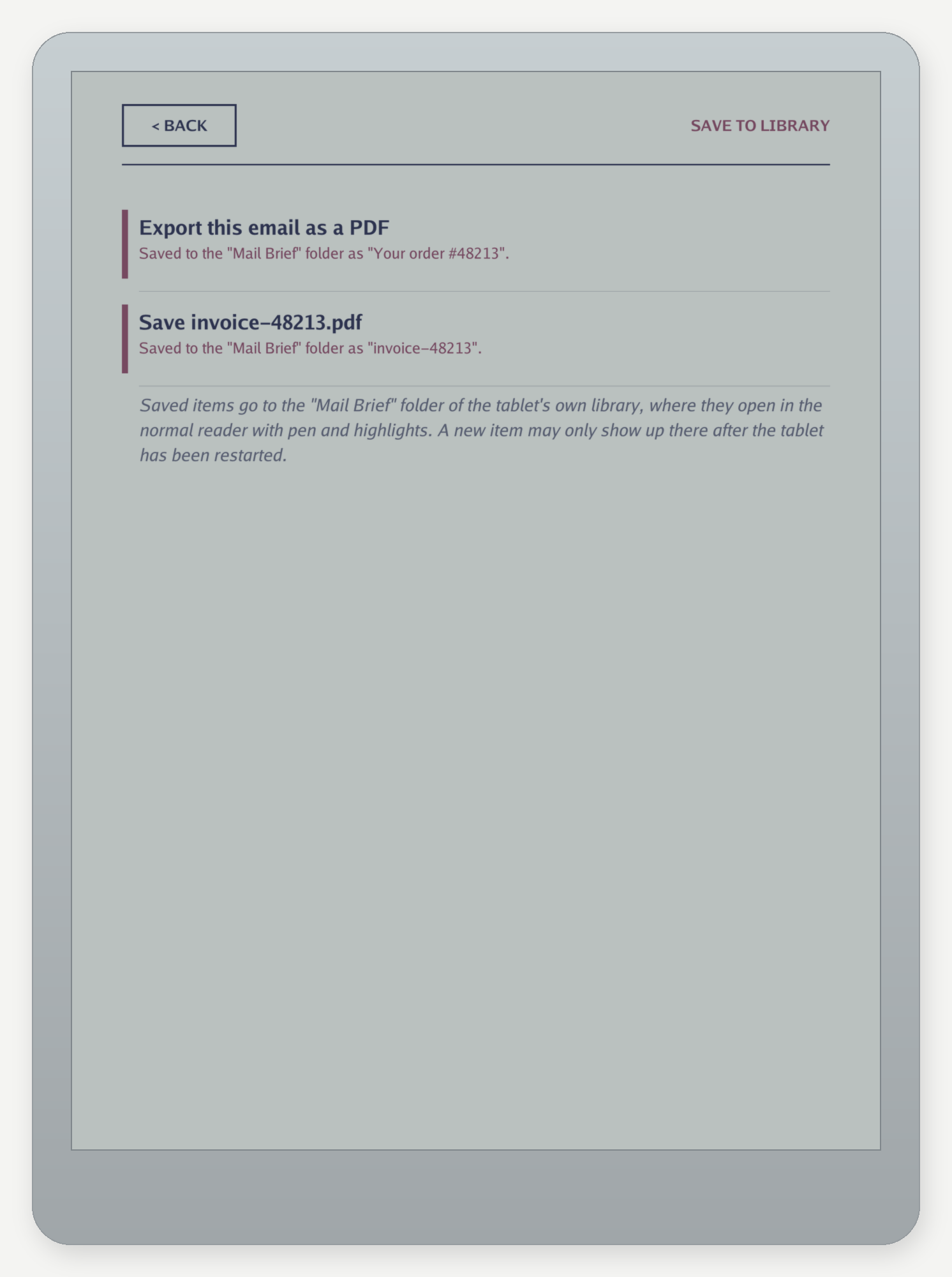
- Save to your library: keep attached PDFs, or any email as a PDF, in your reMarkable library. You can then write on it and highlight it like any other document.
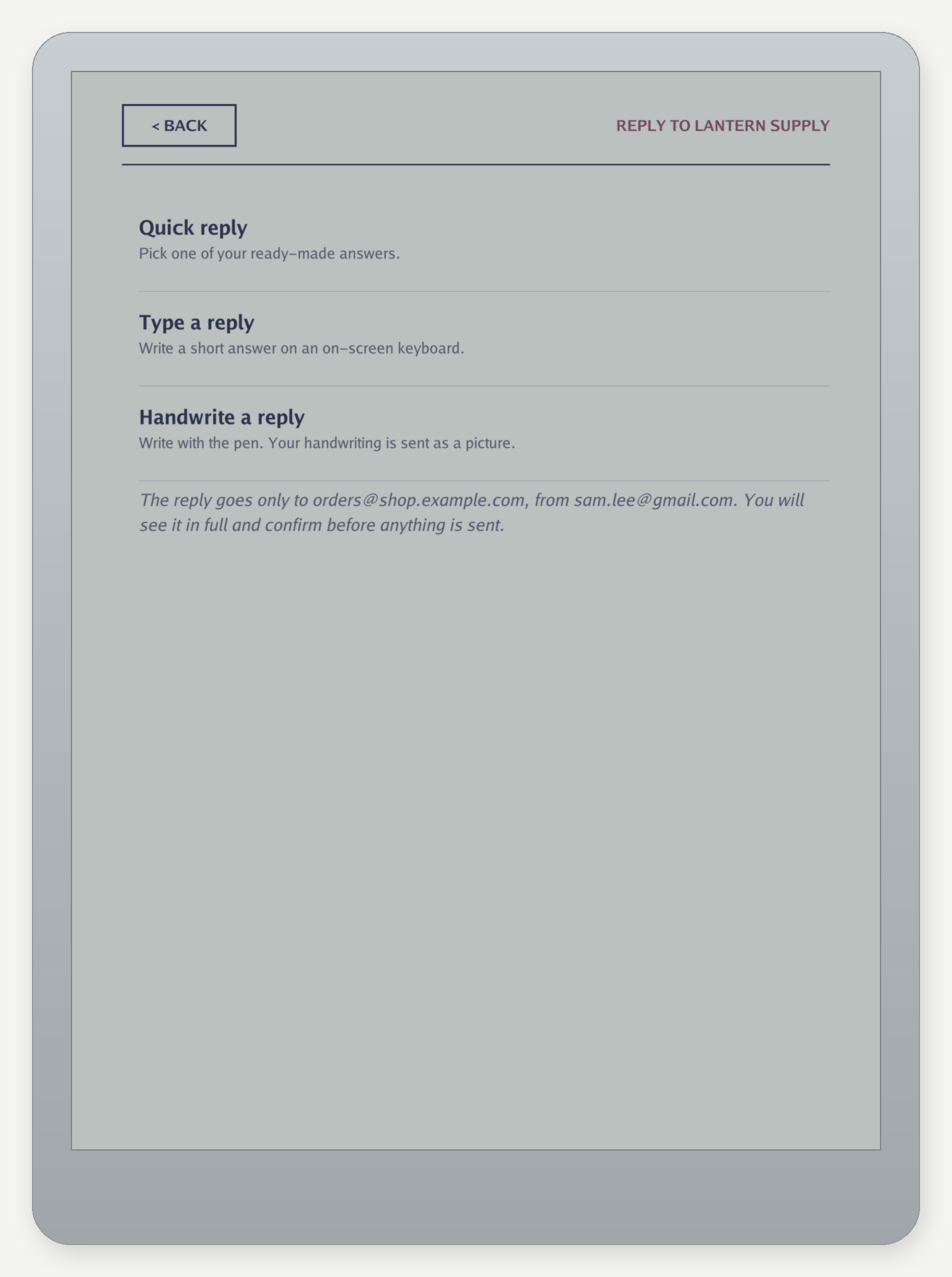
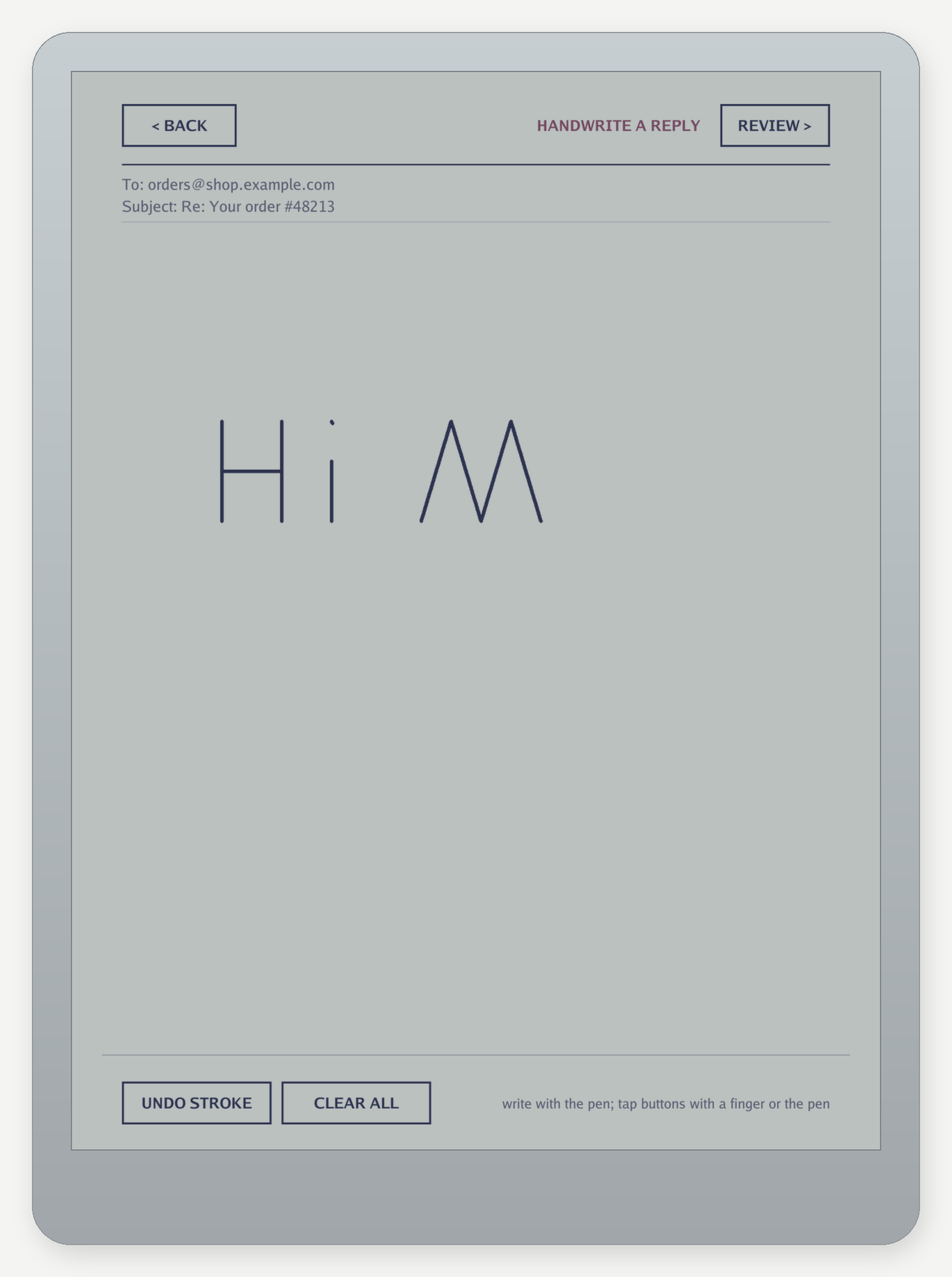
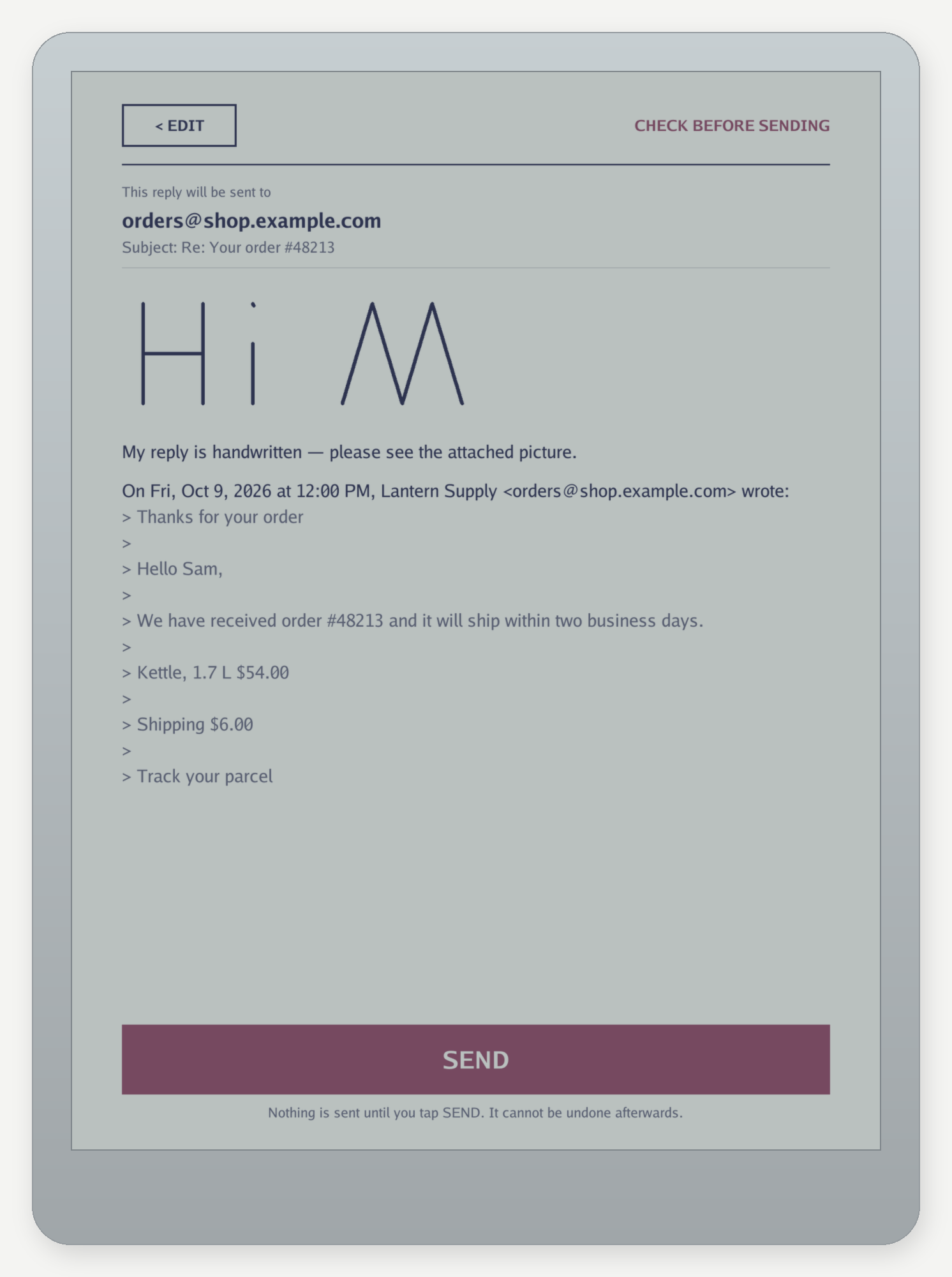
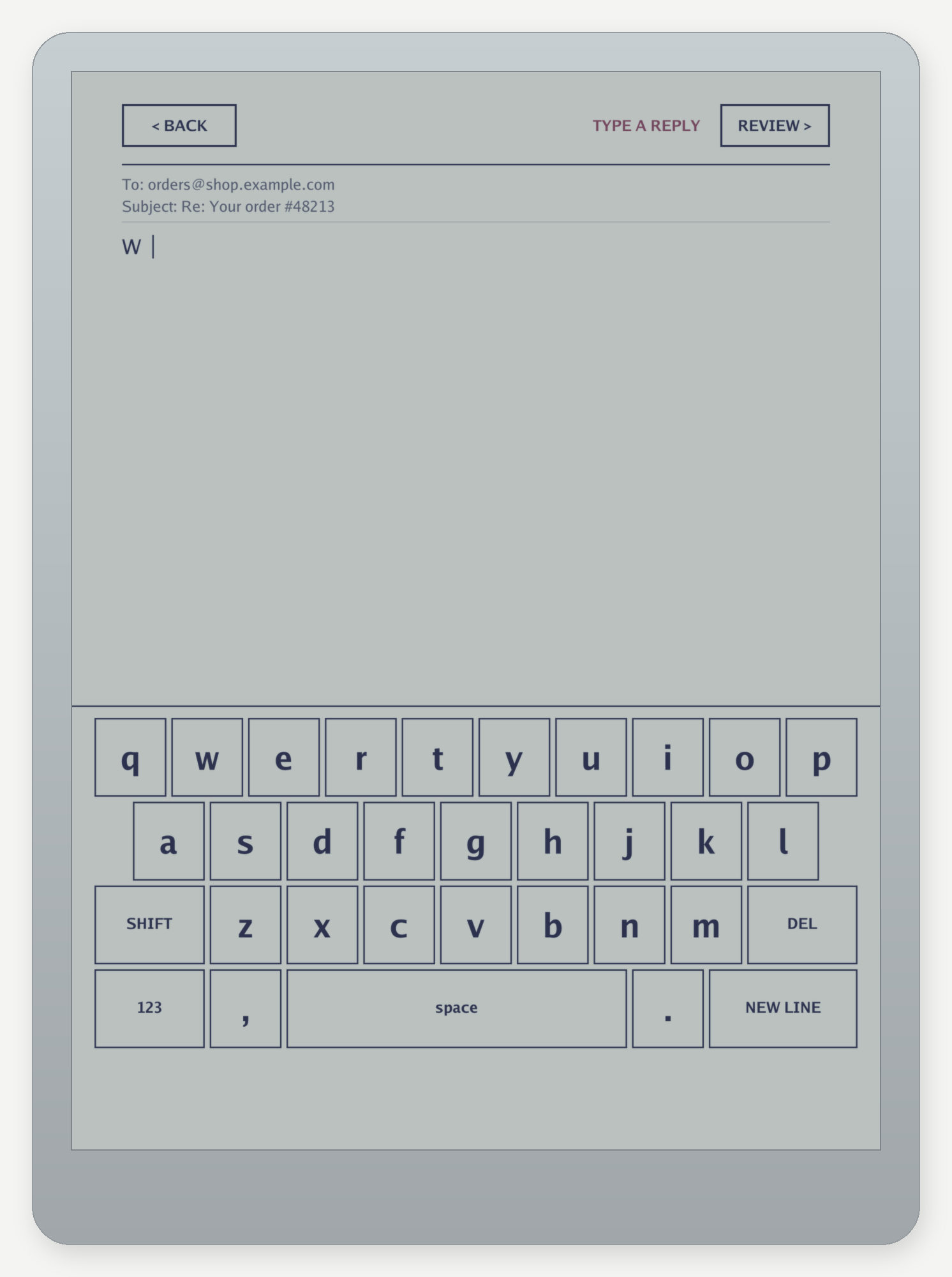
- Reply three ways: pick a ready-made quick reply, type on the on-screen keyboard, or write by hand with your pen. Your handwriting is sent as a picture. You always see the full reply before it’s sent.
- Portrait or landscape: turn the tablet and Mail Brief follows.
Safe by design
- This application never deletes, moves or marks your mail, and reading a message here doesn’t mark it as read.
- Your password stays on your tablet and is never sent to us.
- Use an app password, which you can cancel from your account at any time without changing your real password.
Requirements: reMarkable Paper Pro or Paper Pro Move with AppLoad (see “Before you begin”), and an email account with IMAP access. Replies work with Gmail, Yahoo, AOL, Fastmail, GMX, mail.com, Zoho and Yandex.
How to install
Download the ZIP
After purchase, you'll receive a download link by email. Save the ZIP file to your computer.
Connect your tablet
Connect your reMarkable Paper Pro to your computer via USB and connect the TabletBob Installer.
Copy the files
Install the app via the Tablet Bob Installer. Find how to install our Free AppLoader: Get Tablet Ready
Open the AppLoad Store
Open or Reload the AppLoad Store using the reload arching arrows. Enjoy.
TabletBob apps are third-party tools not affiliated with, endorsed by, or supported by reMarkable AS. Install at your own discretion. We are not responsible for any issues arising from use of these apps on your device.