
Calendar & Planner
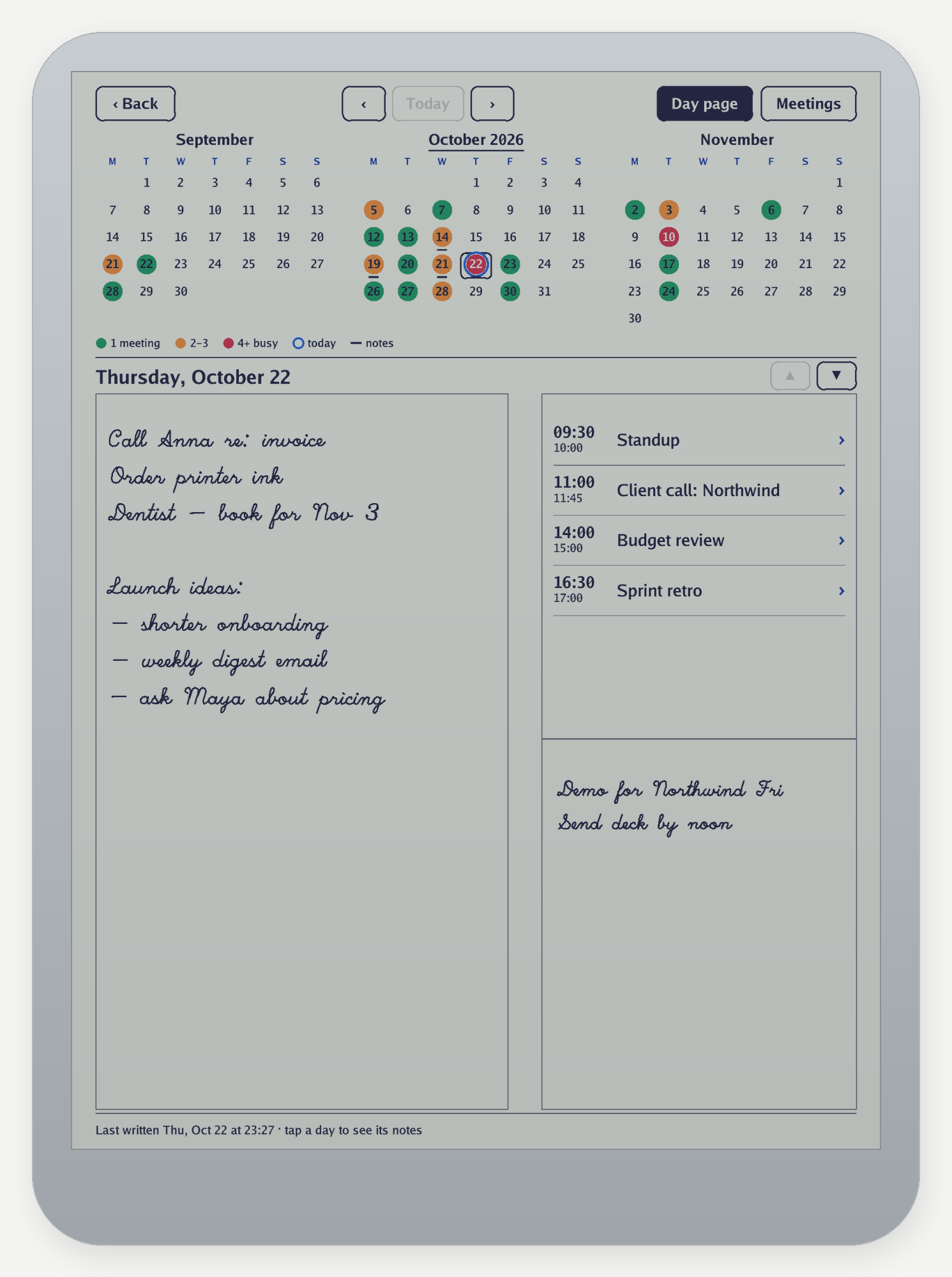
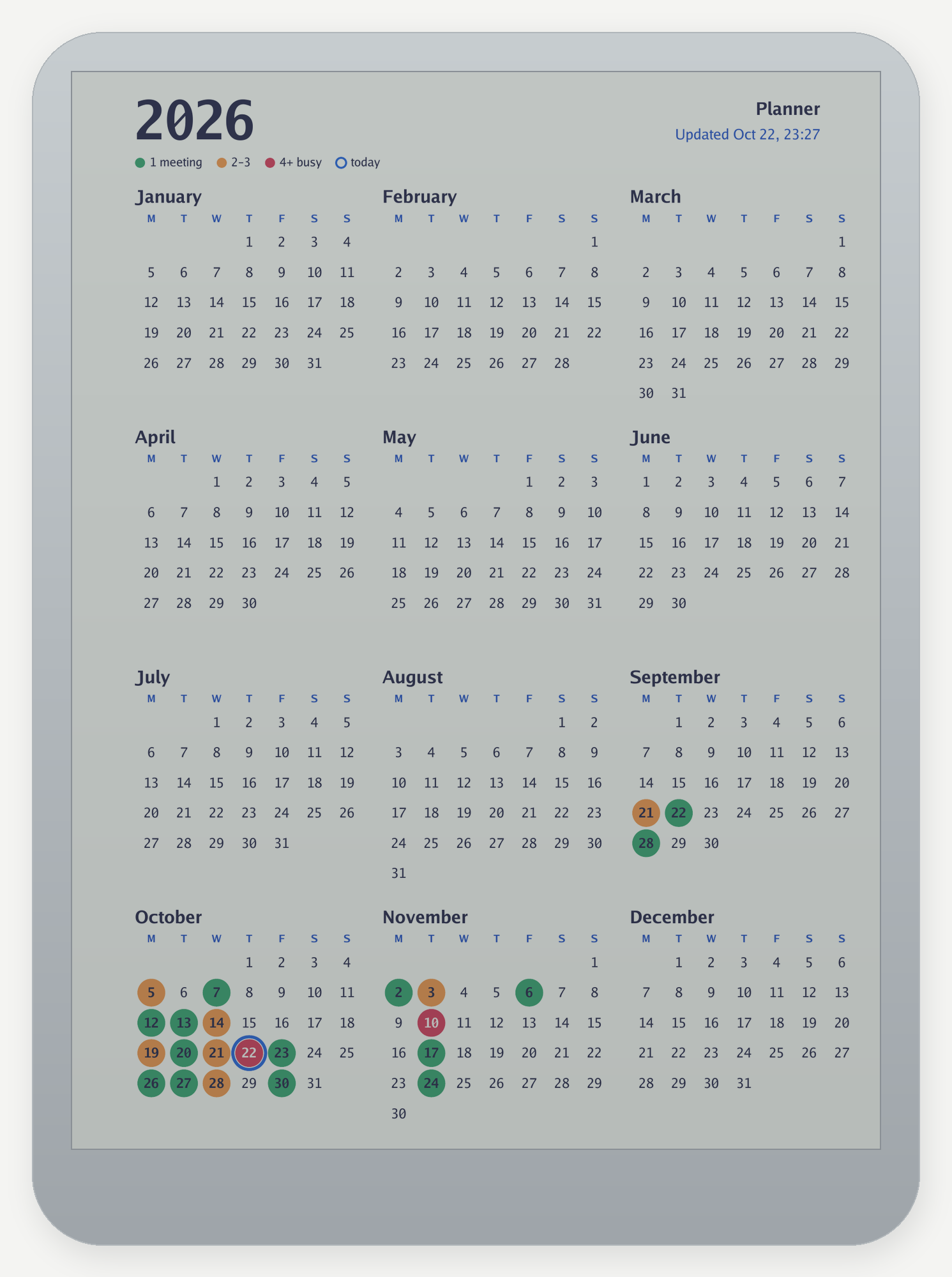
A clean weekly interactive planner made for the reMarkable Paper Pro. Use it free as a standalone PDF and write your week by hand, or pair it with the TabletBob Planner app to bring in your schedule automatically.
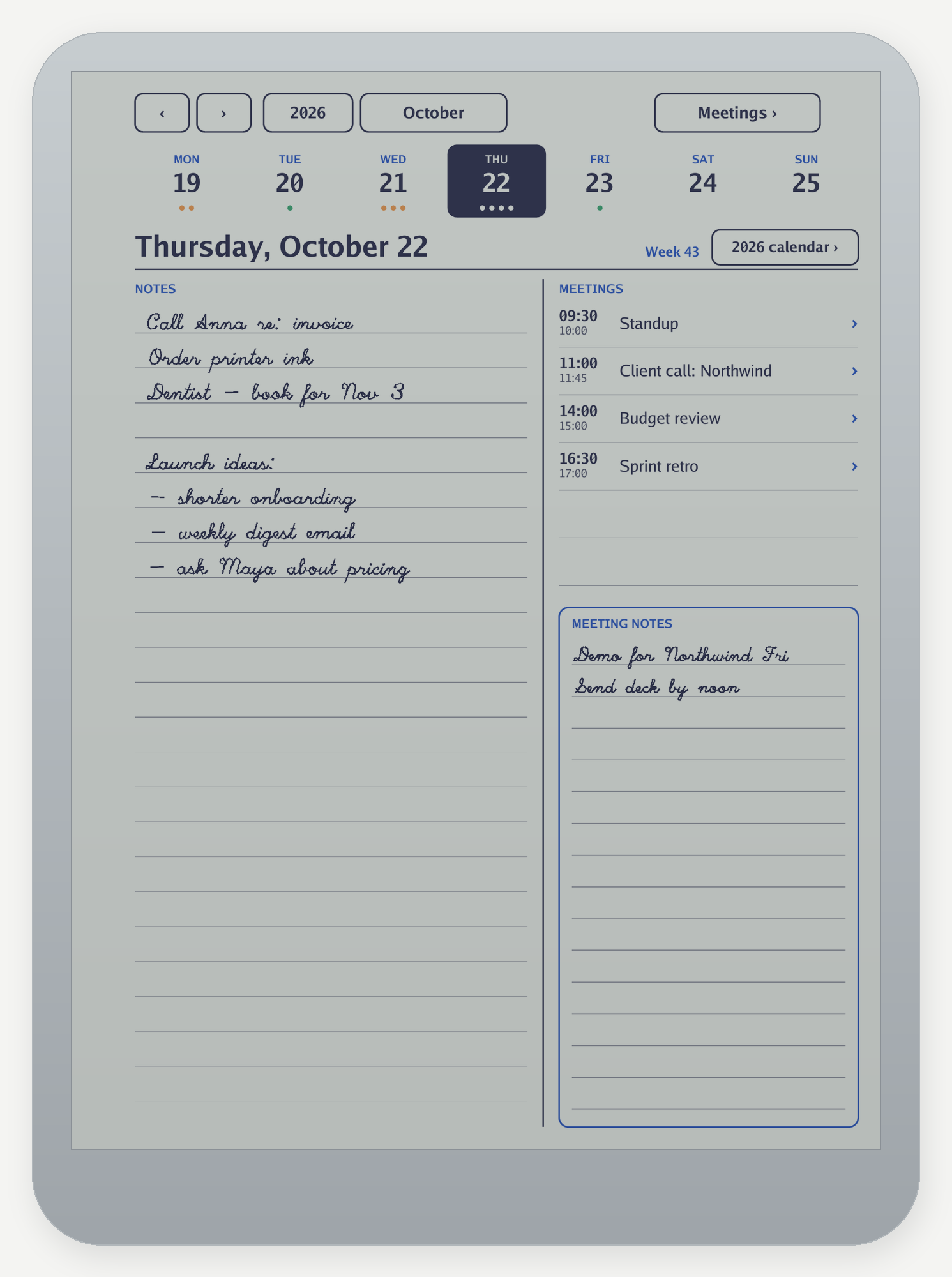
Plan your week the paper way. Each page shows one week in portrait: the days and your meetings with their times sit on the right, with plenty of room on the left for handwritten notes for each day.
Free on its own. Download the PDF, open it on your reMarkable, and write on it like any notebook. No app, account or setup needed.
Even better with the Planner app. The paid TabletBob Planner app fills in your meeting titles and times for you, so your schedule and your handwritten notes live side by side on the same page.
Works on reMarkable Paper Pro and Paper Pro Move.
How to add it to your tablet
Download your file
After purchase, download the PDF or .rmdoc from your order confirmation page or the email we send you. Free files download straight away.
Open the reMarkable app
Open the reMarkable desktop app on your computer, signed in to the same account as your tablet.
Add it to My files
Drag the file into My files in the app. It syncs to your tablet in a few seconds. On your phone, you can also import a PDF from the reMarkable mobile app.
Open it on your tablet
Find it in My files on your Paper Pro and tap to open. Tap the tabs and links to move around, and write anywhere with your Marker.
No Developer Mode, no TabletBob Installer and nothing to install: it's a regular file that opens on any reMarkable, like your other notebooks and PDFs.