
Play interactive Hangman on reMarkable Paper Pro
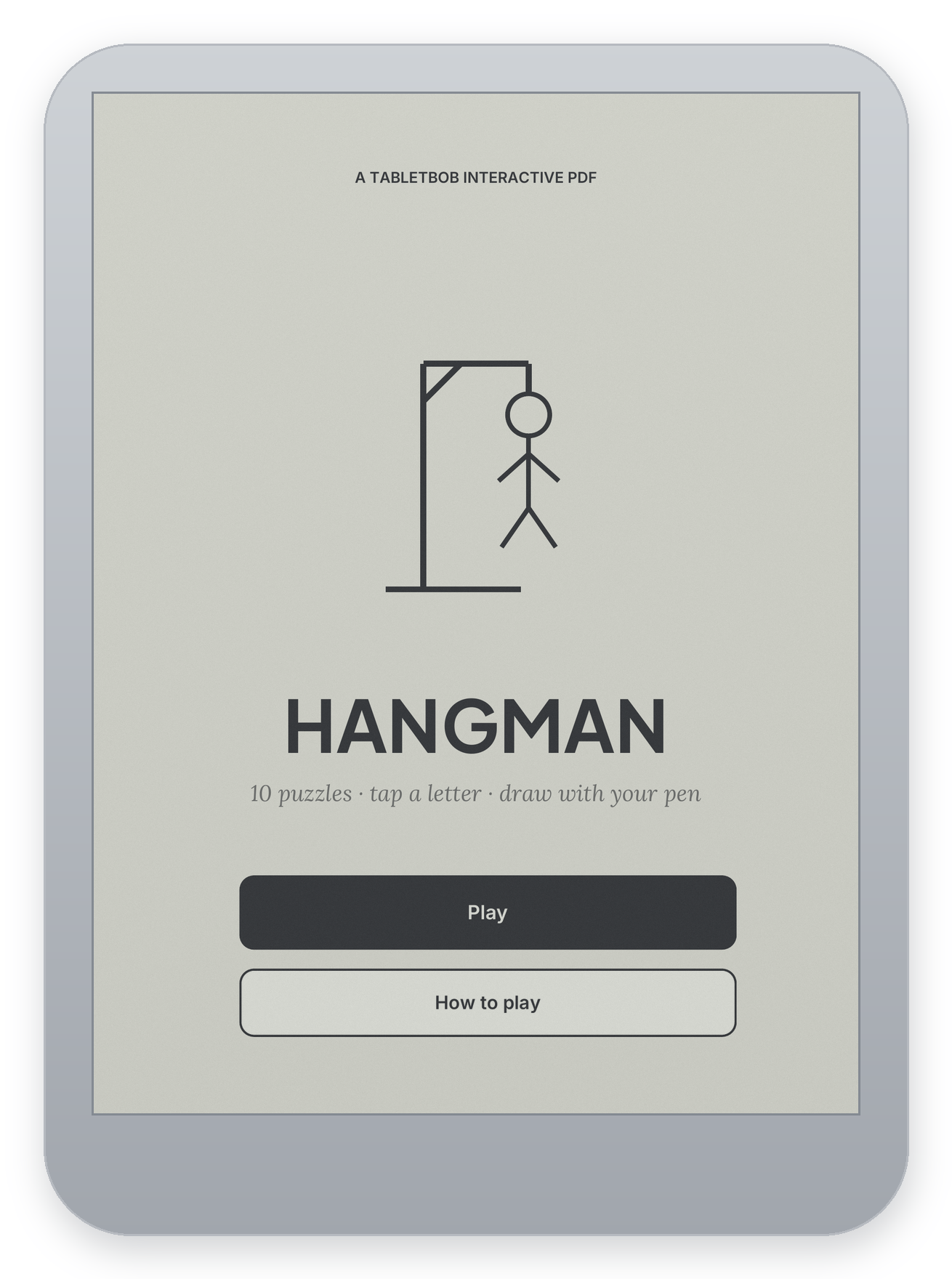
The classic word game, made for your reMarkable. Tap letters to guess, write the answers and draw the hangman with your pen. 10 free puzzles to play solo or with a friend.
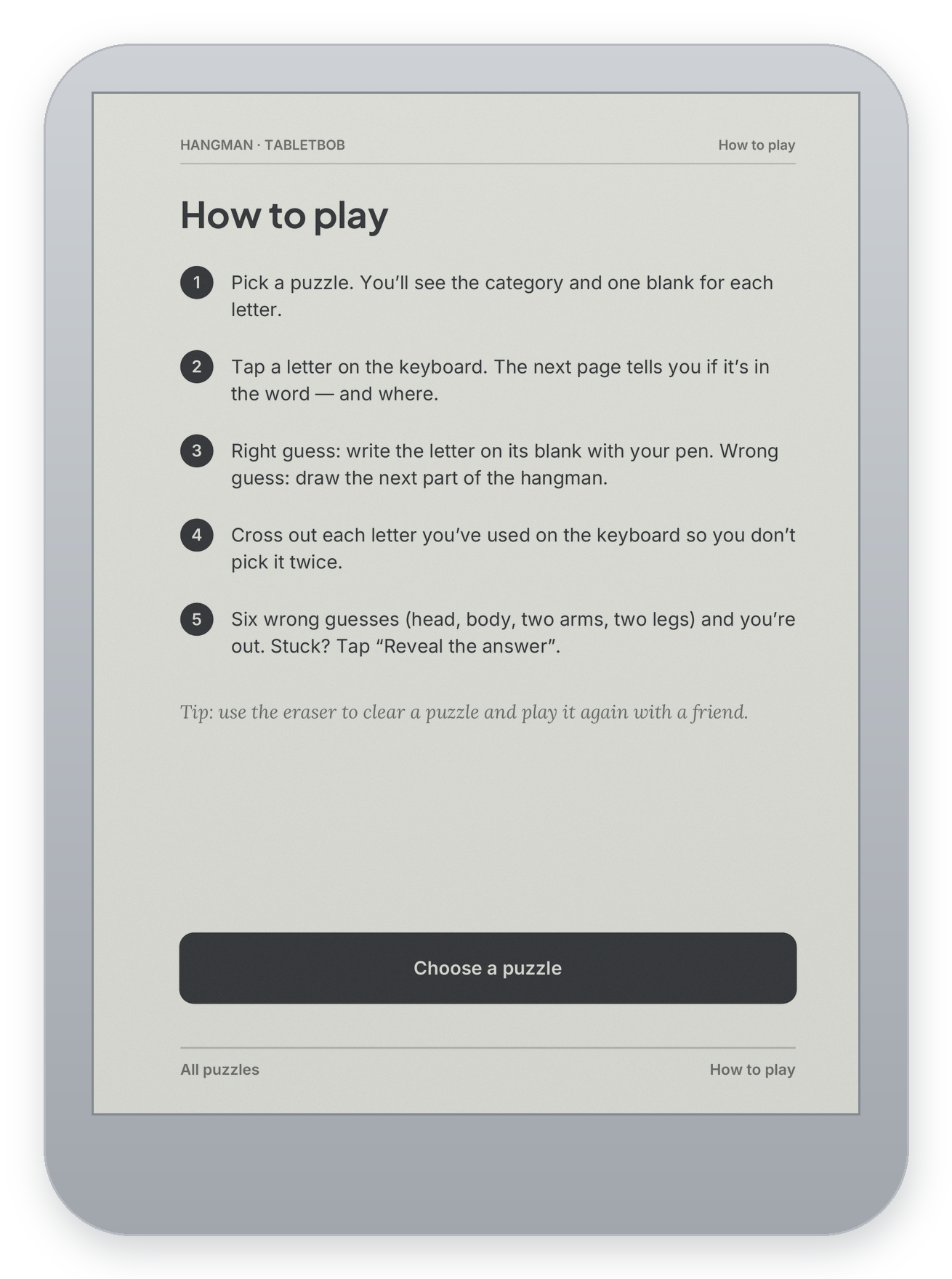
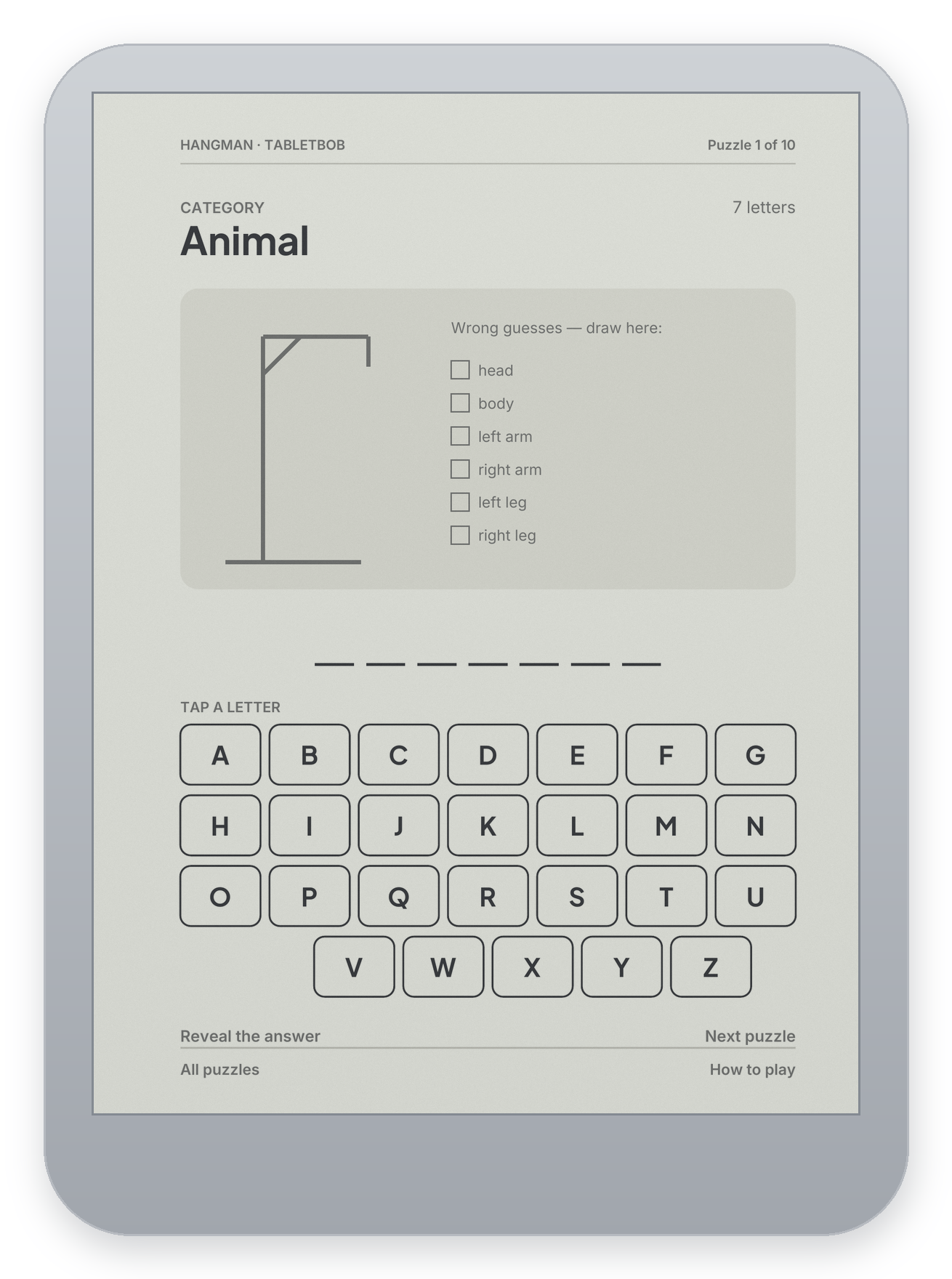
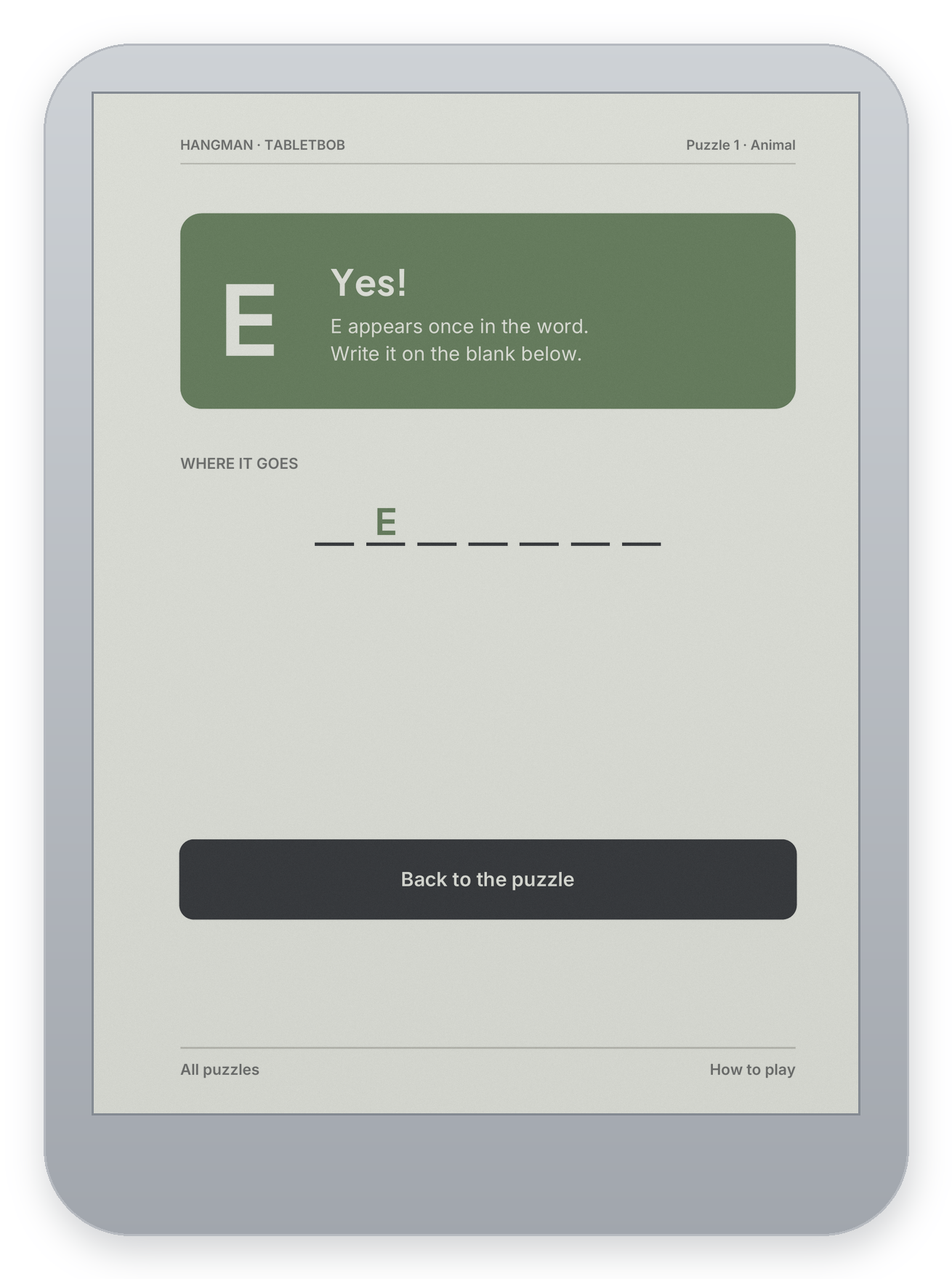
Guess the word before the hangman is complete. Each puzzle gives you a category and a row of blanks. Tap a letter on the big on-screen keyboard, and the next page tells you instantly whether it’s in the word and exactly where it goes.
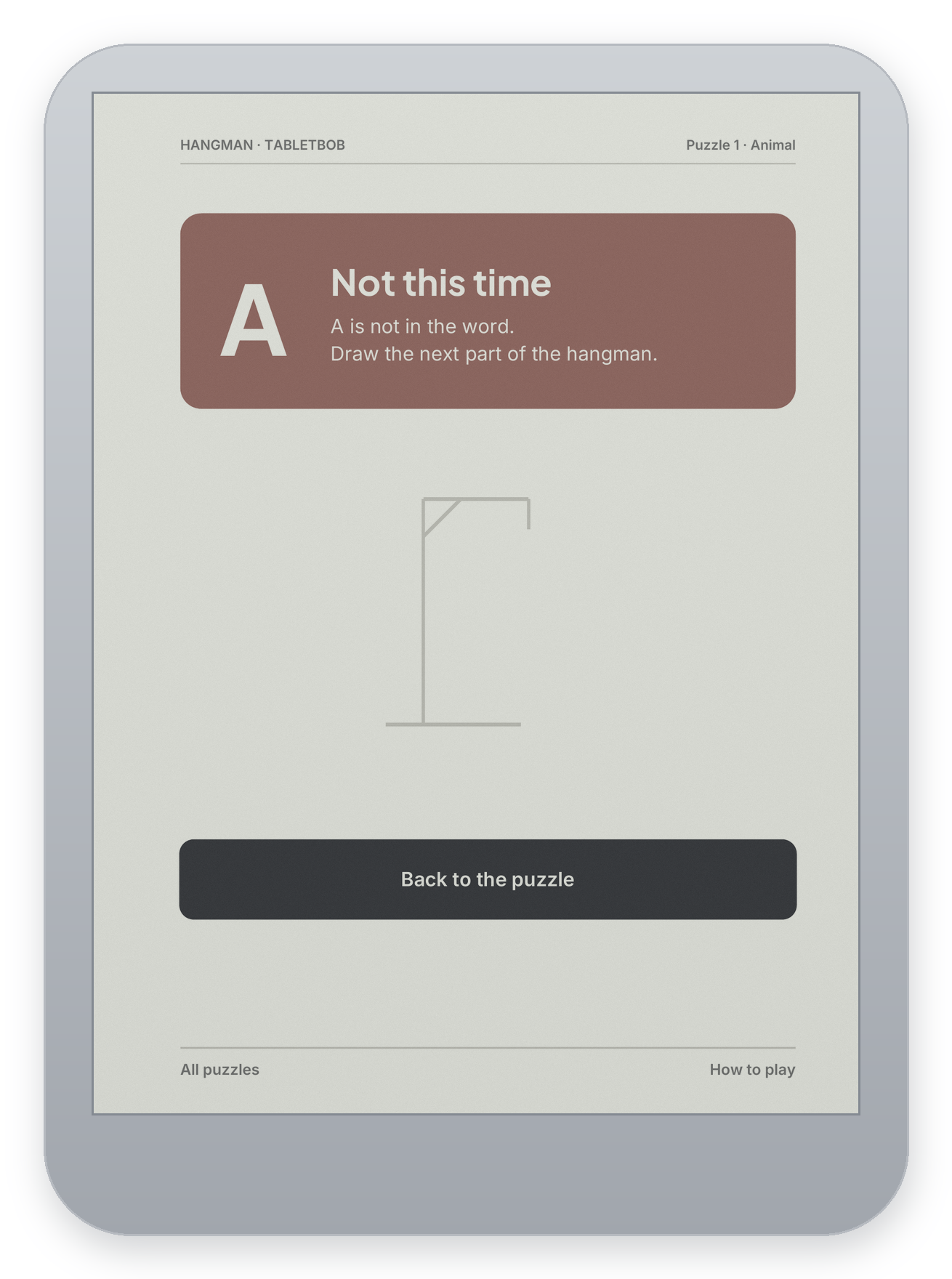
Your pen does the rest. Write correct letters on their blanks, draw the next part of the hangman for each wrong guess, and cross out the letters you’ve used. Six wrong guesses and you’re out.
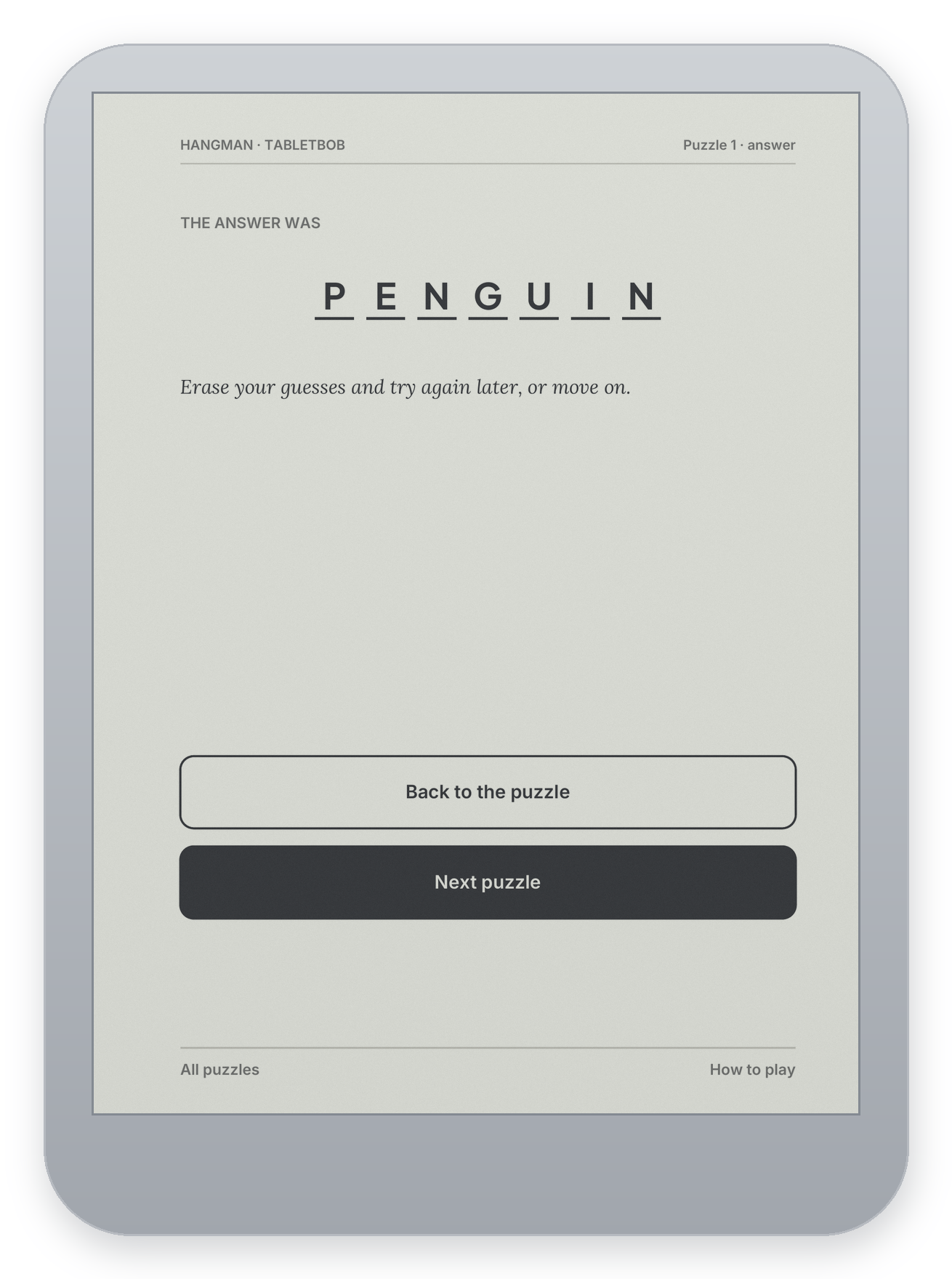
Play again and again. Erase your marks to replay a puzzle or hand the tablet to a friend. Stuck? Every puzzle has a Reveal the answer link.
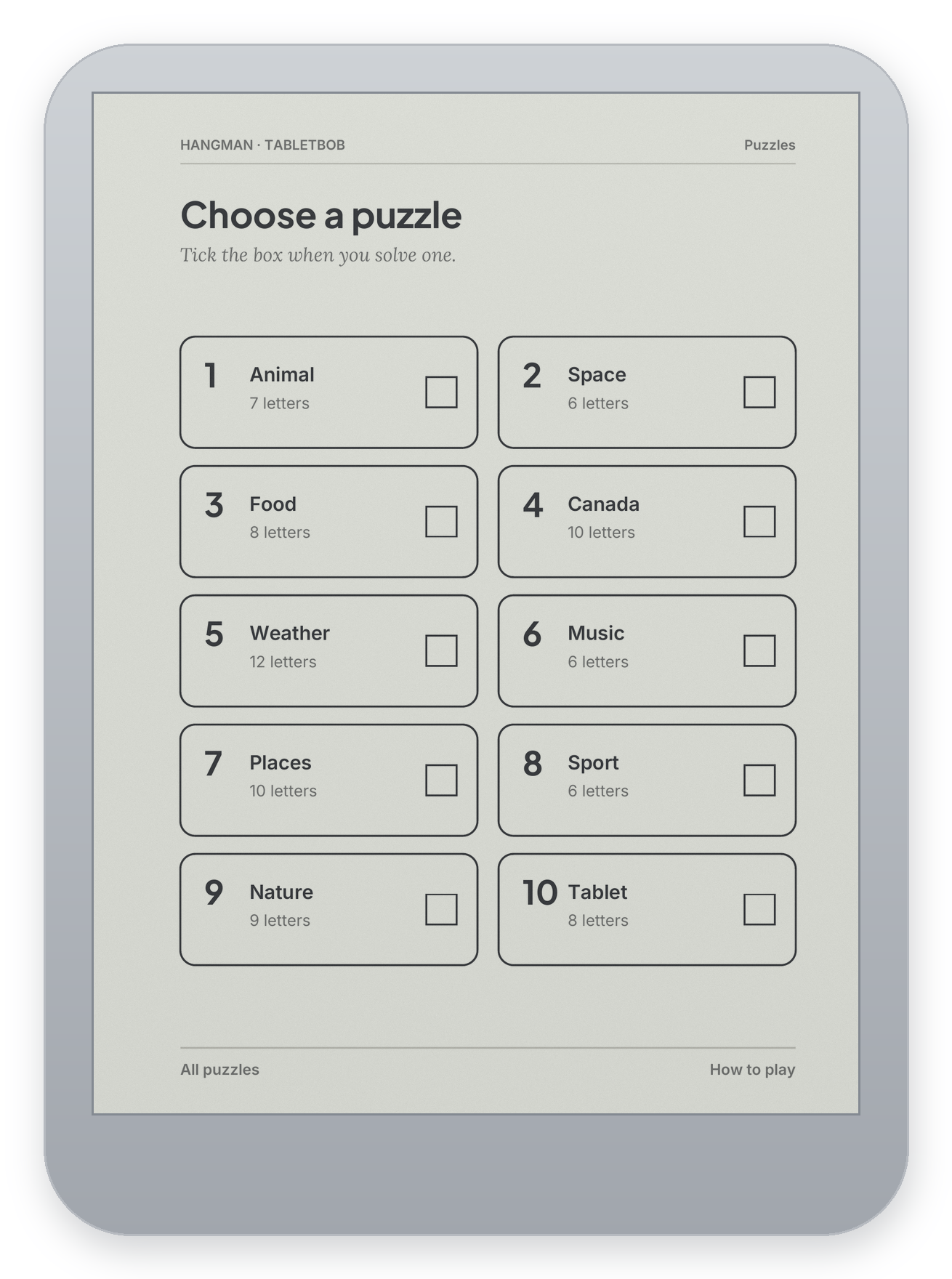
- 10 puzzles across categories like Animals, Space, Food, Canada and Weather
- Tap-to-guess keyboard with instant yes/no answers
- Pen-friendly pages with room to draw and write
- Puzzle list with boxes to tick off as you solve them
- Designed for the reMarkable Paper Pro screen; also works on Paper Pro Move
How to add it to your tablet
Download your file
After purchase, download the PDF or .rmdoc from your order confirmation page or the email we send you. Free files download straight away.
Open the reMarkable app
Open the reMarkable desktop app on your computer, signed in to the same account as your tablet.
Add it to My files
Drag the file into My files in the app. It syncs to your tablet in a few seconds. On your phone, you can also import a PDF from the reMarkable mobile app.
Open it on your tablet
Find it in My files on your Paper Pro and tap to open. Tap the tabs and links to move around, and write anywhere with your Marker.
No Developer Mode, no TabletBob Installer and nothing to install: it's a regular file that opens on any reMarkable, like your other notebooks and PDFs.