
Learn to Draw: Interactive Drawing Workbook for reMarkable Paper Pro
A 126-page drawing workbook for reMarkable Paper Pro. Trace, then draw shapes, trees, landscapes and city scenes step by step with tap-to-jump navigation. Designed for portrait mode
Learn to draw, one page at a time, right on your reMarkable.
Learn to Draw is an interactive PDF workbook made for the reMarkable Paper Pro and Paper Pro Move. Every page shows you what to draw, explains how in a few simple tips, and leaves you room to practise underneath. No paper, no printing: just your Marker and the screen.
Five parts, from first line to finished scene
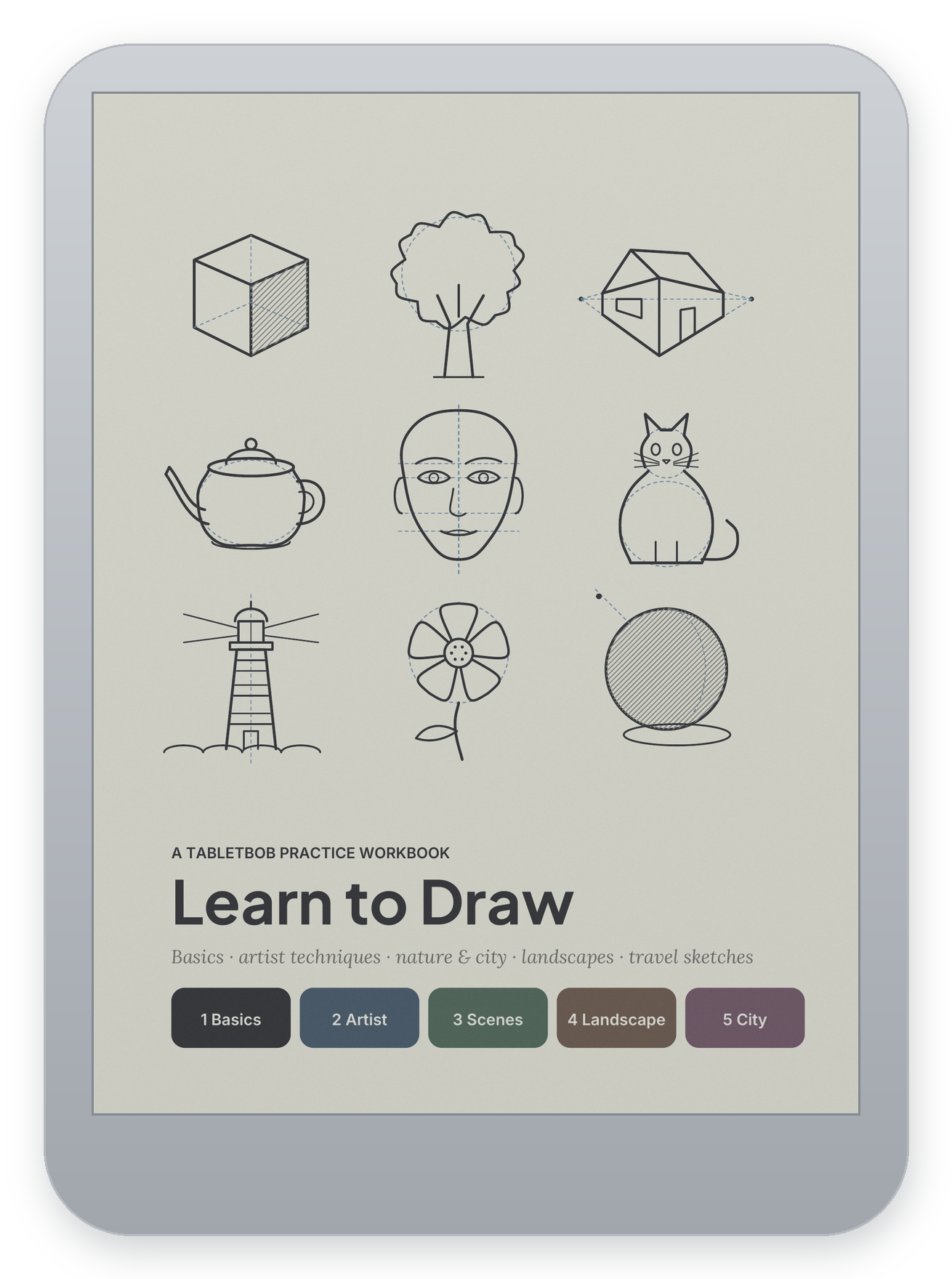
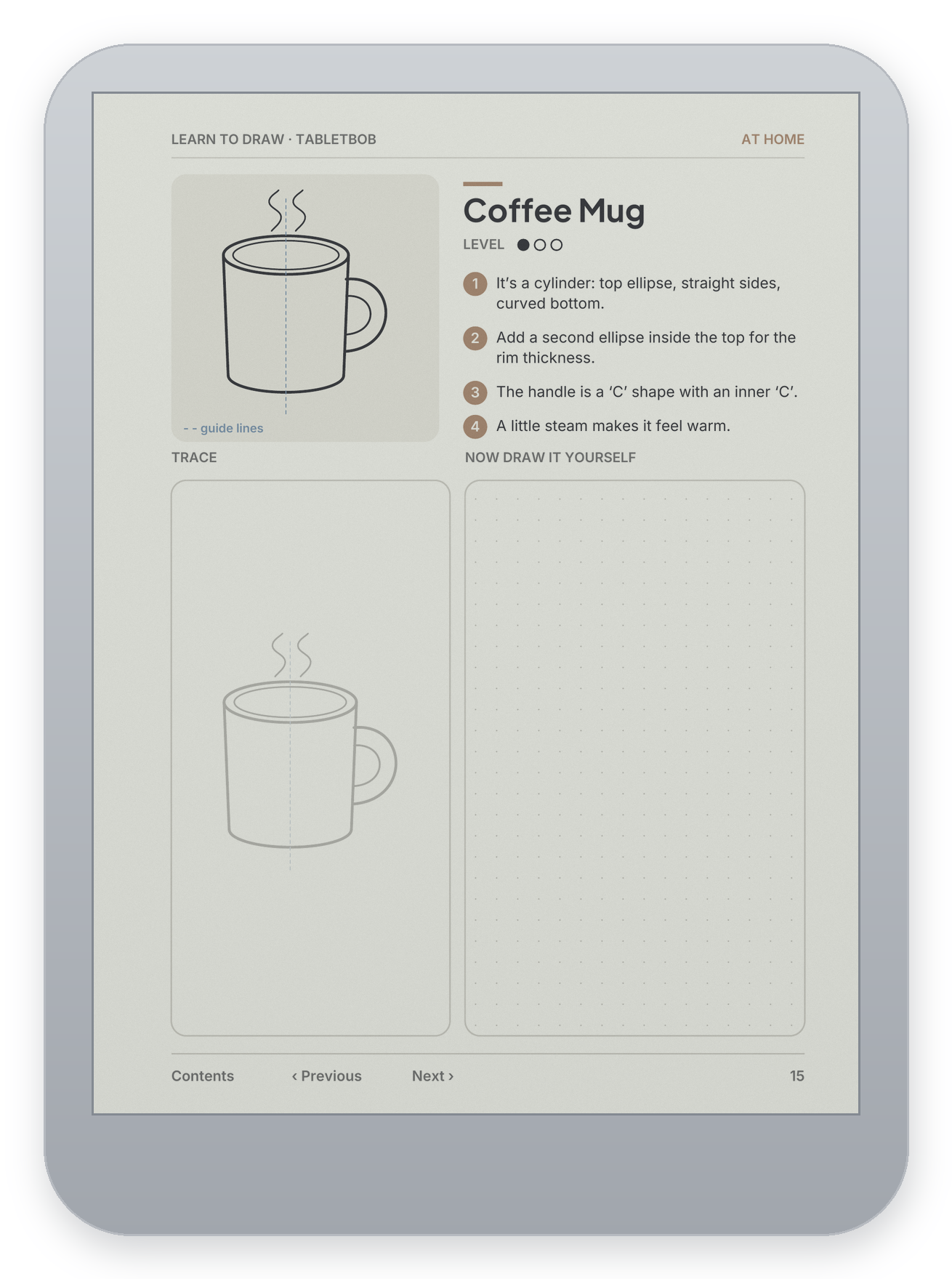
- 1 · Basics: 41 step-by-step drawings covering shapes, everyday objects, nature, buildings, people and animals. Trace the faint guide first, then draw it on your own.
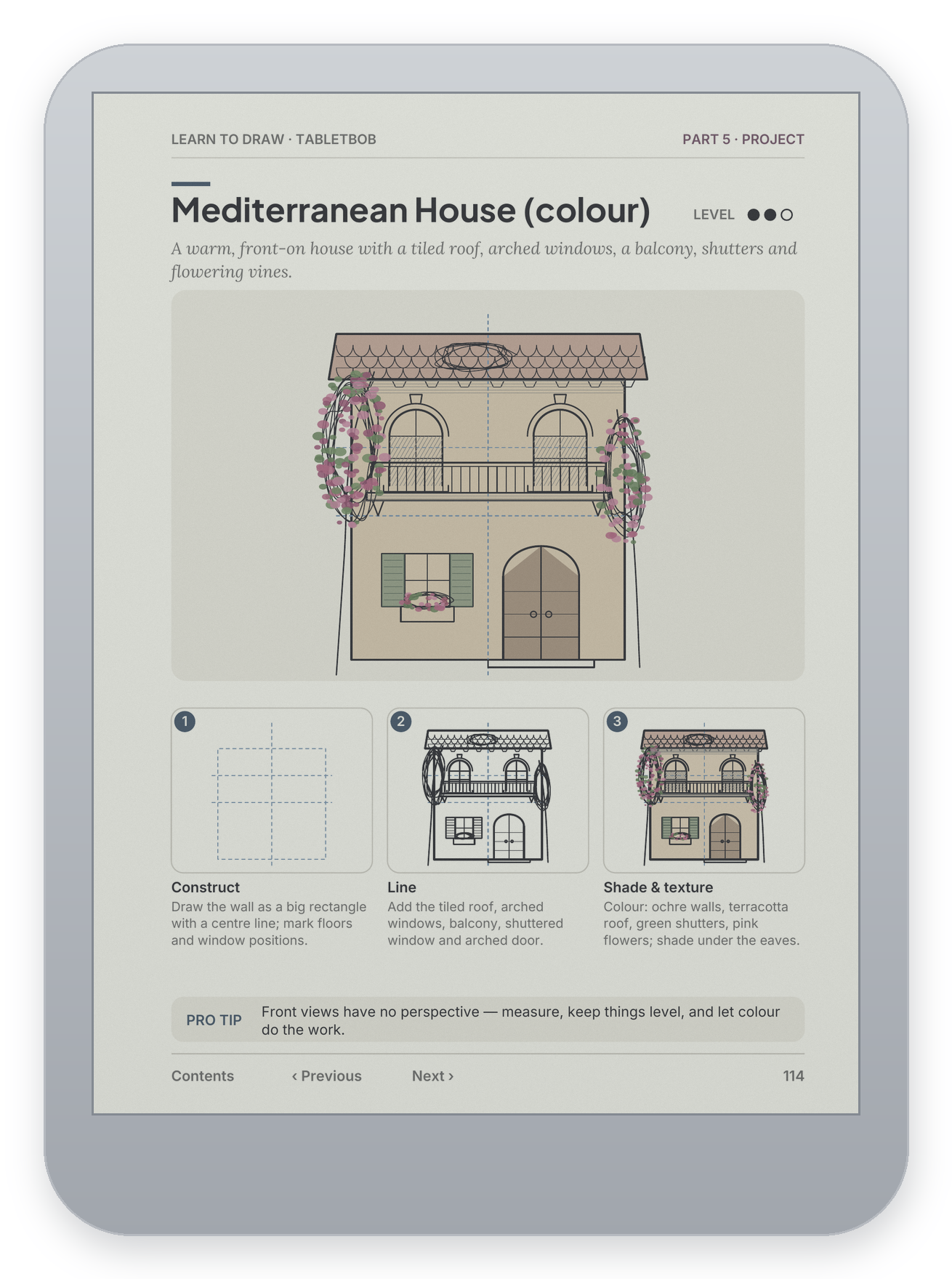
- 2 · Draw like an artist: shading with lines, textures, and seven three-stage projects such as a treehouse, an old tree and a city building in colour.
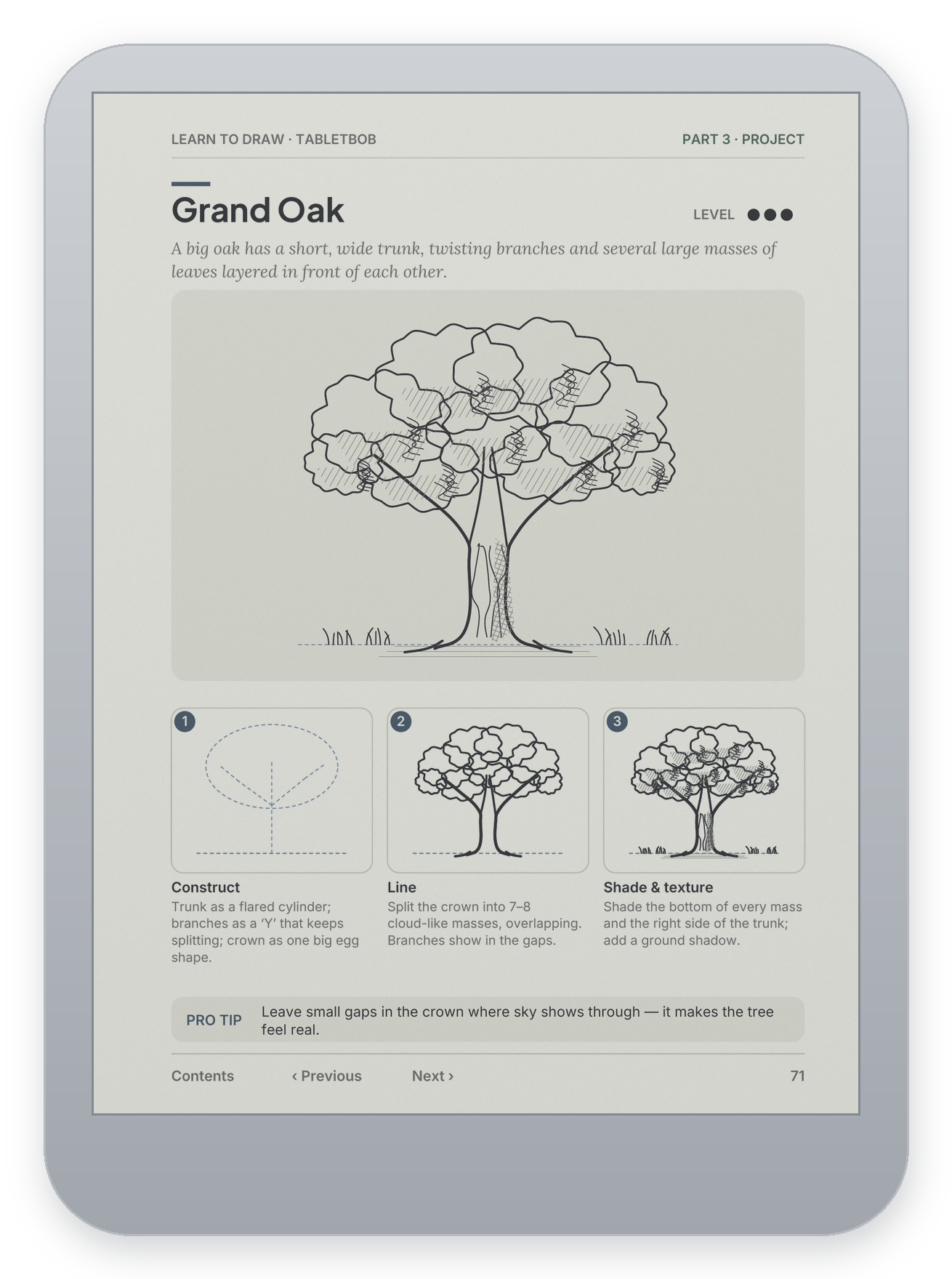
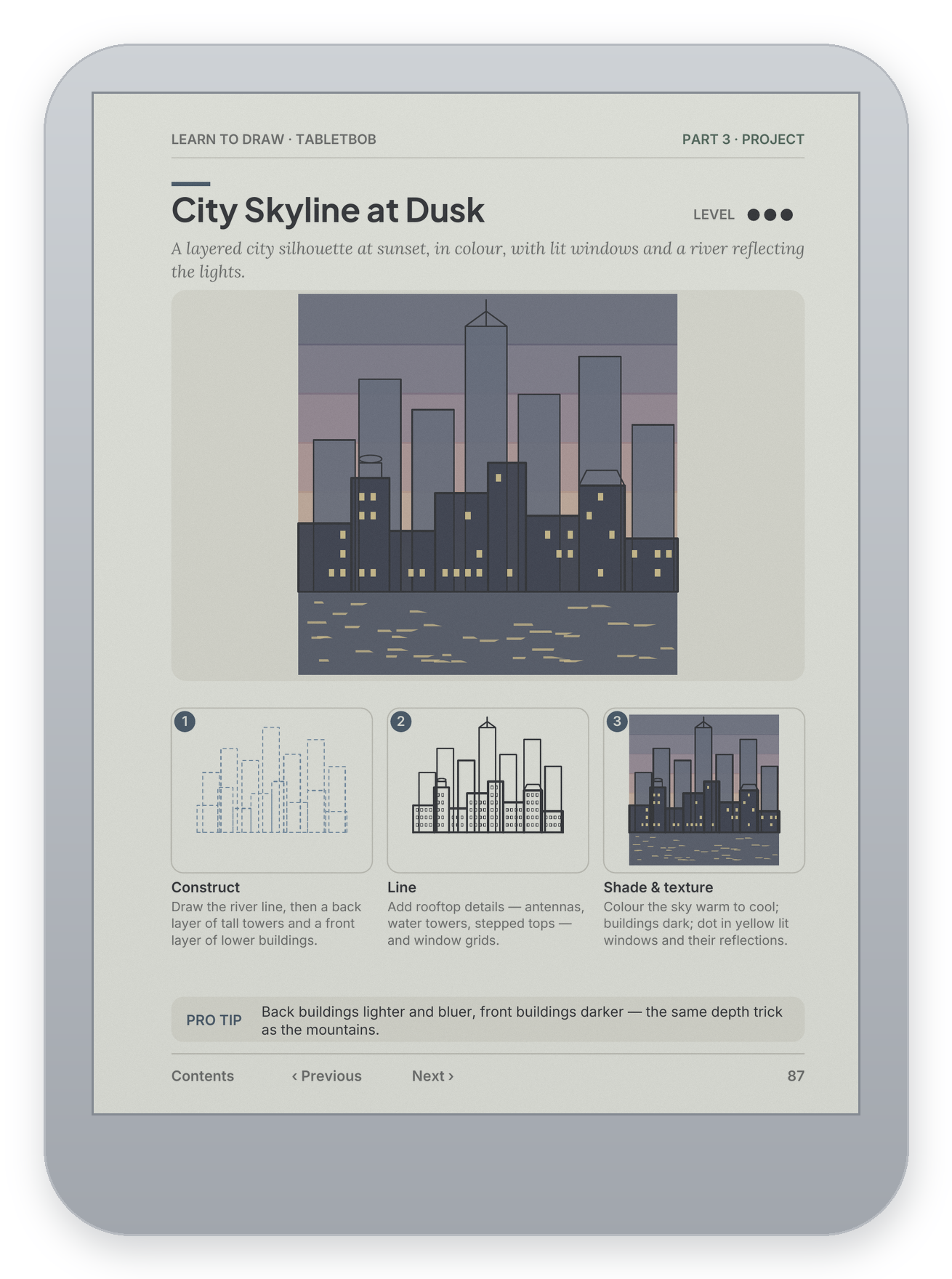
- 3 · Nature & city scenes: tree shapes, water, waterfalls, waves, harbours, skylines and winter cabins.
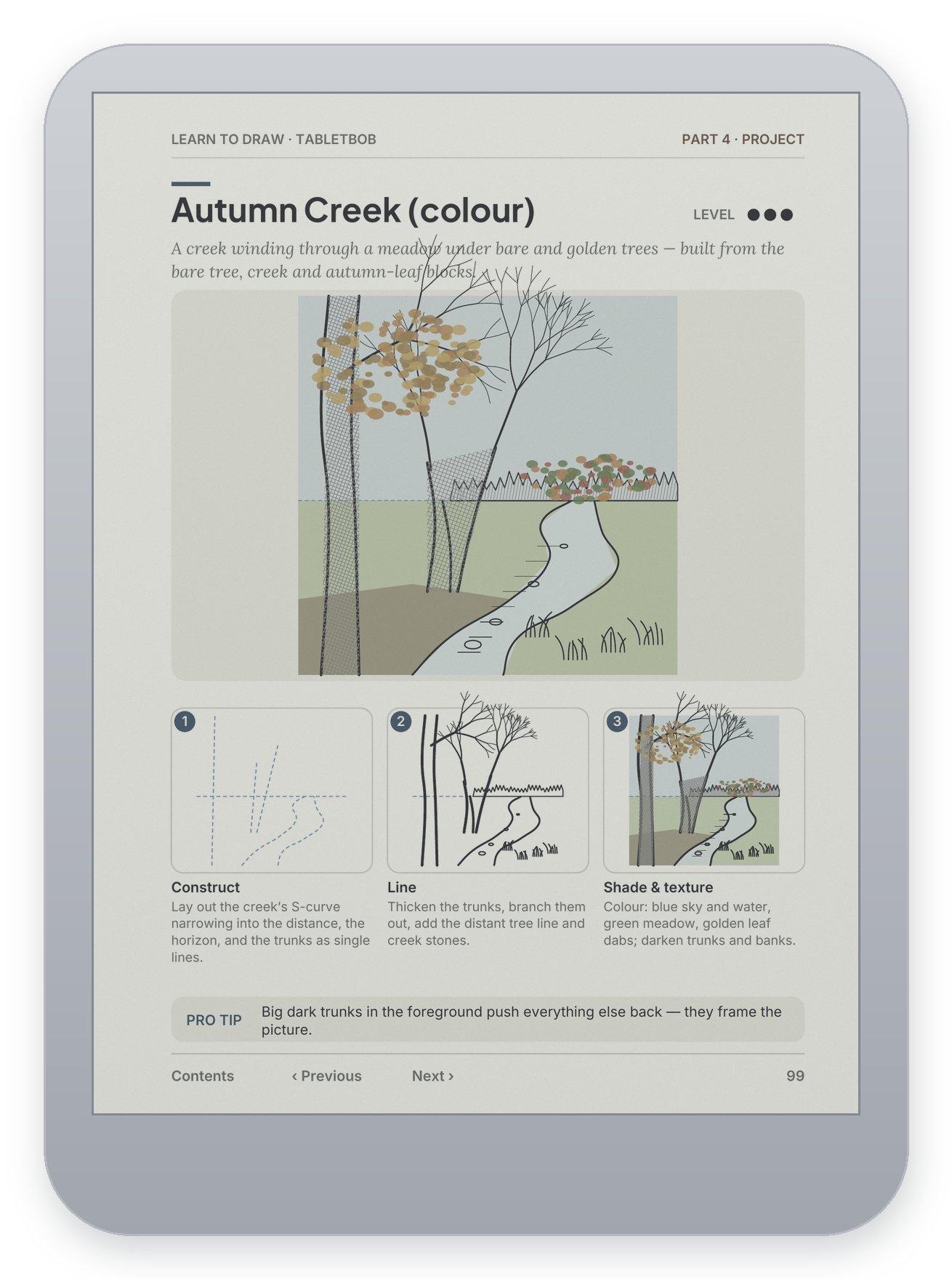
- 4 · Landscape building blocks: trees, rocks, mountains, skies, bridges and cabins, then putting them together into full landscapes.
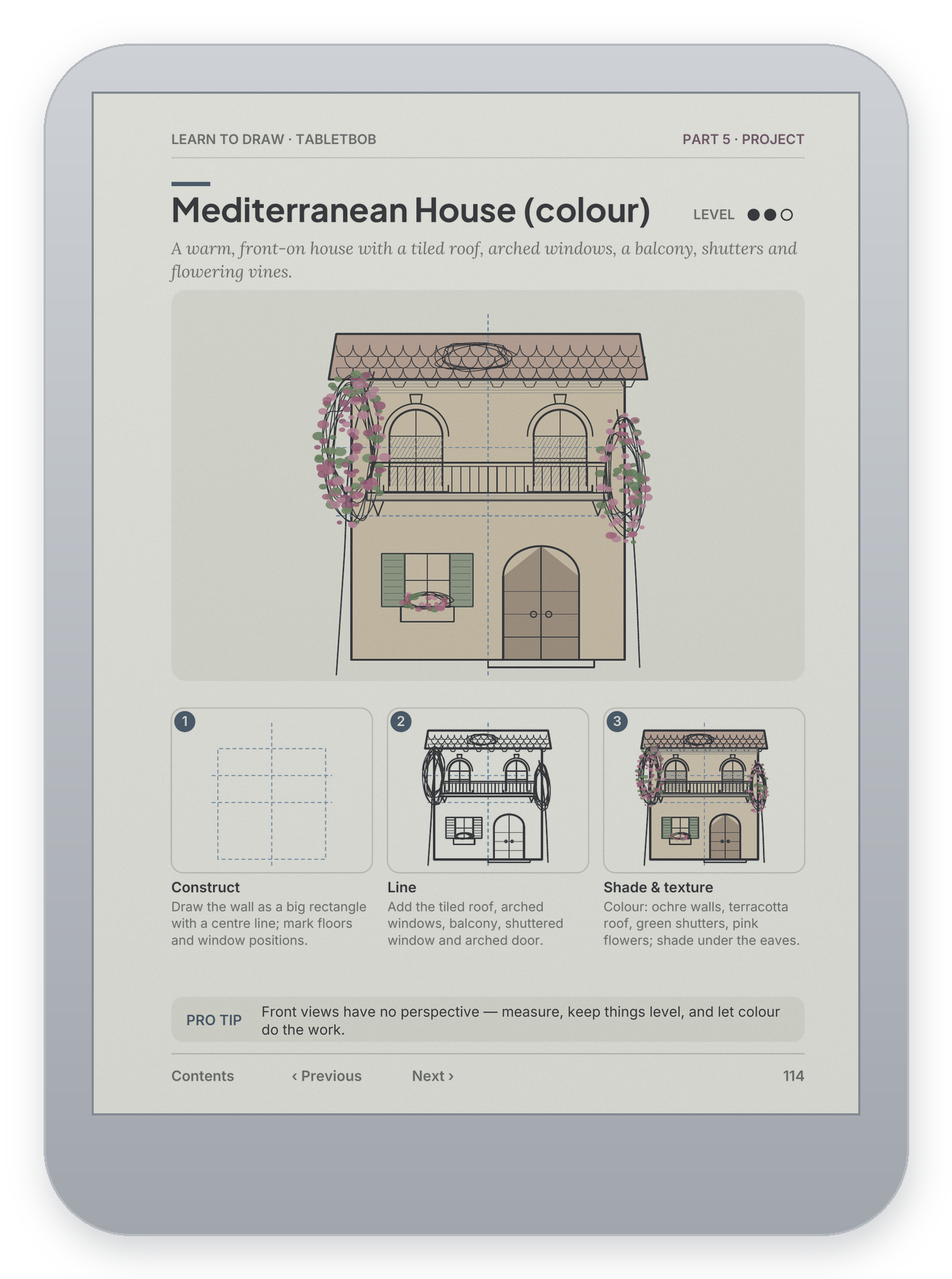
- 5 · City & travel sketches: street lamps, facades, trams, gondolas and people, building up to old-town streets, a Venice canal, a misty castle and sunset colour studies.
How each project works
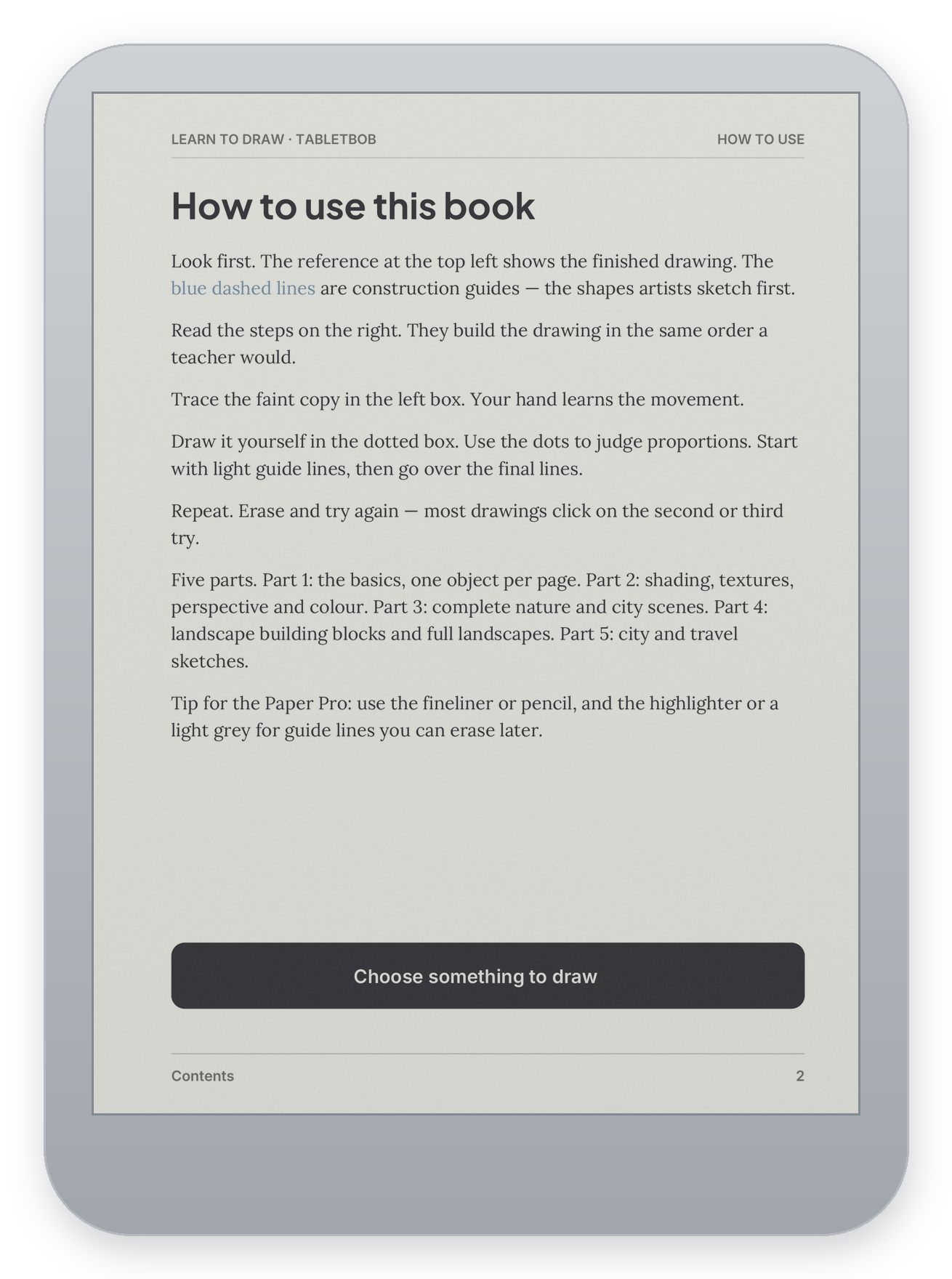
Every project is broken into three passes: Construct (light guide lines), Line (clean outlines) and Shade & texture. A matching practice page follows, with the steps kept in view.
Built for the tablet
- Tap-to-jump contents for each part, plus Previous / Next on every page
- 479 internal links that let you move around without scrolling
- Colour exercises made for the Paper Pro’s colour screen
- Free sketch pages at the end
126 pages · Interactive PDF · Works on reMarkable Paper Pro and Paper Pro Move. It also opens on any PDF reader with pen support.
How to add it to your tablet
Download your file
After purchase, download the PDF or .rmdoc from your order confirmation page or the email we send you. Free files download straight away.
Open the reMarkable app
Open the reMarkable desktop app on your computer, signed in to the same account as your tablet.
Add it to My files
Drag the file into My files in the app. It syncs to your tablet in a few seconds. On your phone, you can also import a PDF from the reMarkable mobile app.
Open it on your tablet
Find it in My files on your Paper Pro and tap to open. Tap the tabs and links to move around, and write anywhere with your Marker.
No Developer Mode, no TabletBob Installer and nothing to install: it's a regular file that opens on any reMarkable, like your other notebooks and PDFs.