
Bob’s Life Planner 2027 – Colour Digital Planner & Notebook for reMarkable
Plan your whole year in one document. Bob’s Life Planner 2027 is a colour-coded, fully hyperlinked planner designed for the reMarkable Paper Pro colour screen. Every month, week and day is one tap away, along with budget, wellness, meals, recipes, contacts and ideas. It includes copy-and-paste ink stickers and is available in Canadian and US holiday editions.
$16.00
Take a look inside
Open as PDFLoading the presentation…
Your whole life, one tap away
Bob’s Life Planner 2027 replaces a stack of notebooks with a single planner you can move through in seconds. Tabs, month tabs, week pills and HOME buttons link every page together, so you spend time planning, not scrolling.
Colour that means something
Every colour has a job, so you know where you are at a glance:
- Blue: planning (year, month, week, day, appointments, to do)
- Red: important (reminders, holidays, top priorities)
- Orange: money (budget, things to buy)
- Green: wellness (tracker, nutrition, meals, recipes)
- Purple: goals and reflection
- Black: writing space (notes, ideas, sketches)
Only the Paper Pro’s native colours are used, so blocks show solid and crisp, not dotted, and lines are aligned to the screen’s pixels.
What’s inside
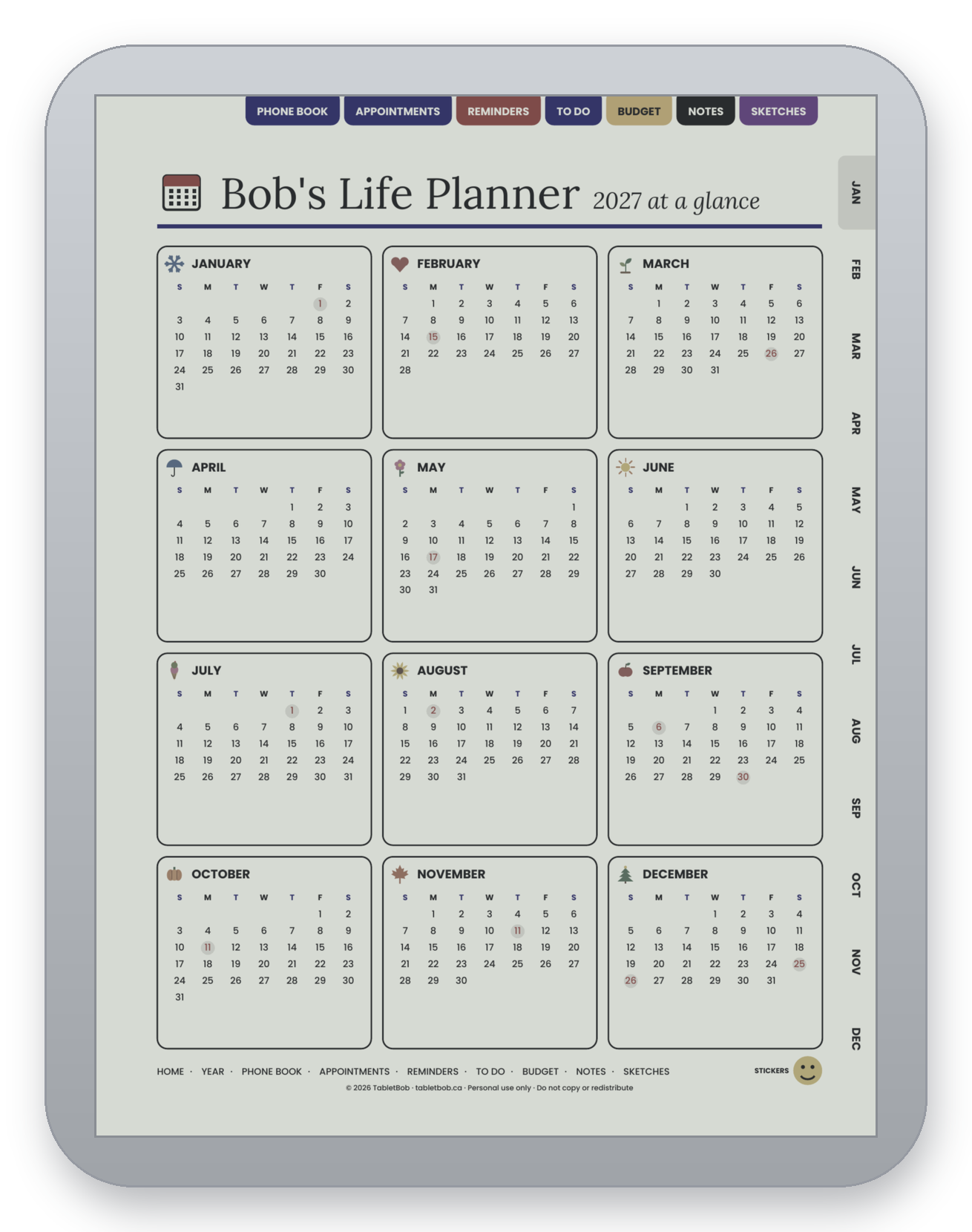
- Year at a glance: all 12 months, linked to every month and day.
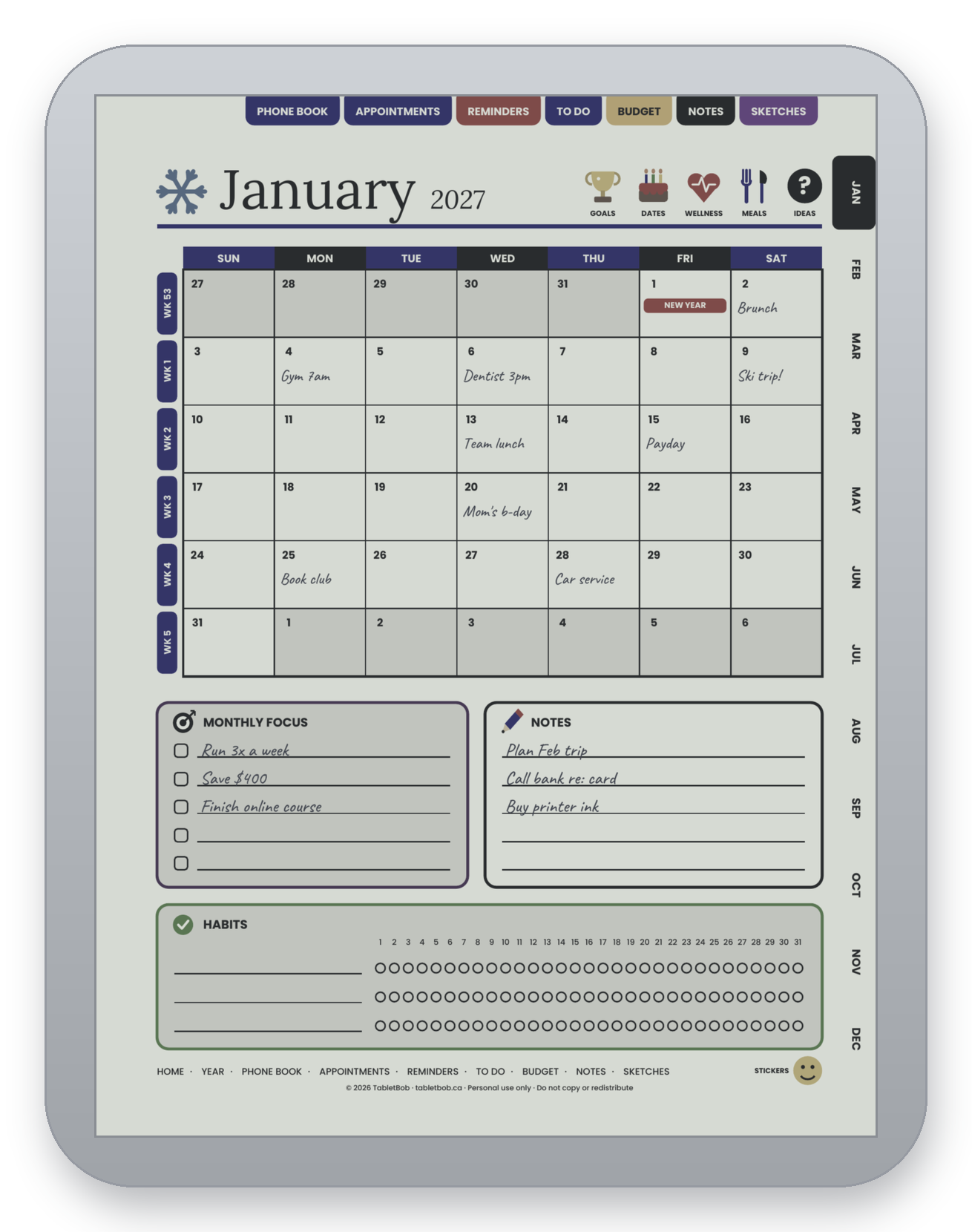
- 12 monthly pages: a full calendar with holidays marked, plus Monthly Focus, Notes and a 31-day Habit tracker. Shortcuts take you to Goals, Dates, Wellness, Meals and Ideas.
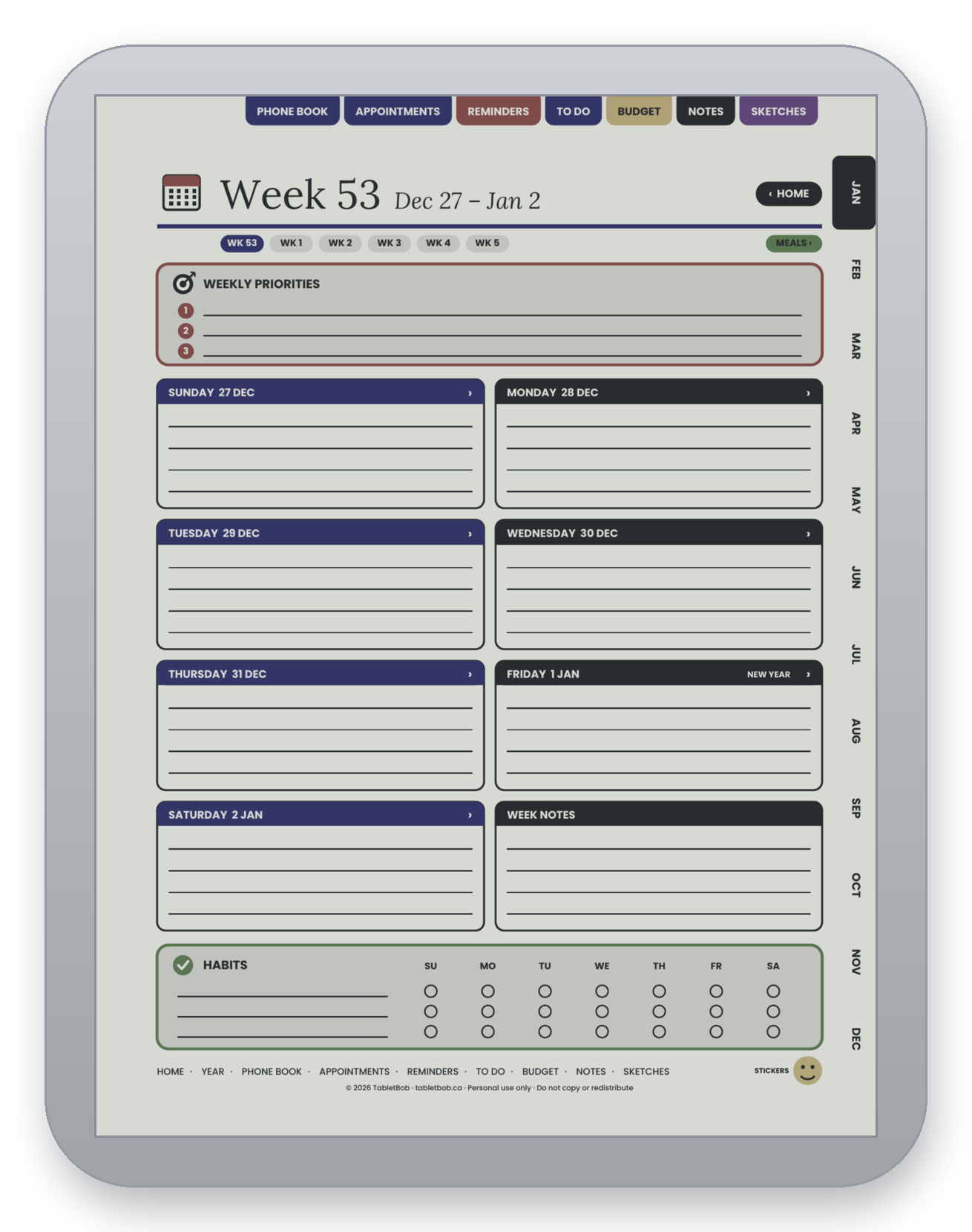
- Weekly pages: priorities, a box for every day, habits and a link to the week’s meals.
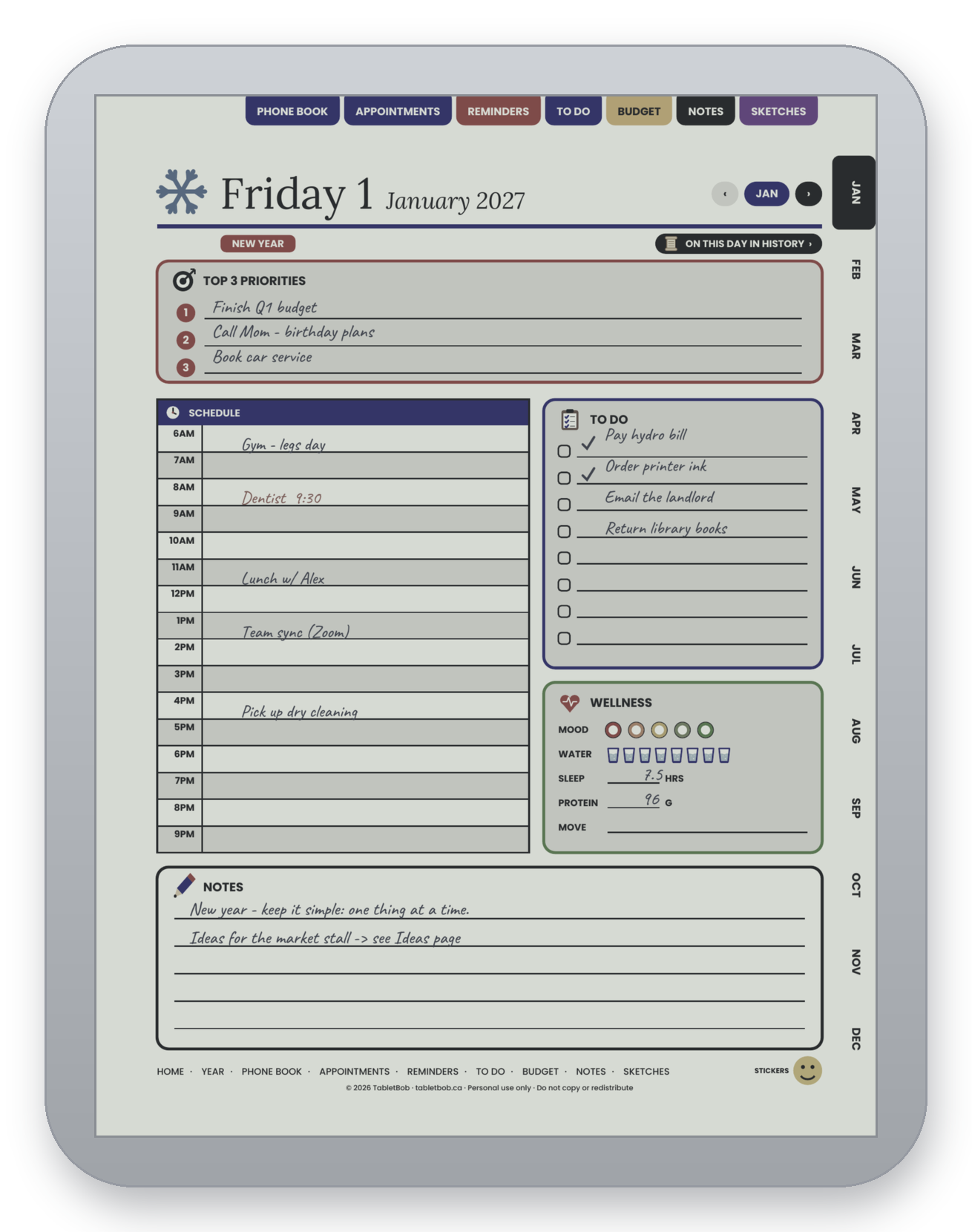
- 365 daily pages: Top 3 priorities, an hourly schedule from 6 AM to 9 PM, a to do list, a mini wellness check and notes.
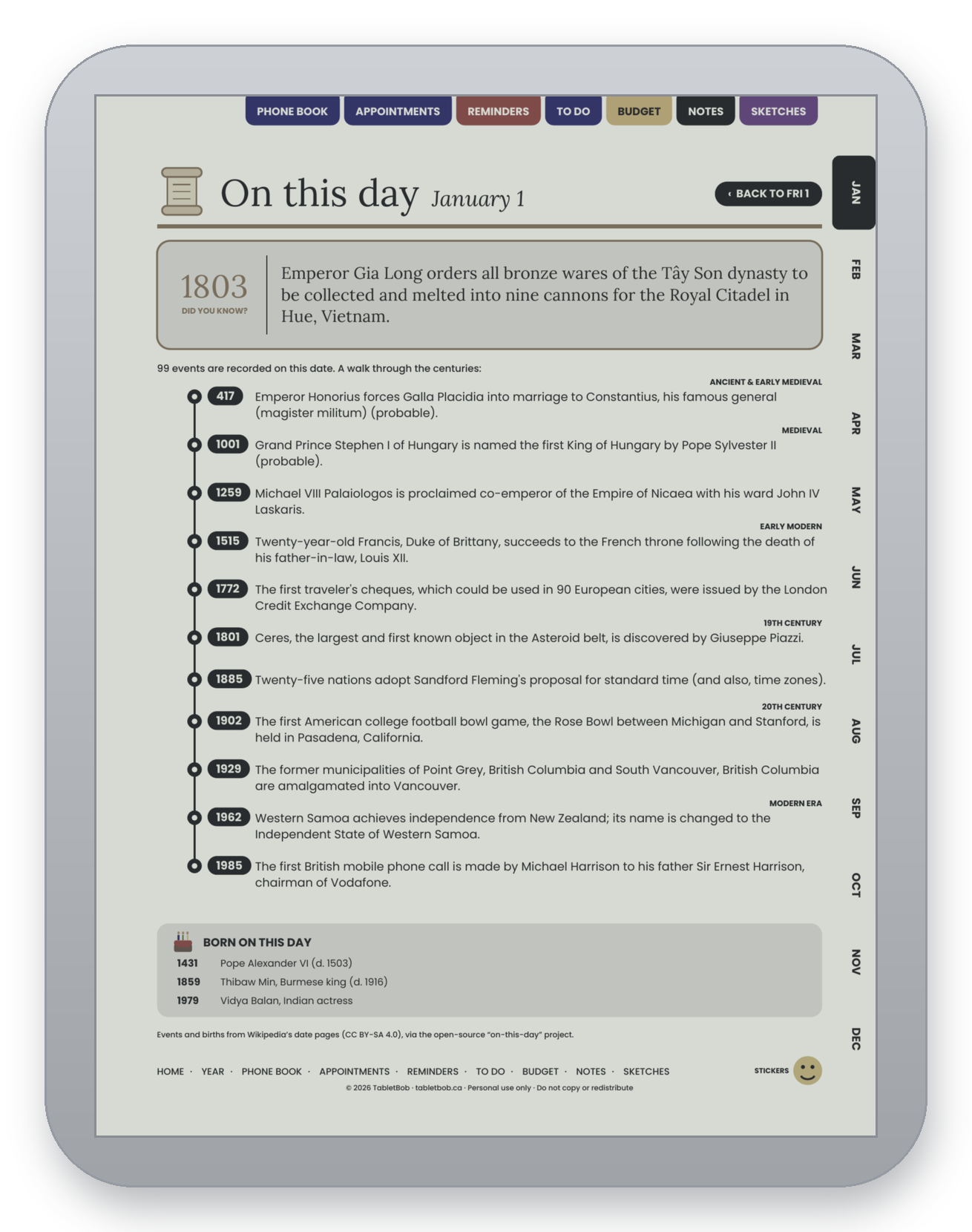
- “On this day in history”: a bonus page for every date, with events and famous birthdays.
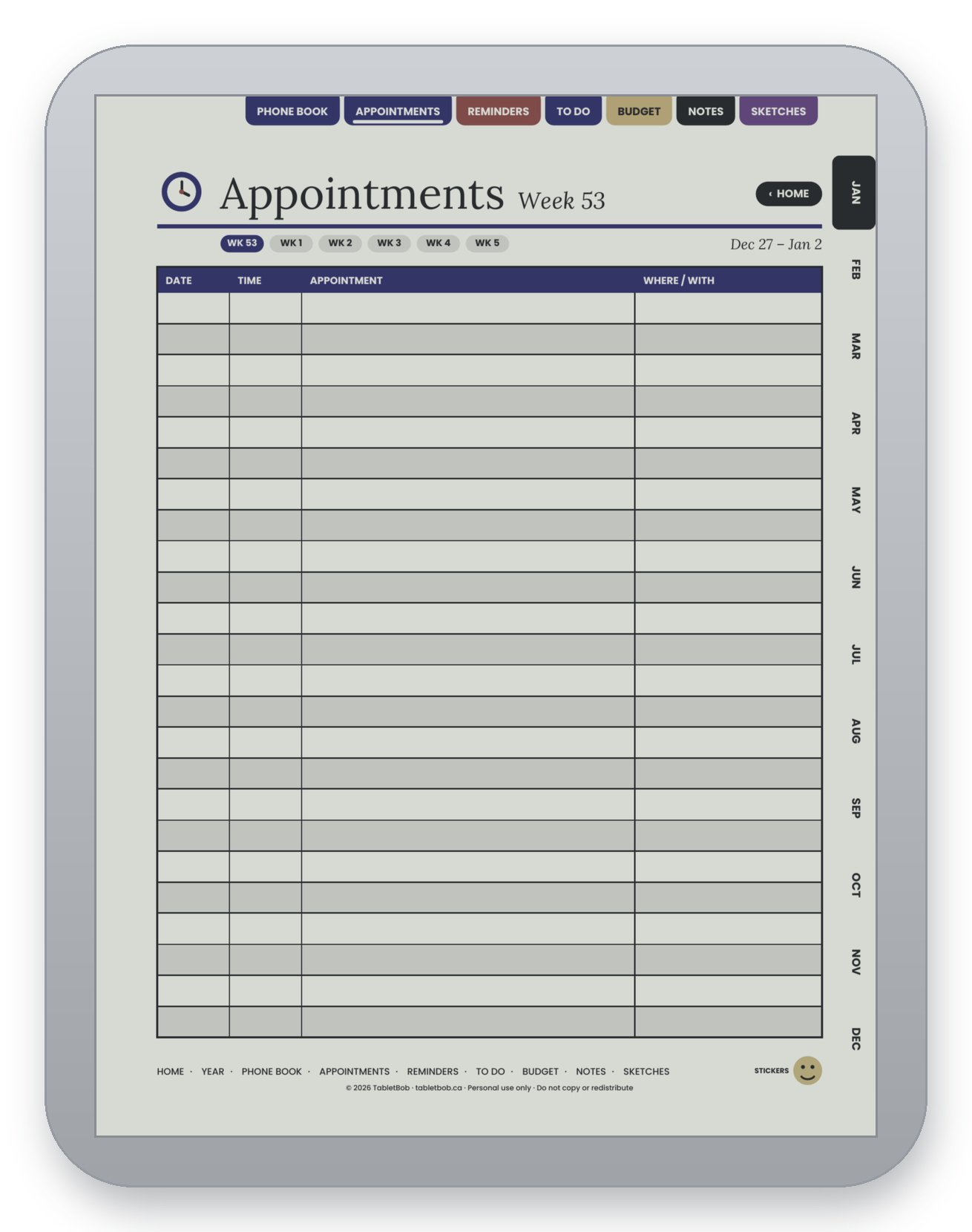
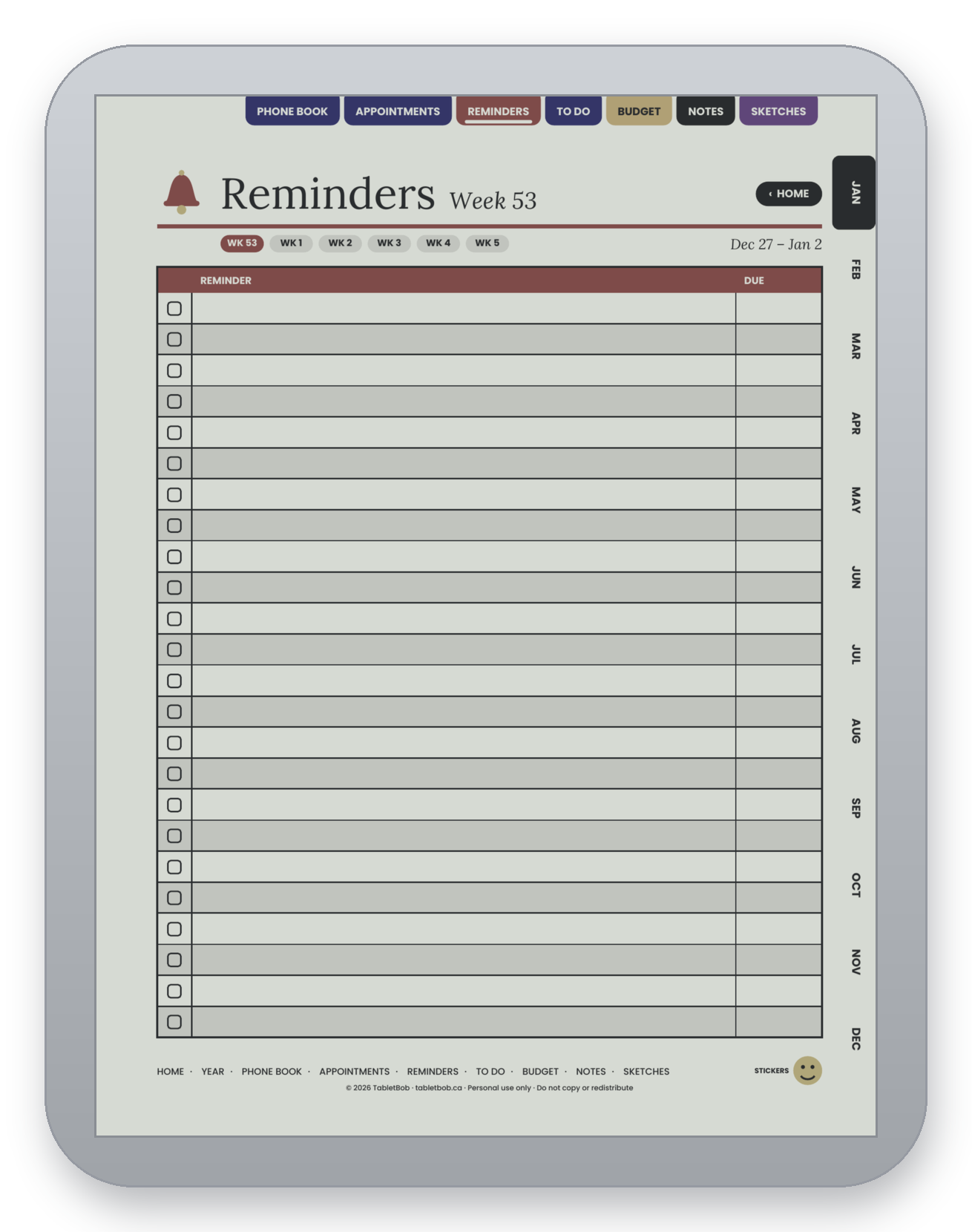
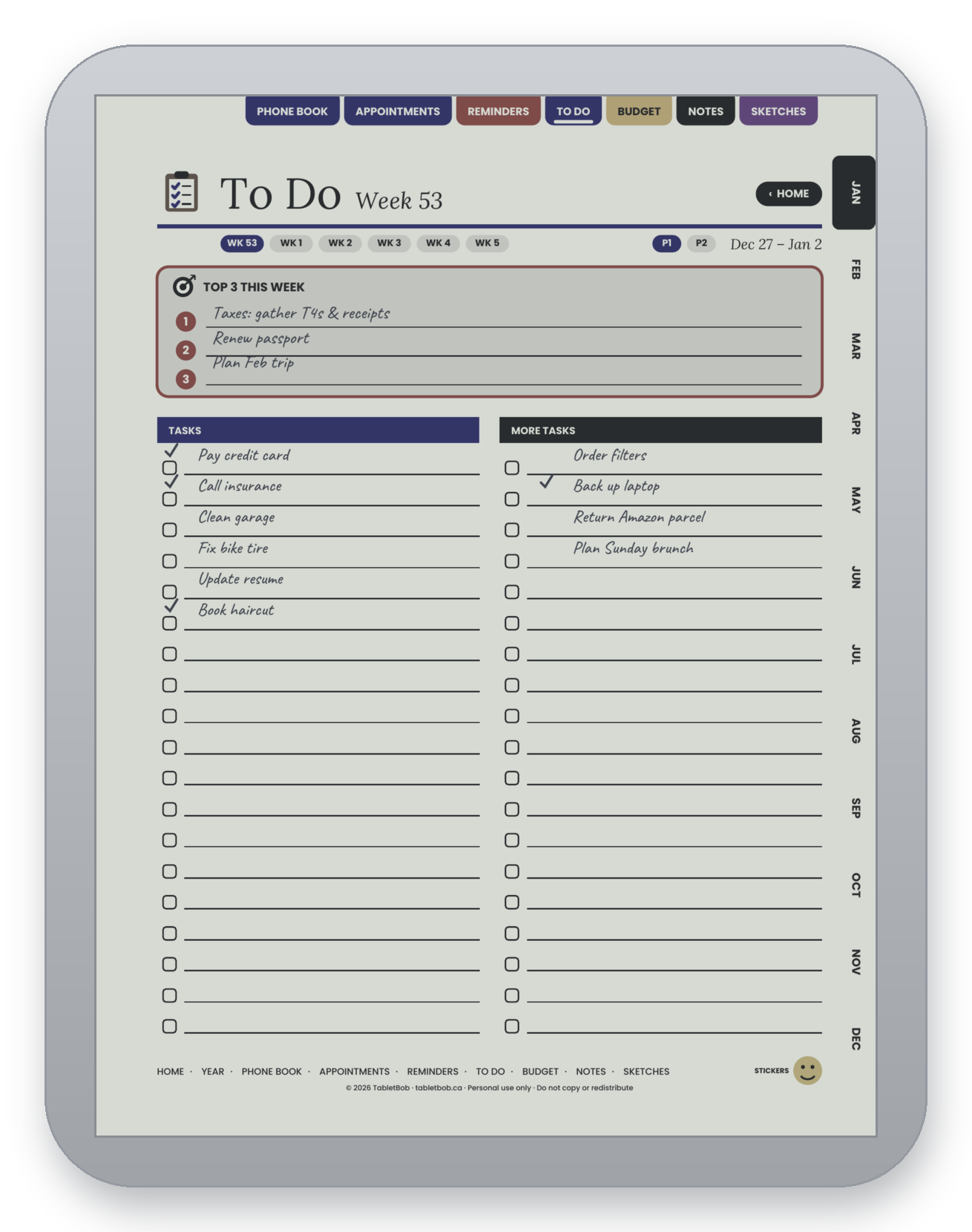
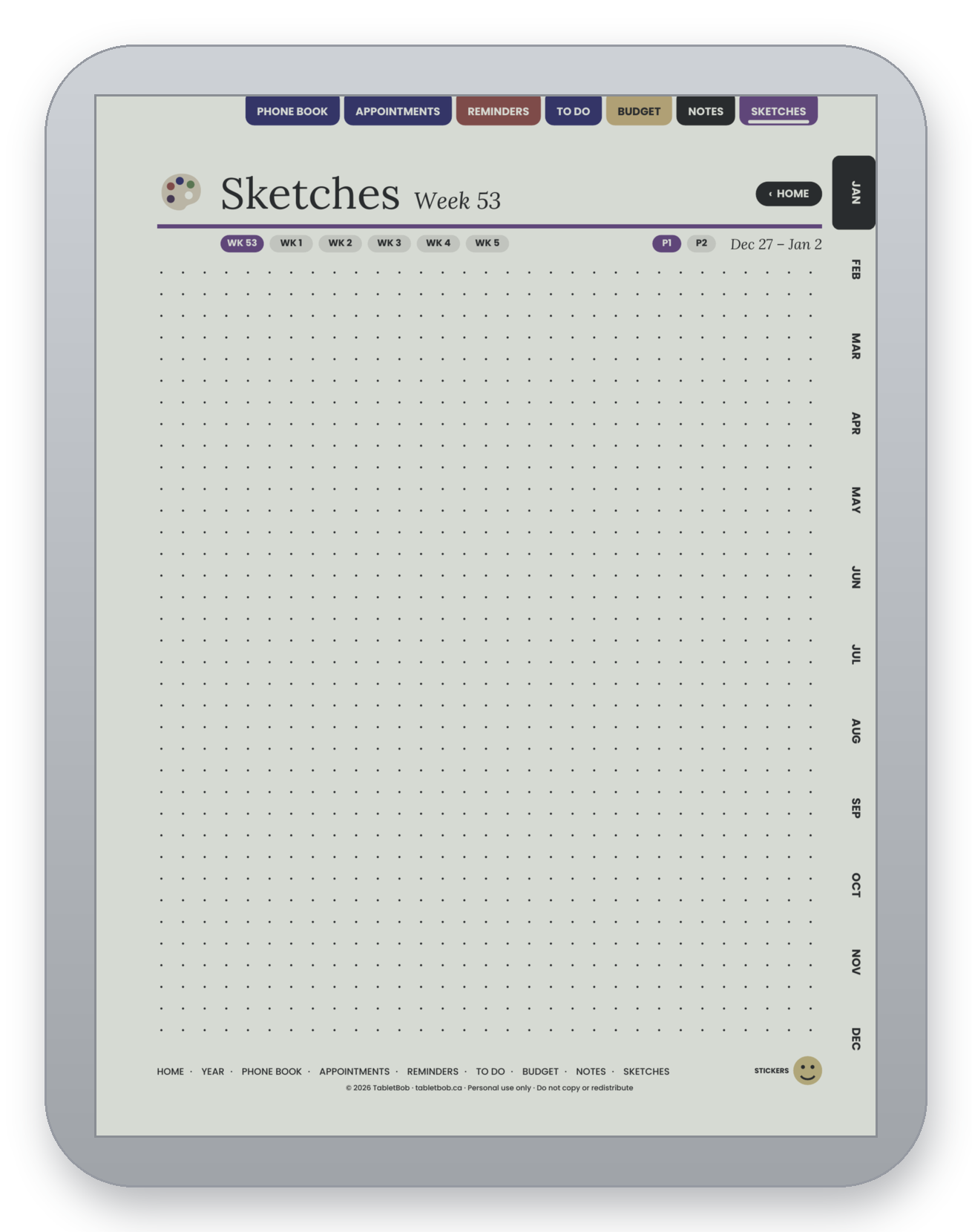
- Weekly sections: Appointments, Reminders, To Do, Notes and Sketches. To Do, Notes and Sketches each get a second page every week.
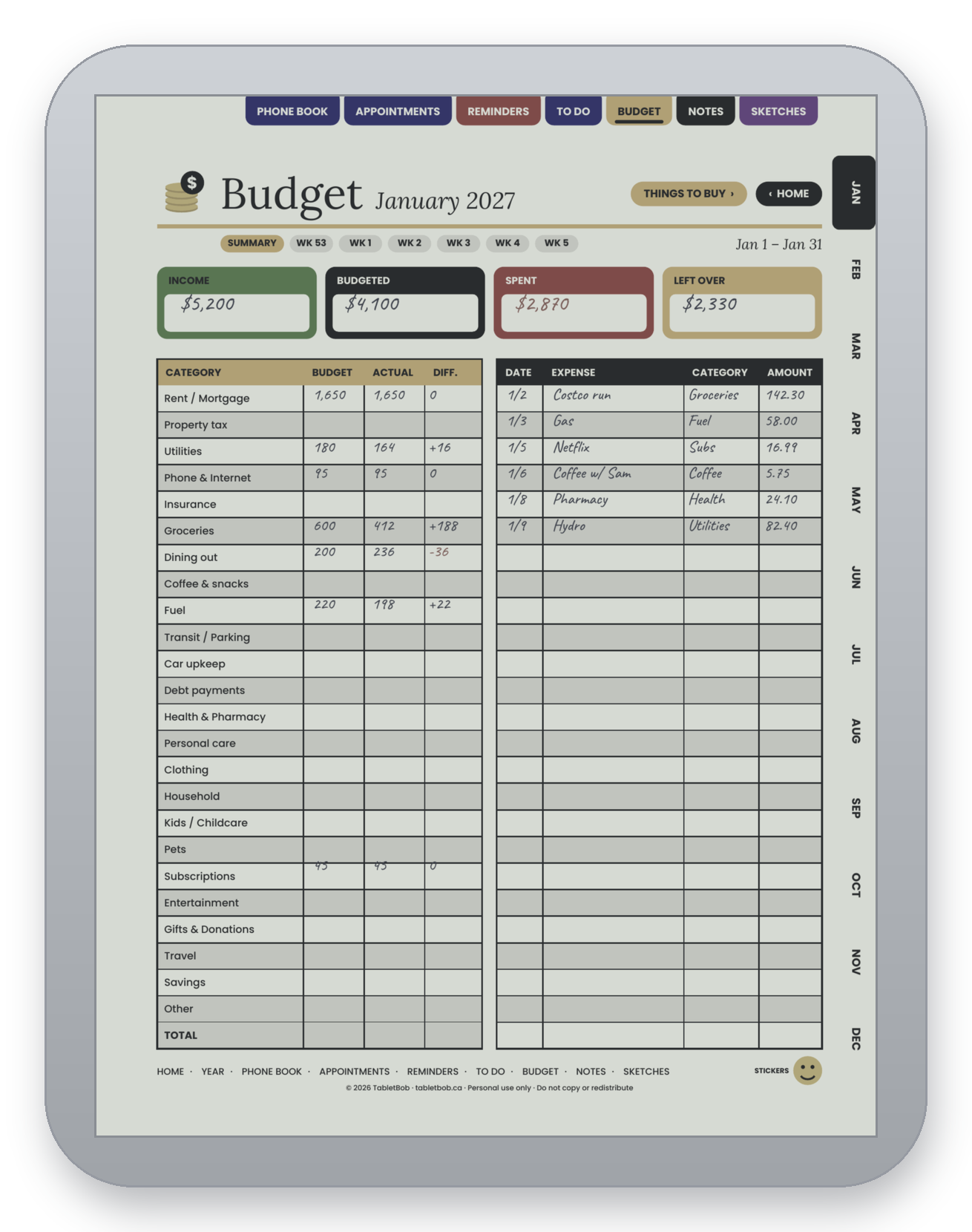
- Budget: a monthly summary with Income, Budgeted, Spent and Left Over. It has 24 everyday categories with Budget, Actual and Difference, plus weekly expense logs.
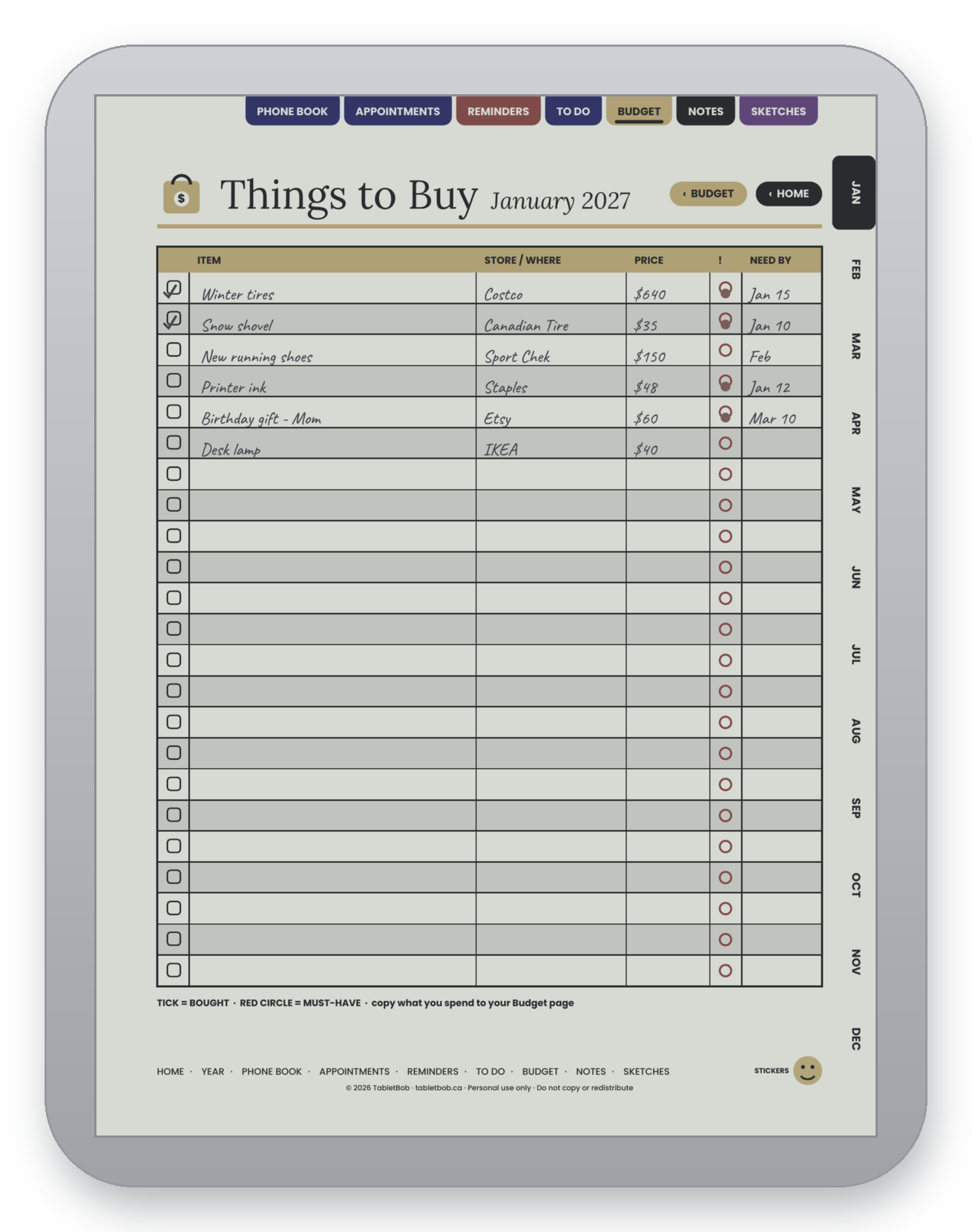
- Things to Buy: a monthly shopping list with store, price, must-have markers and need-by dates.
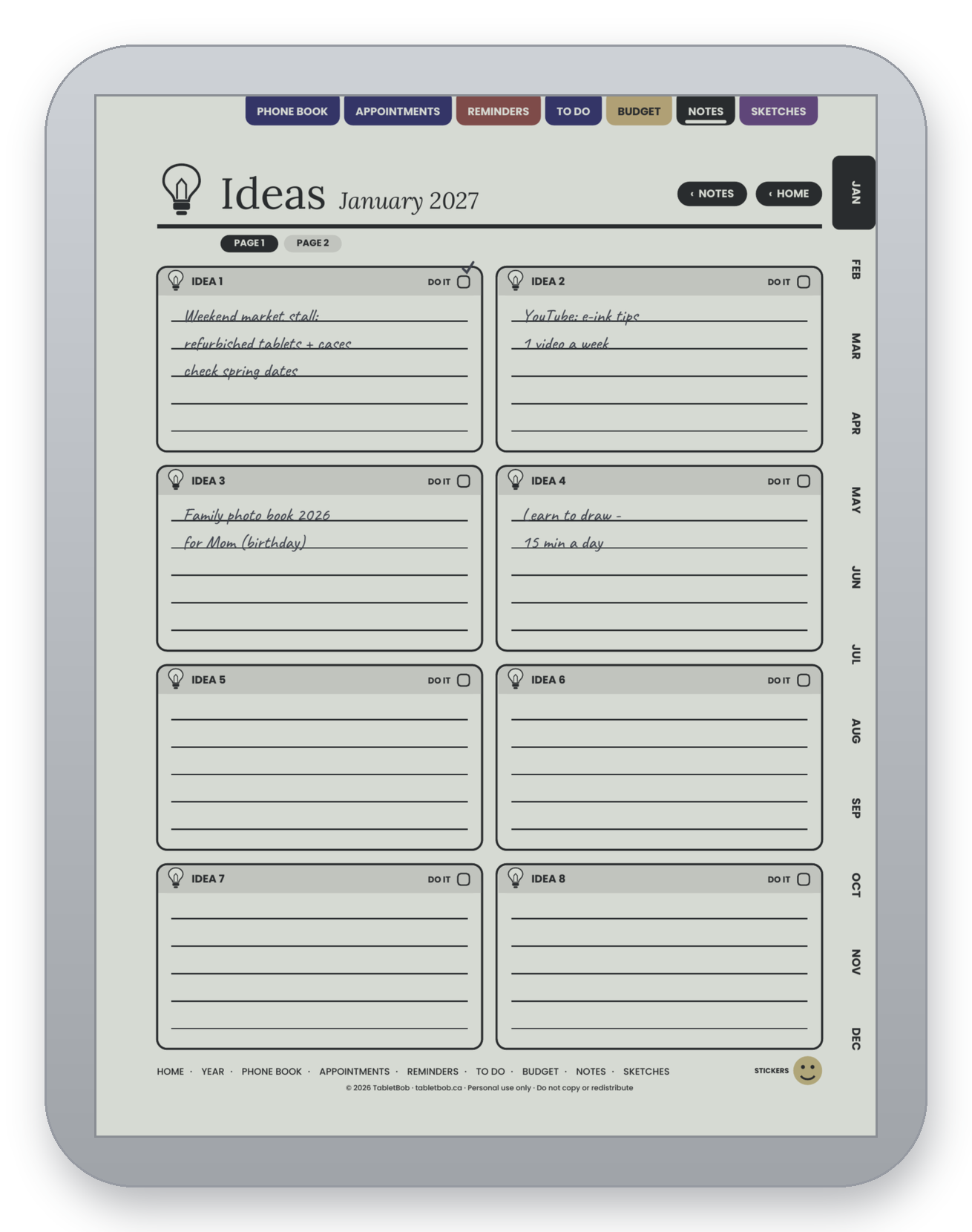
- Ideas: 16 idea cards every month, each with a “Do it” tick box.
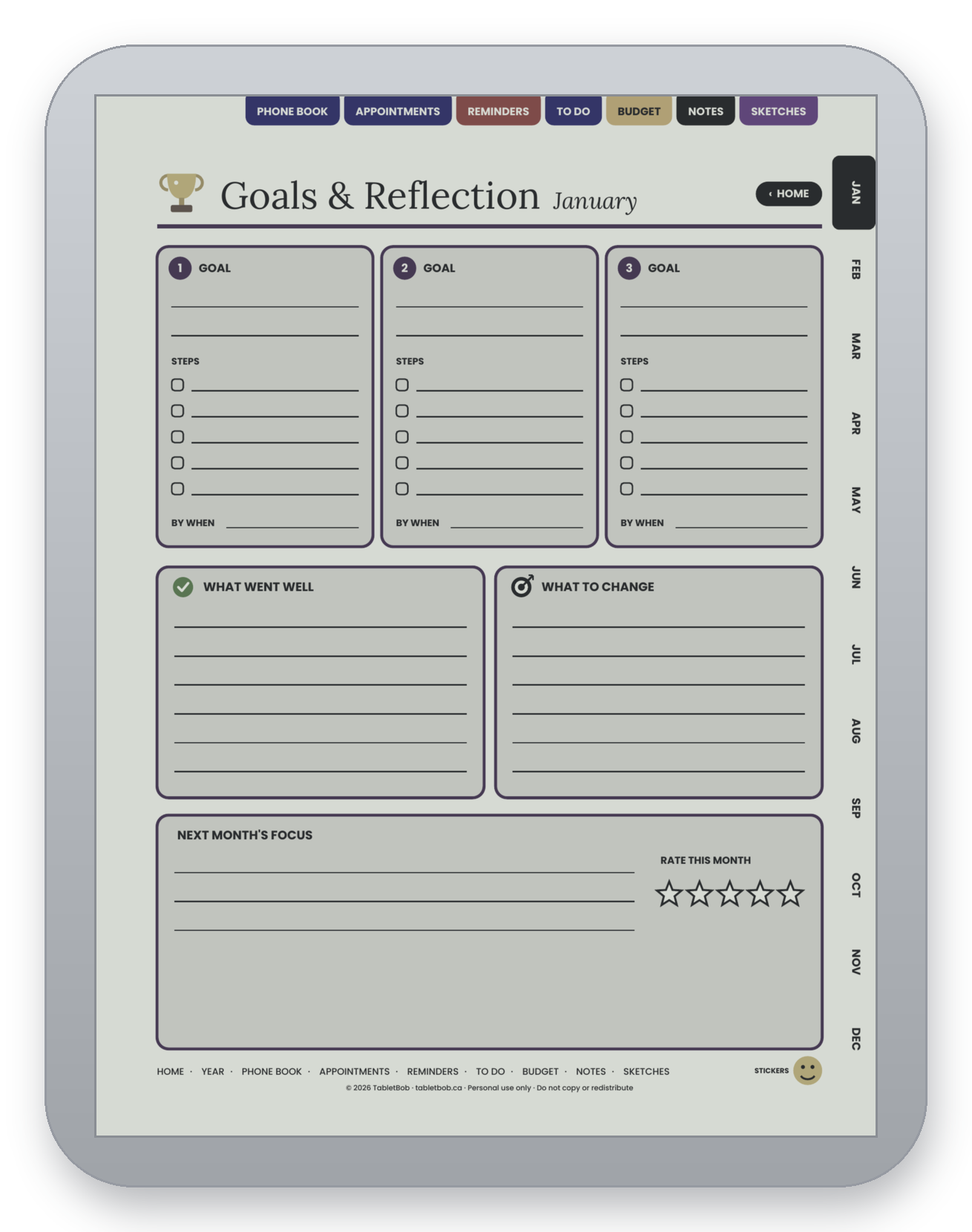
- Goals & Reflection: goals, what went well, what to change and next month’s focus.
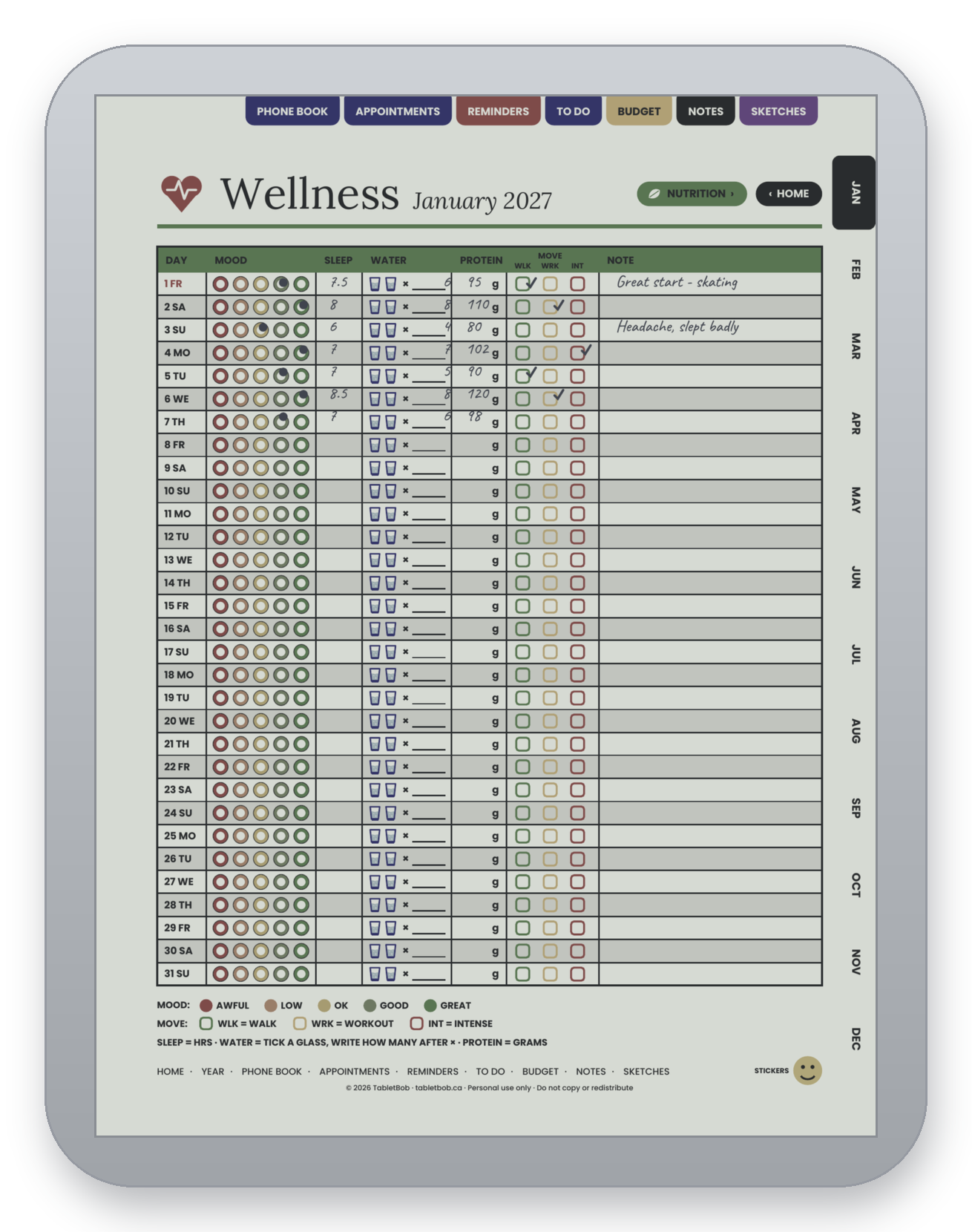
- Wellness tracker: daily mood, sleep, water, protein and movement (walk, workout, intense).
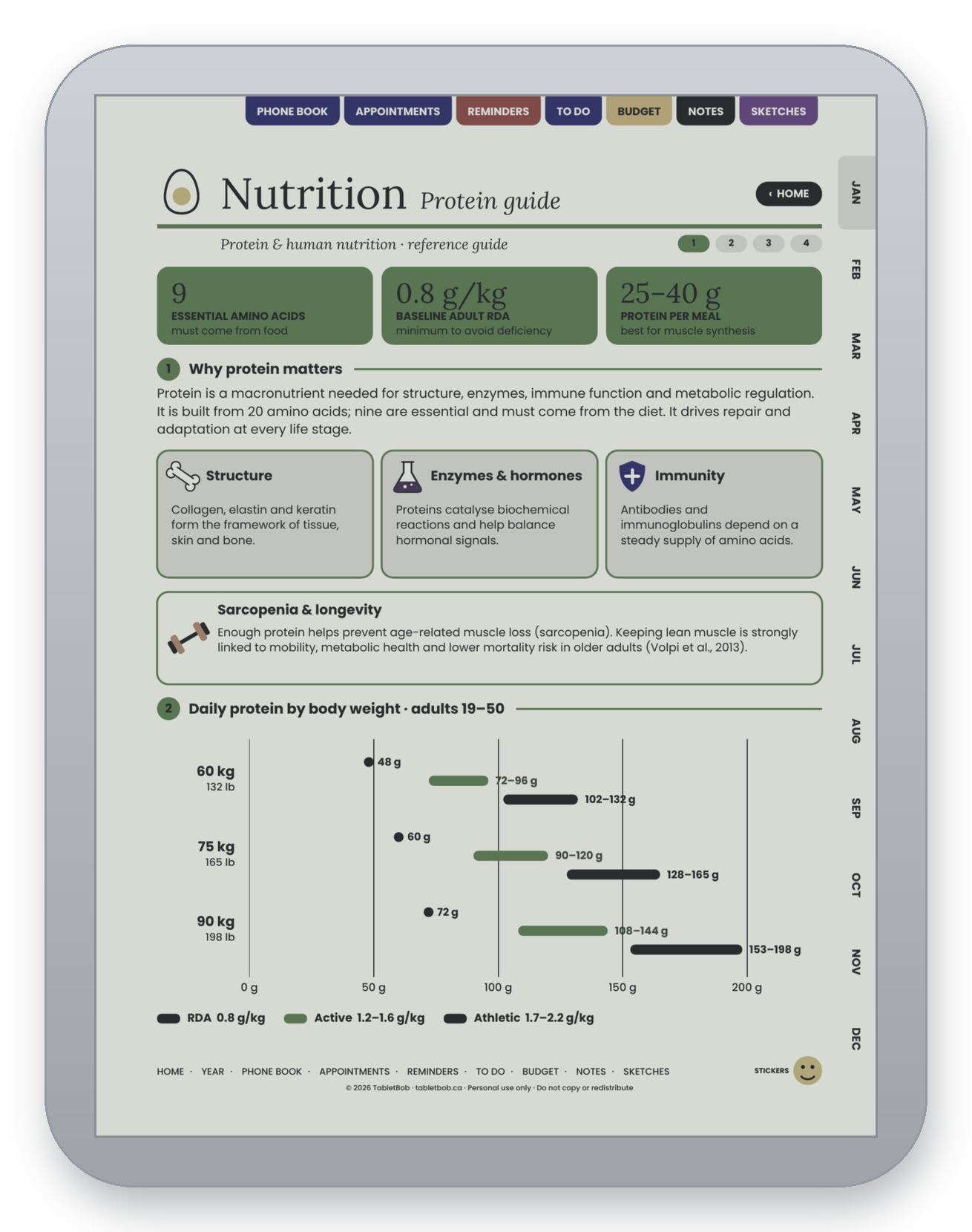
- Nutrition guide: 4 pages on protein, with food tables.
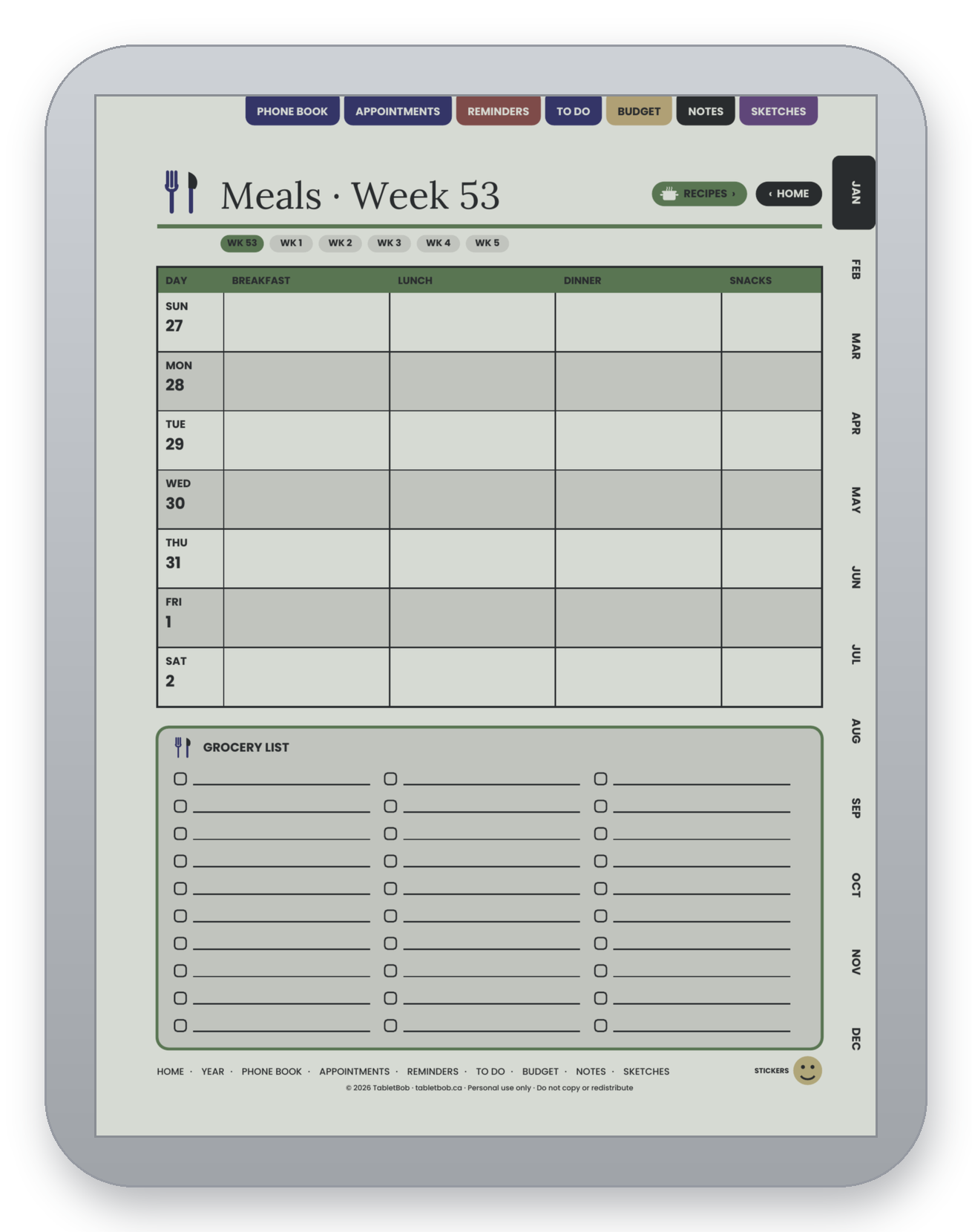
- Meals: a weekly meal planner with a grocery list.
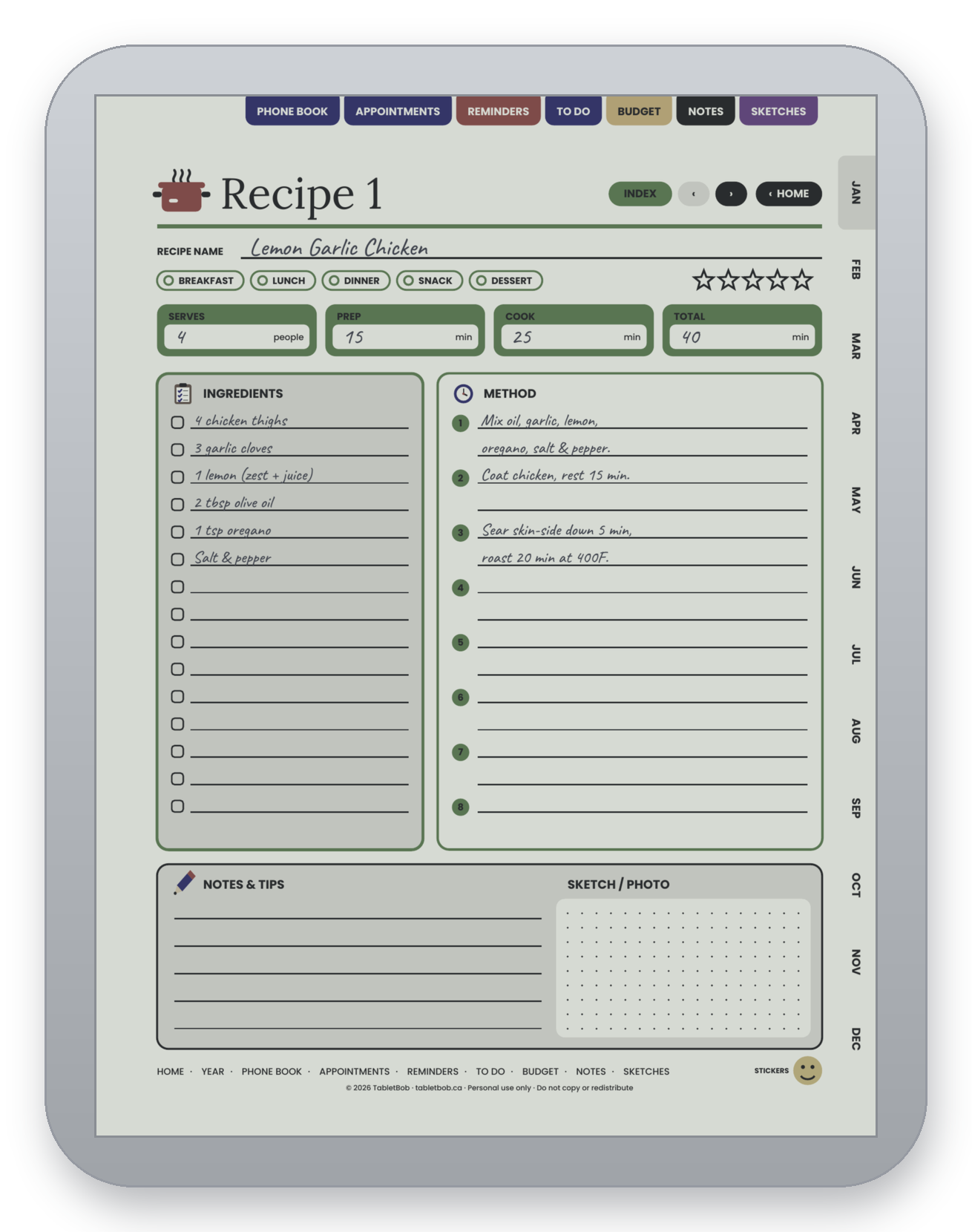
- Recipe book: an index plus 30 recipe pages.
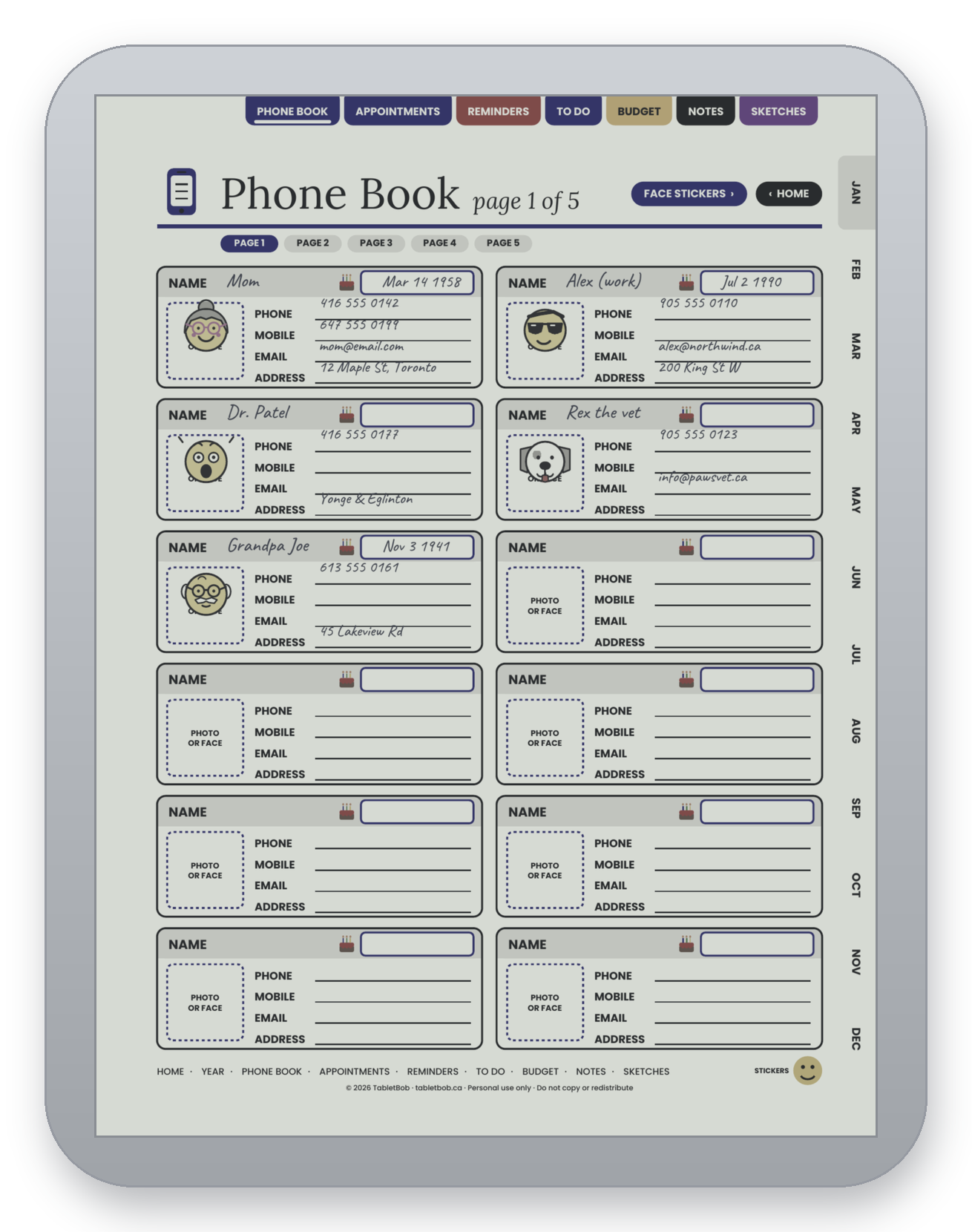
- Phone Book: 60 contact cards, each with a photo square.
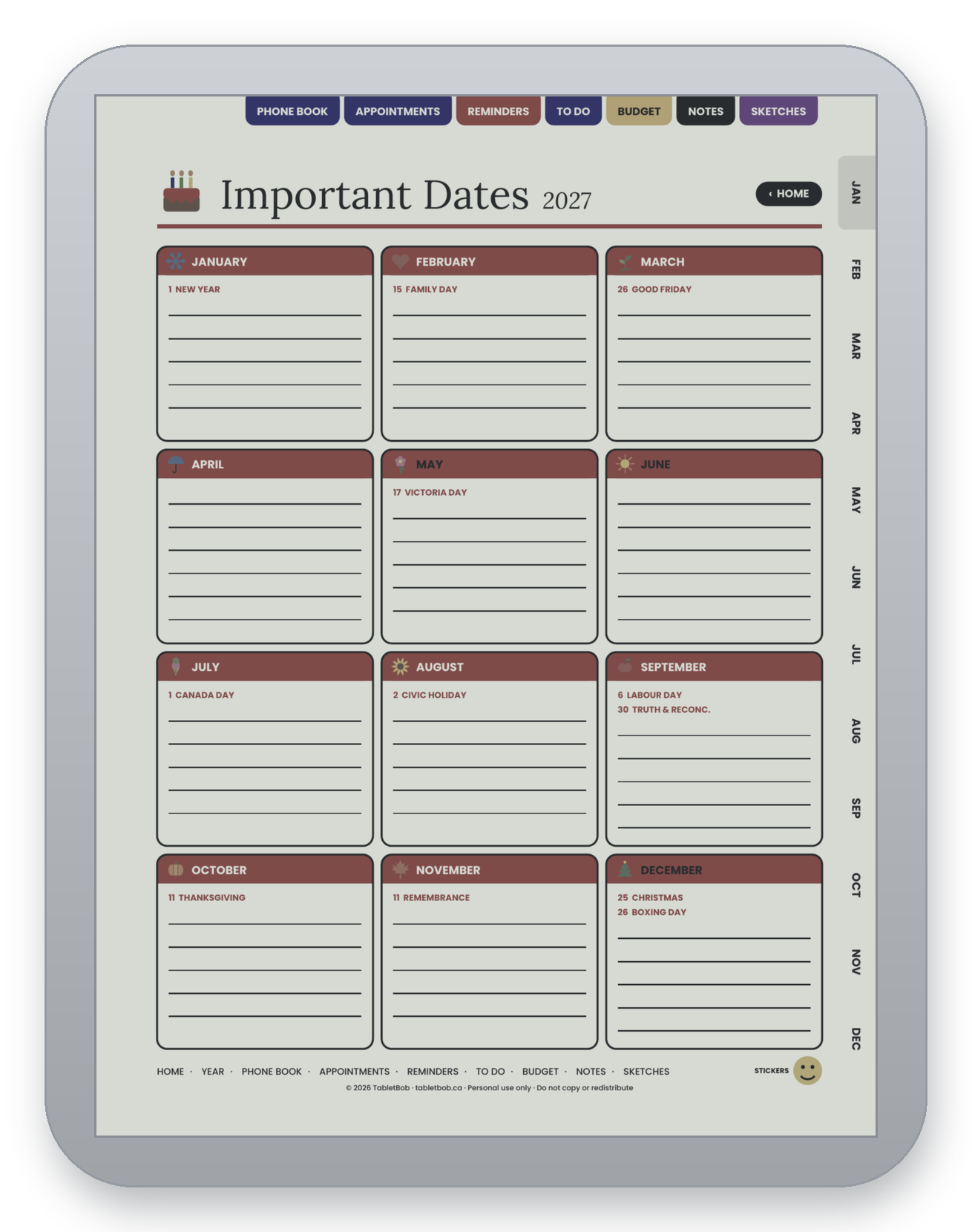
- Important Dates: all 2027 holidays, plus room for birthdays and anniversaries.
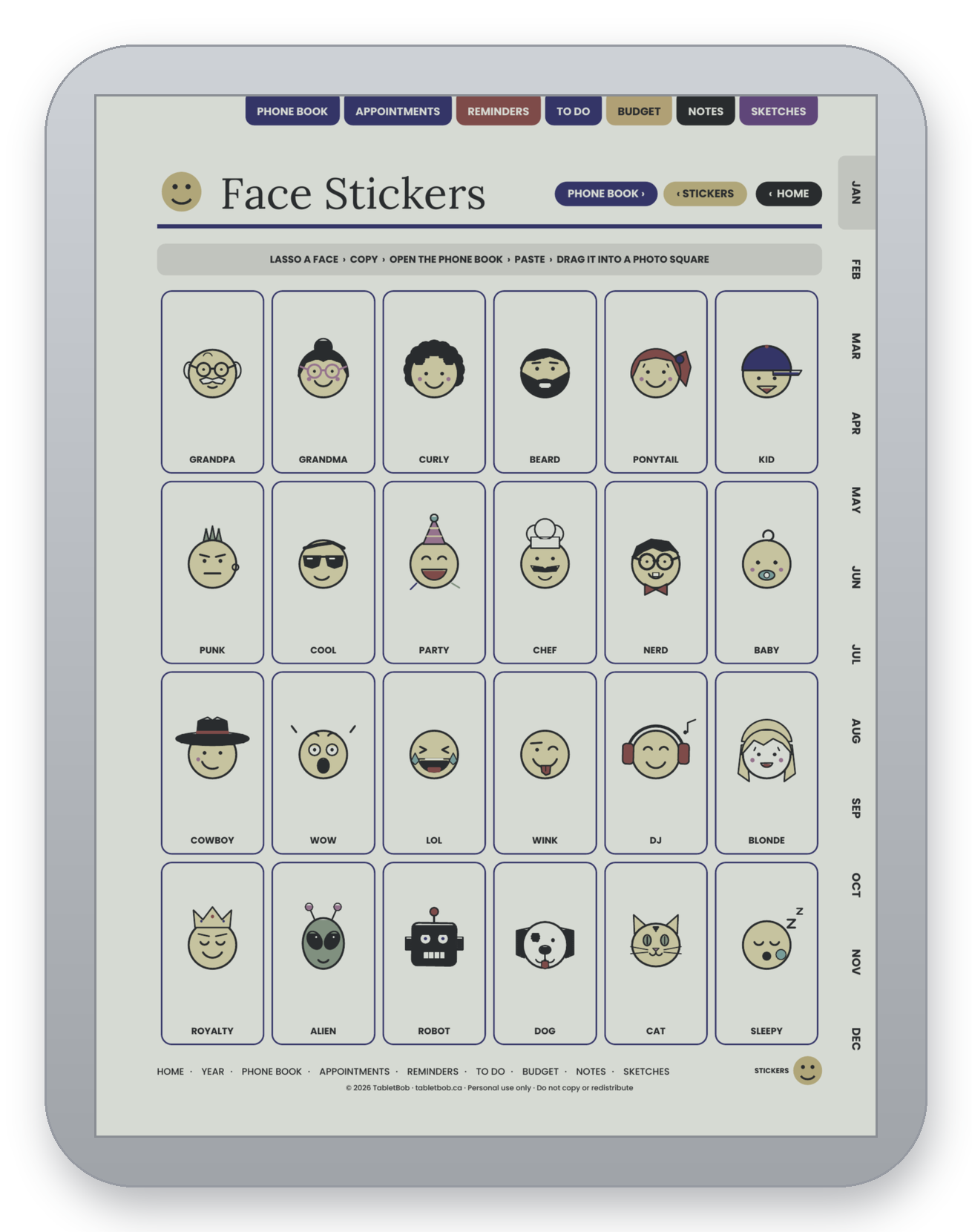
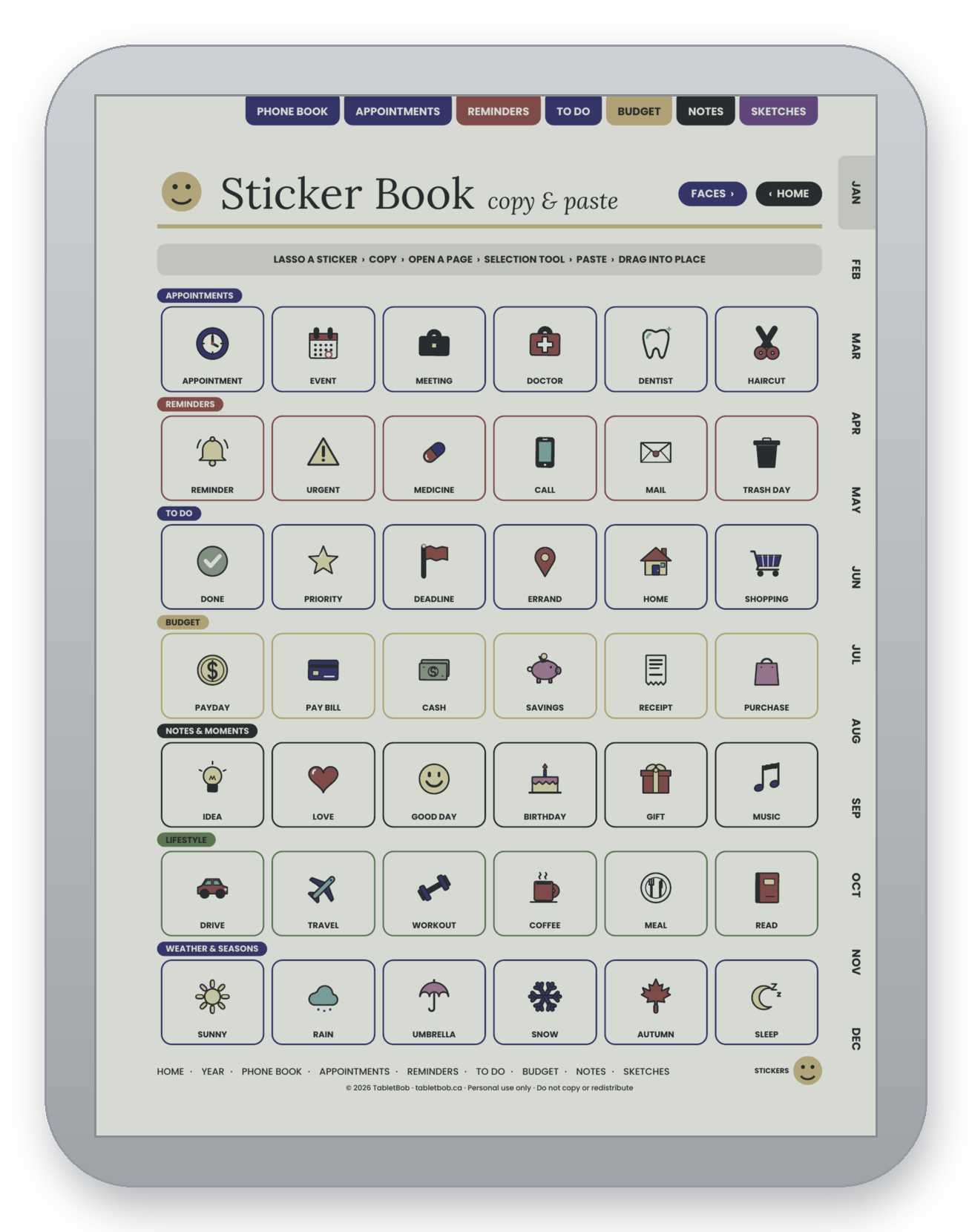
- Sticker Book: 42 ink stickers plus 24 cartoon face stickers. Lasso, copy and paste them anywhere; they stay editable reMarkable ink.
1,551 pages in total, all linked.
Two editions
- Canada: Canadian and Ontario holidays.
- USA: US federal holidays.
What you get
- .rmdoc file (recommended for reMarkable): the full planner with the copy-and-paste Sticker Book and Face Stickers.
- PDF file: the same planner pages, for other tablets and apps. The sticker pages print without stickers.
Compatibility
- Designed for: reMarkable Paper Pro, which shows it in full colour.
- Also works on: reMarkable 2 (in greyscale) and most PDF annotation apps.
- Installing the .rmdoc: use the reMarkable desktop app, or the tablet’s USB web interface.
Licence
For personal use by the purchaser only. Each copy is licensed to its buyer. Please don’t share, resell or redistribute.
Disclaimers
- This is a digital product, so no physical item will be shipped.
- The nutrition guide is general information, not medical advice.
- “On this day” content is adapted from Wikipedia (CC BY-SA 4.0).
- TabletBob is an independent creator and is not affiliated with or endorsed by reMarkable AS. reMarkable and Paper Pro are trademarks of their respective owner.
How to add it to your tablet
Download your file
After purchase, download the PDF or .rmdoc from your order confirmation page or the email we send you. Free files download straight away.
Open the reMarkable app
Open the reMarkable desktop app on your computer, signed in to the same account as your tablet.
Add it to My files
Drag the file into My files in the app. It syncs to your tablet in a few seconds. On your phone, you can also import a PDF from the reMarkable mobile app.
Open it on your tablet
Find it in My files on your Paper Pro and tap to open. Tap the tabs and links to move around, and write anywhere with your Marker.
No Developer Mode, no TabletBob Installer and nothing to install: it's a regular file that opens on any reMarkable, like your other notebooks and PDFs.