
Diabetic Dog Care Interactive PDF for reMarkable Paper Pro & Paper Pro Move
A calm, colour-coded journal for living with a diabetic dog. Log meals, insulin, injection sites and glucose in a tappable calendar, with a full care guide, an emergency page and a vet-ready care card always one tap away. Made for the reMarkable Paper Pro and Paper Pro Move.
Made by a dog owner, for dog owners.
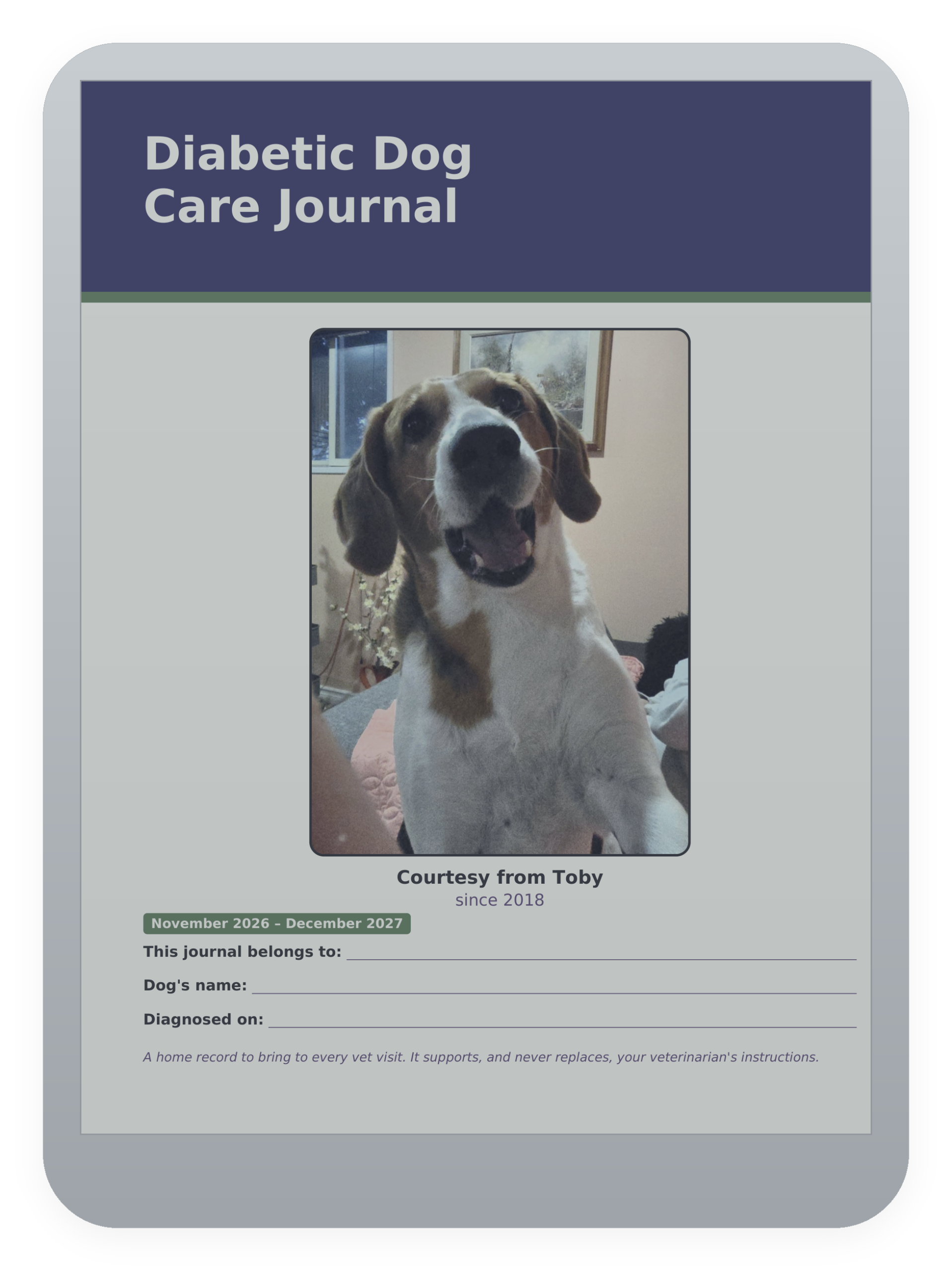
When Toby was diagnosed with diabetes and ketoacidosis, the hardest part at home was keeping track of everything: meal times, how much he ate, insulin doses, injection sites, glucose readings, and the nagging question “did he already get his shot?” This journal is the tool we wished we’d had from day one.
What’s inside
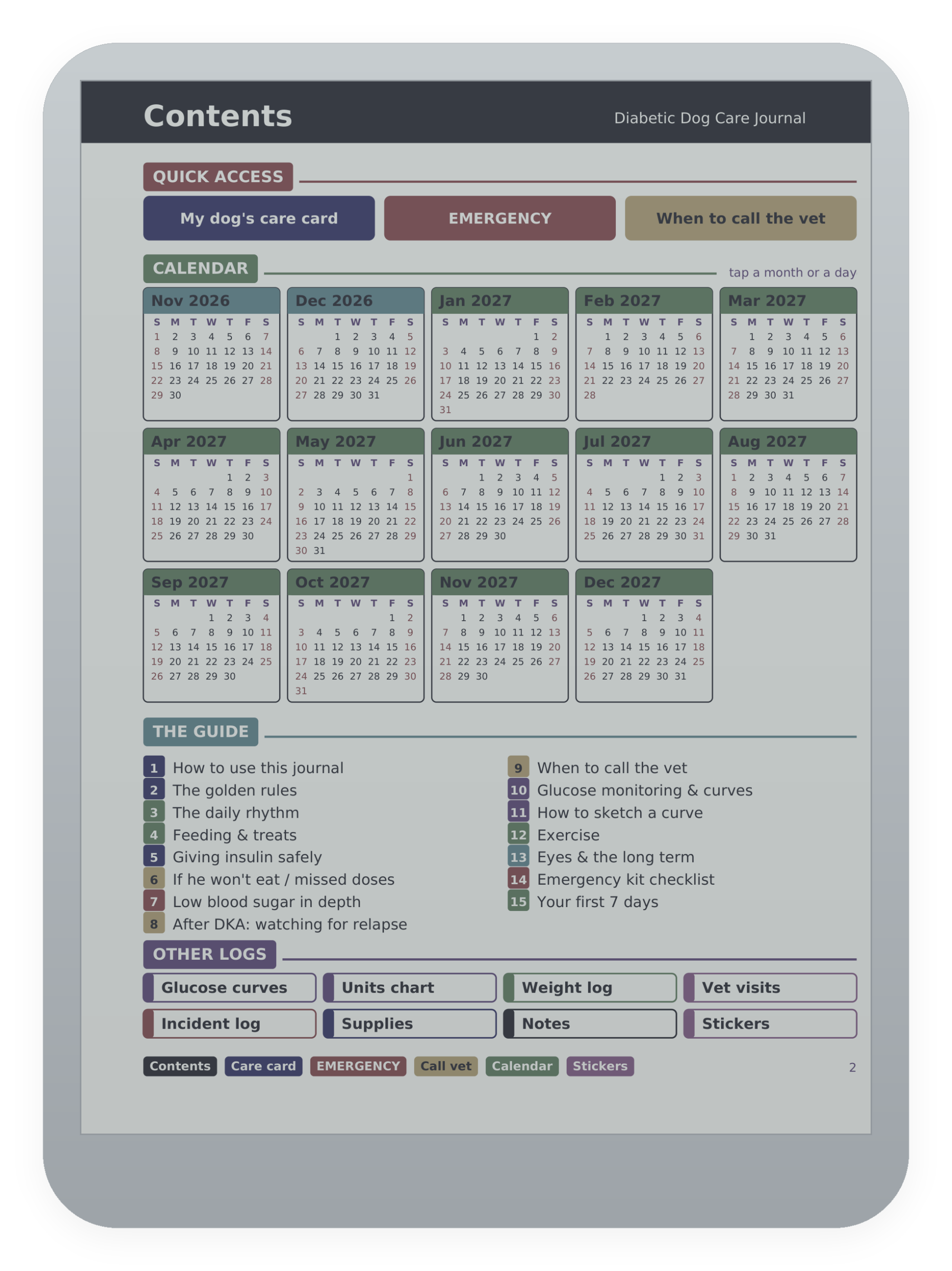
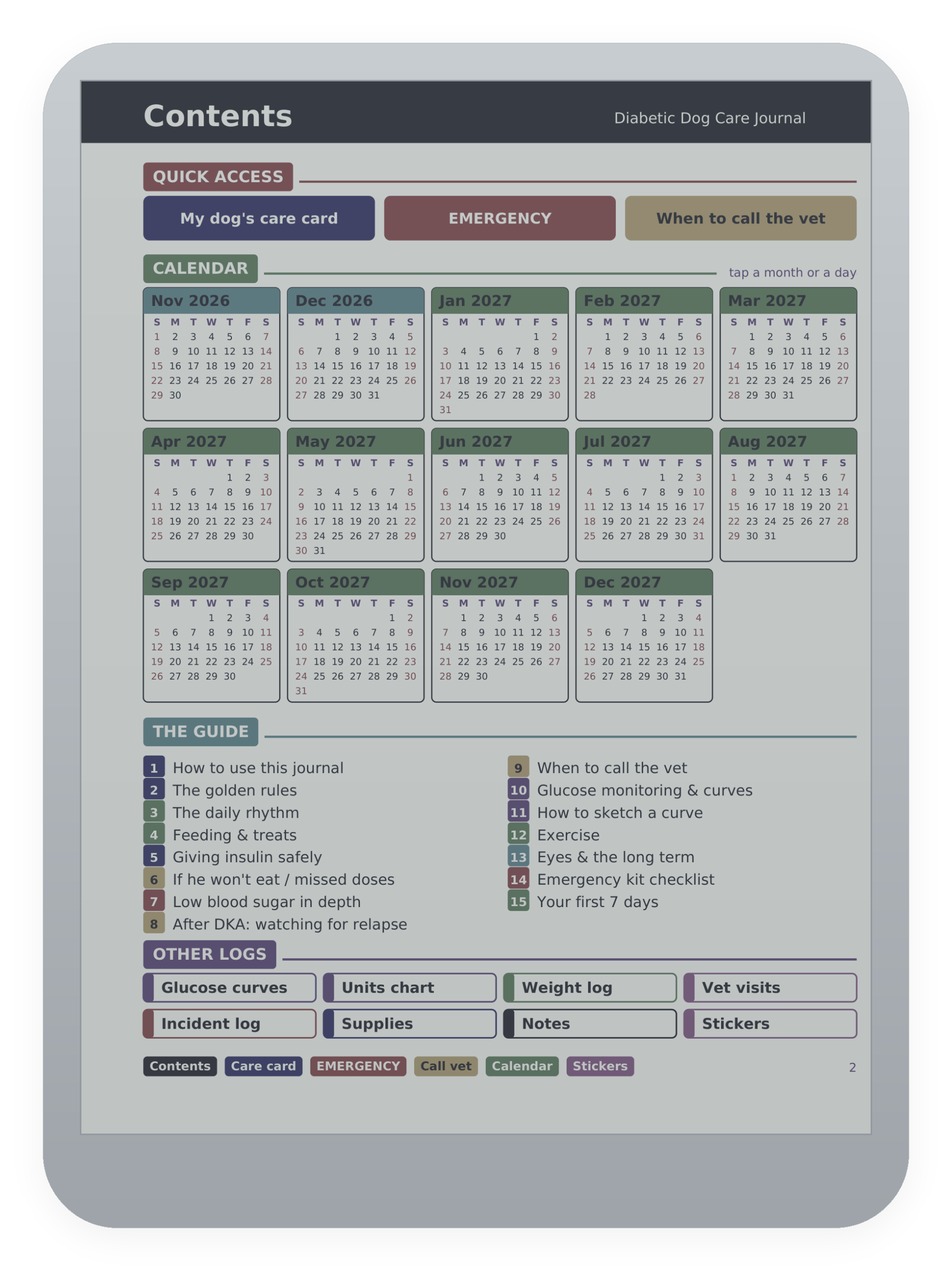
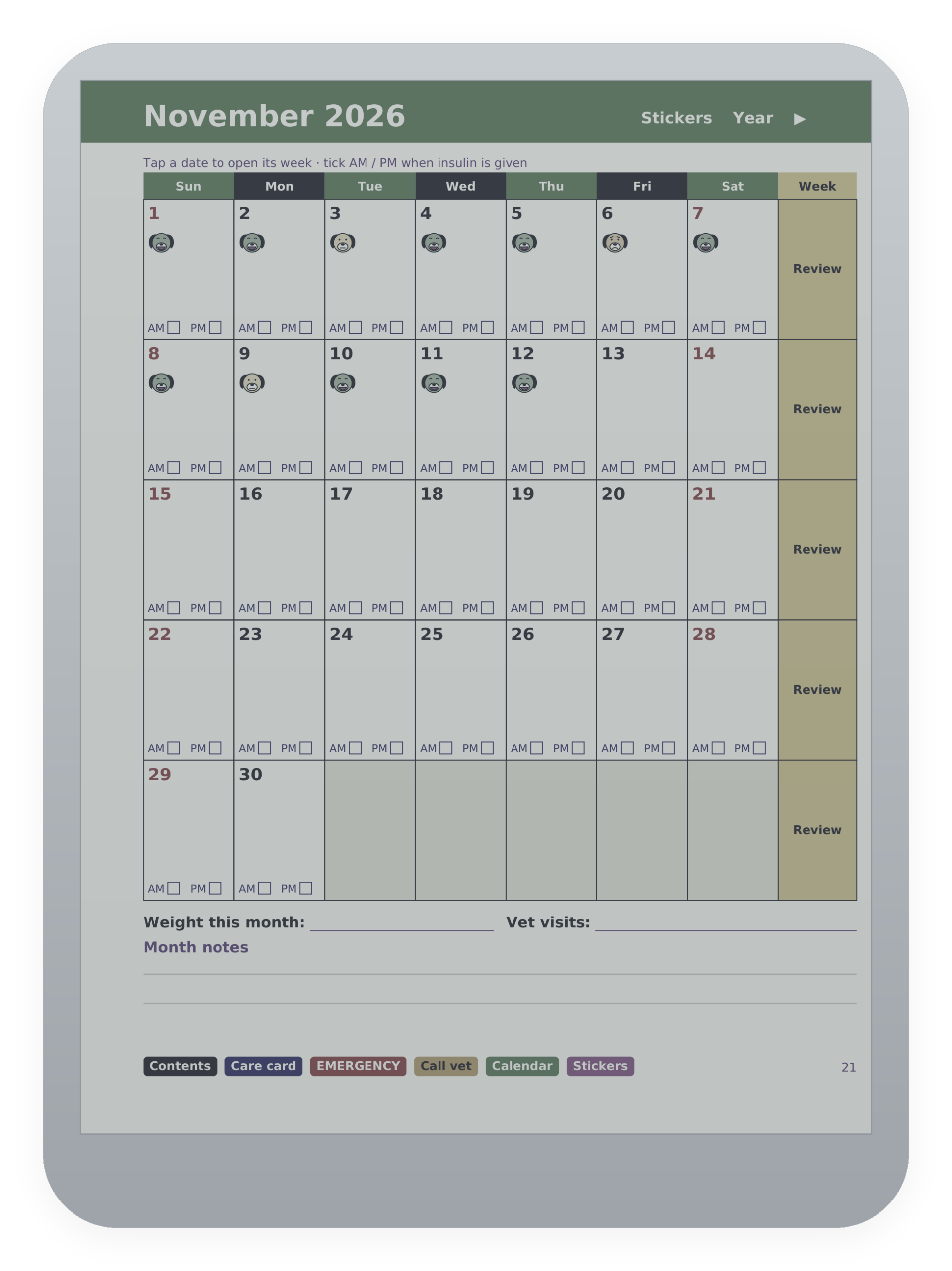
- Tappable calendar, November 2026 to December 2027. Tap a month, tap a day, and you’re on that week’s page.
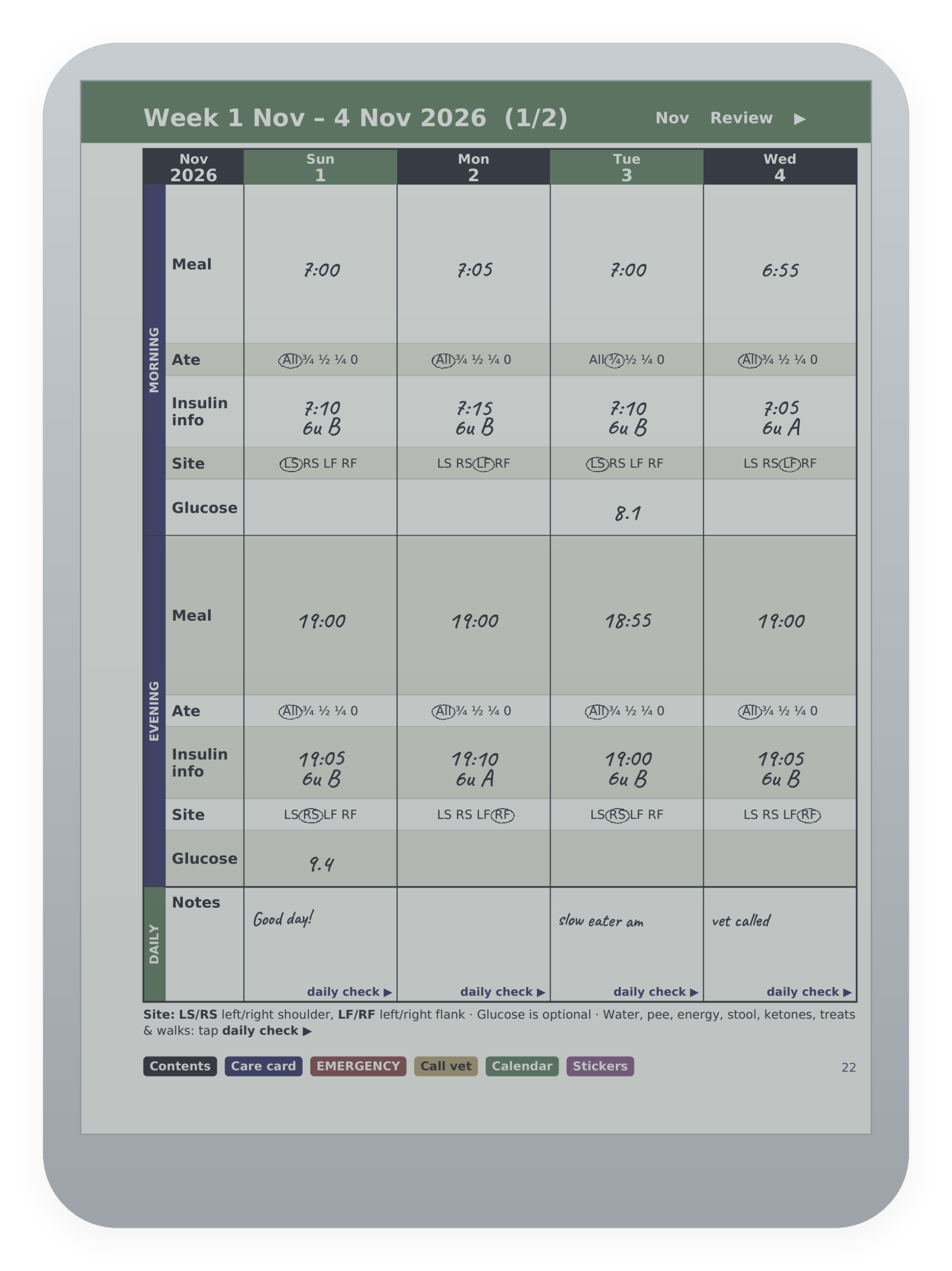
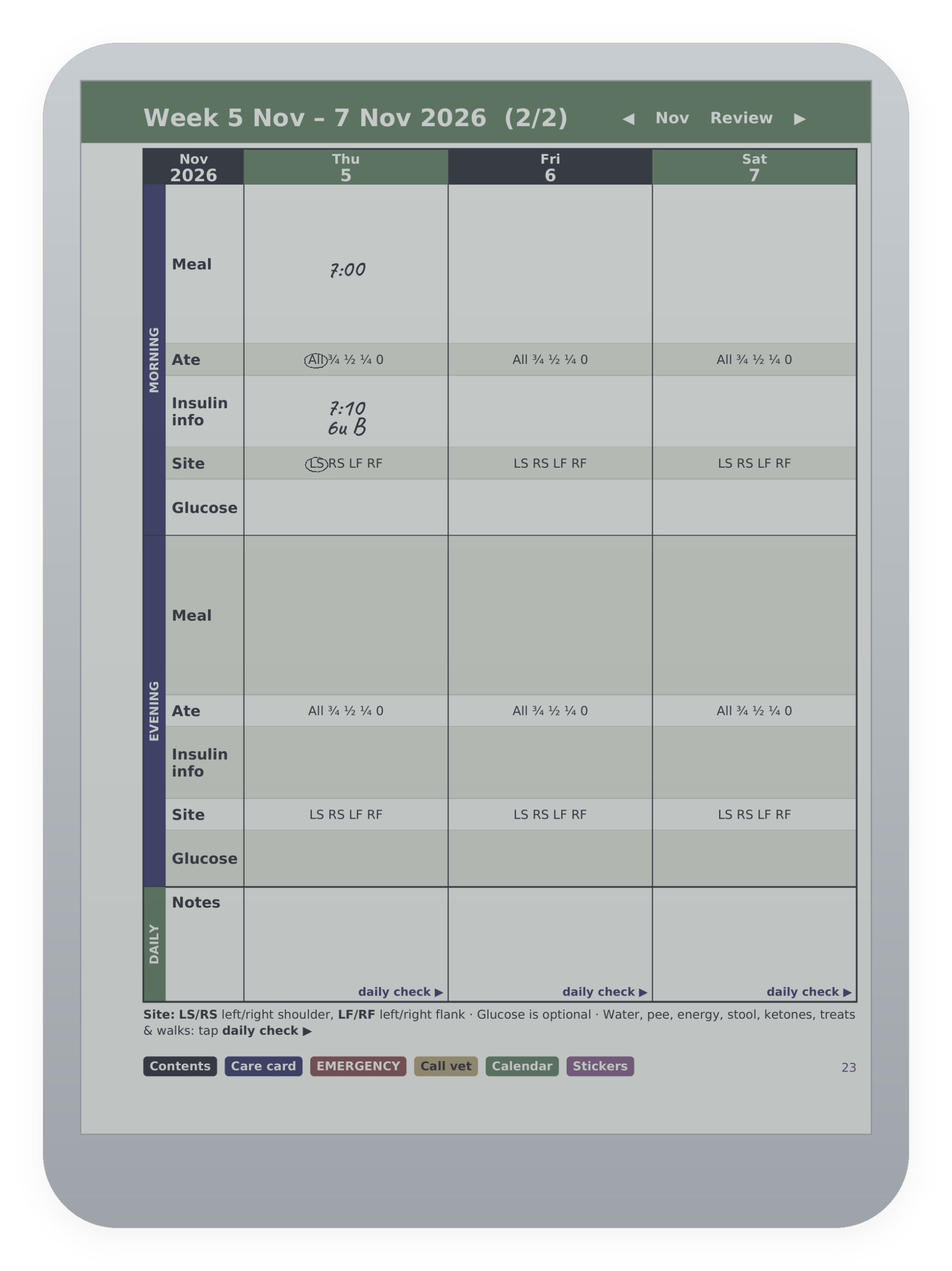
- Week pages. Morning and evening rows for meal, food eaten, insulin and dose, injection site and glucose, spread over two pages per week so there’s room to write.
- A daily check page for every day. Water, pee, energy, stool, vomiting, ketones, treats and walks, plus a full page of notes.
- Weekly reviews with the questions to bring to your vet.
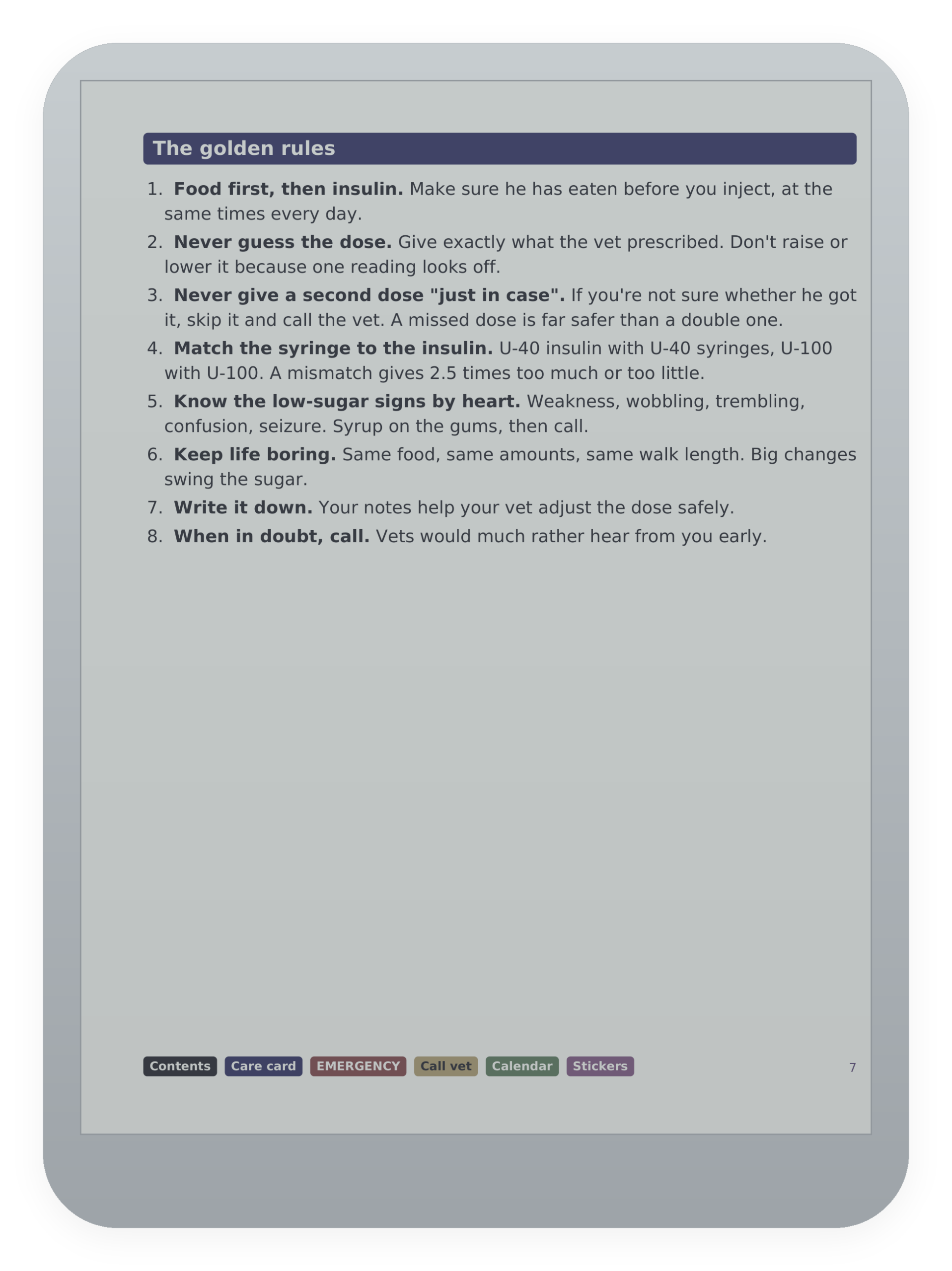
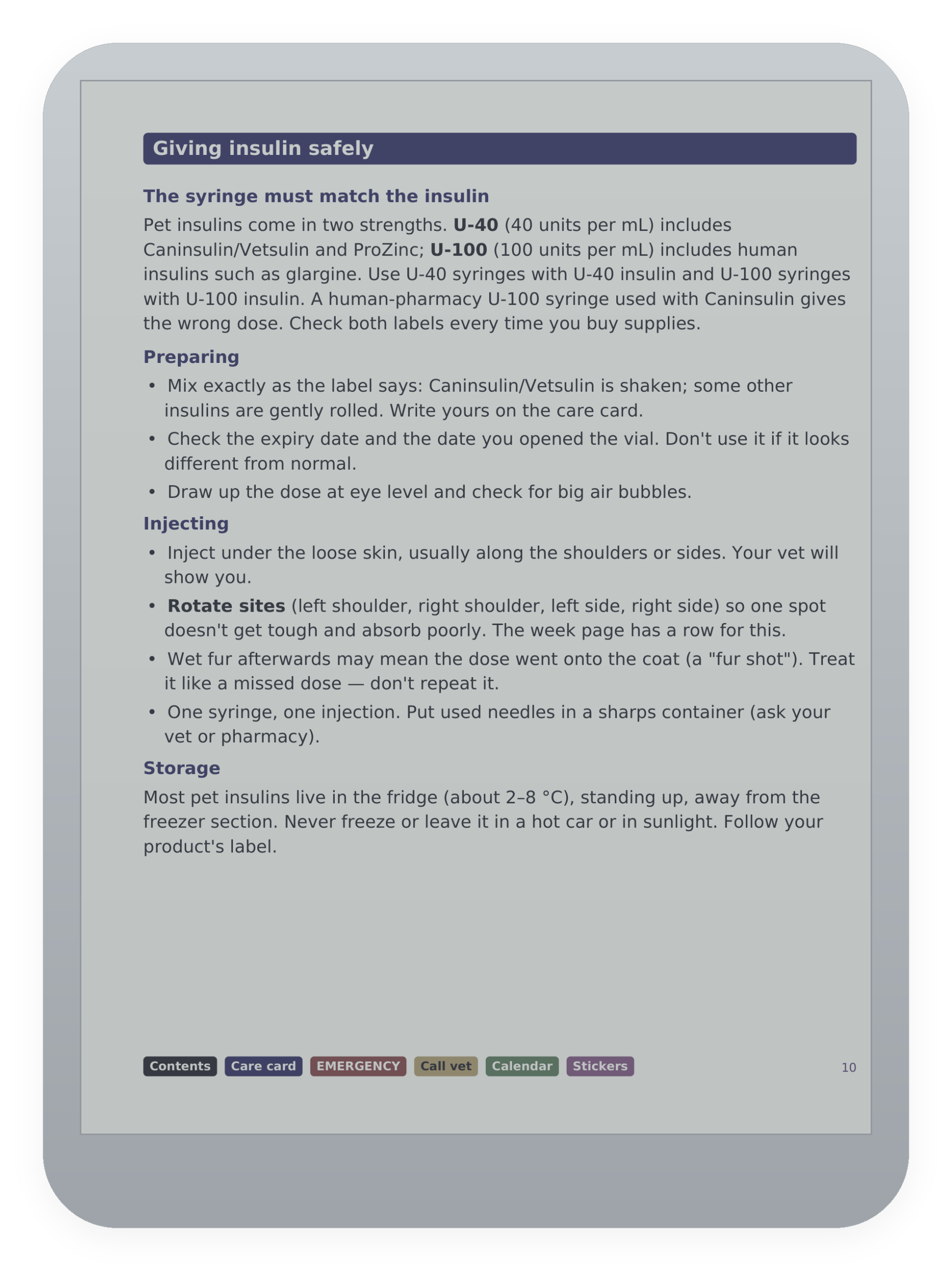
- A complete care guide in 15 chapters, based on veterinary sources: golden rules, feeding and treats, giving insulin safely, low blood sugar, life after DKA, exercise, eyes, an emergency kit checklist and your first 7 days.
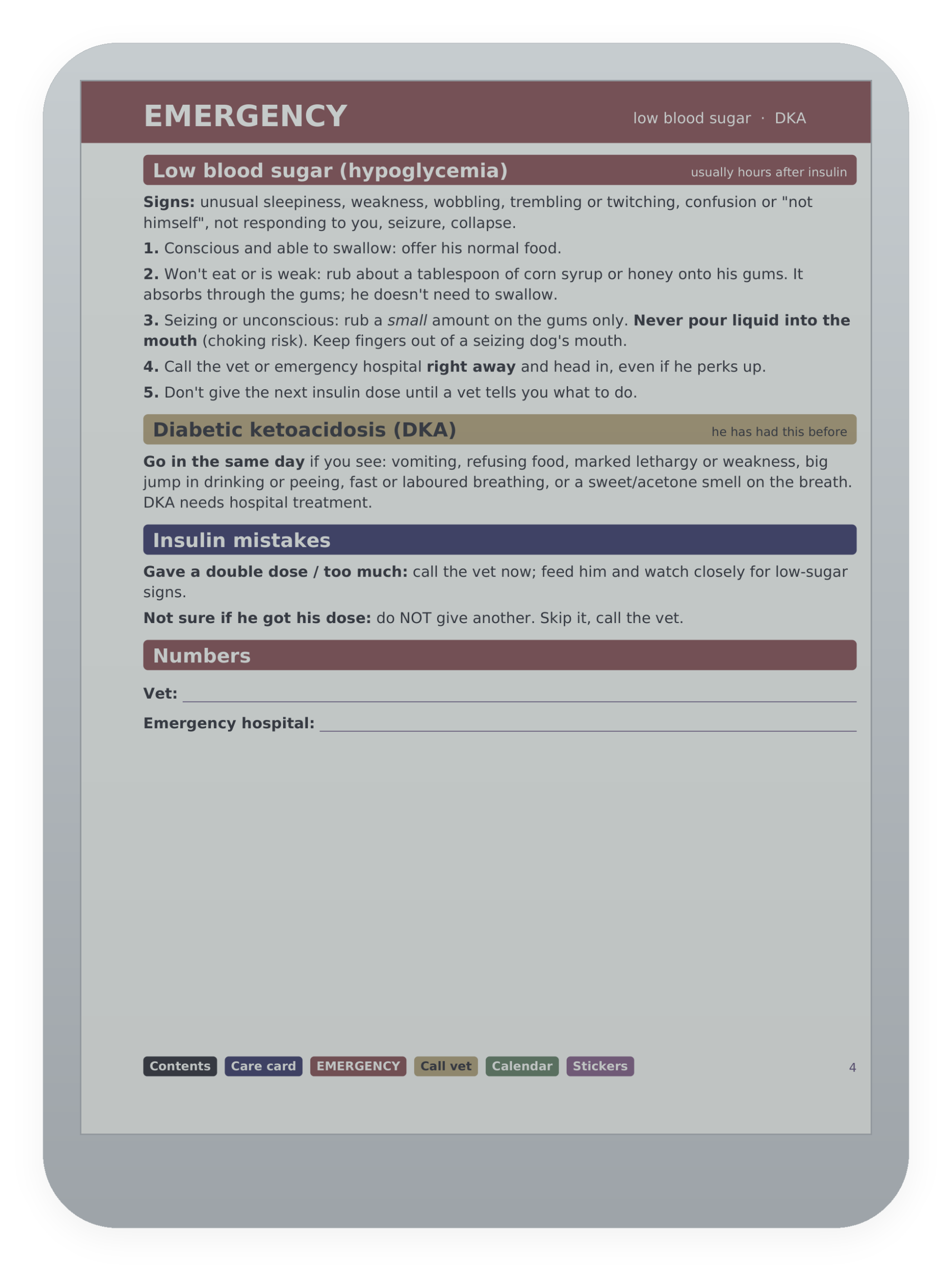
- Emergency page. Clear steps for low blood sugar and DKA, reachable from every page.
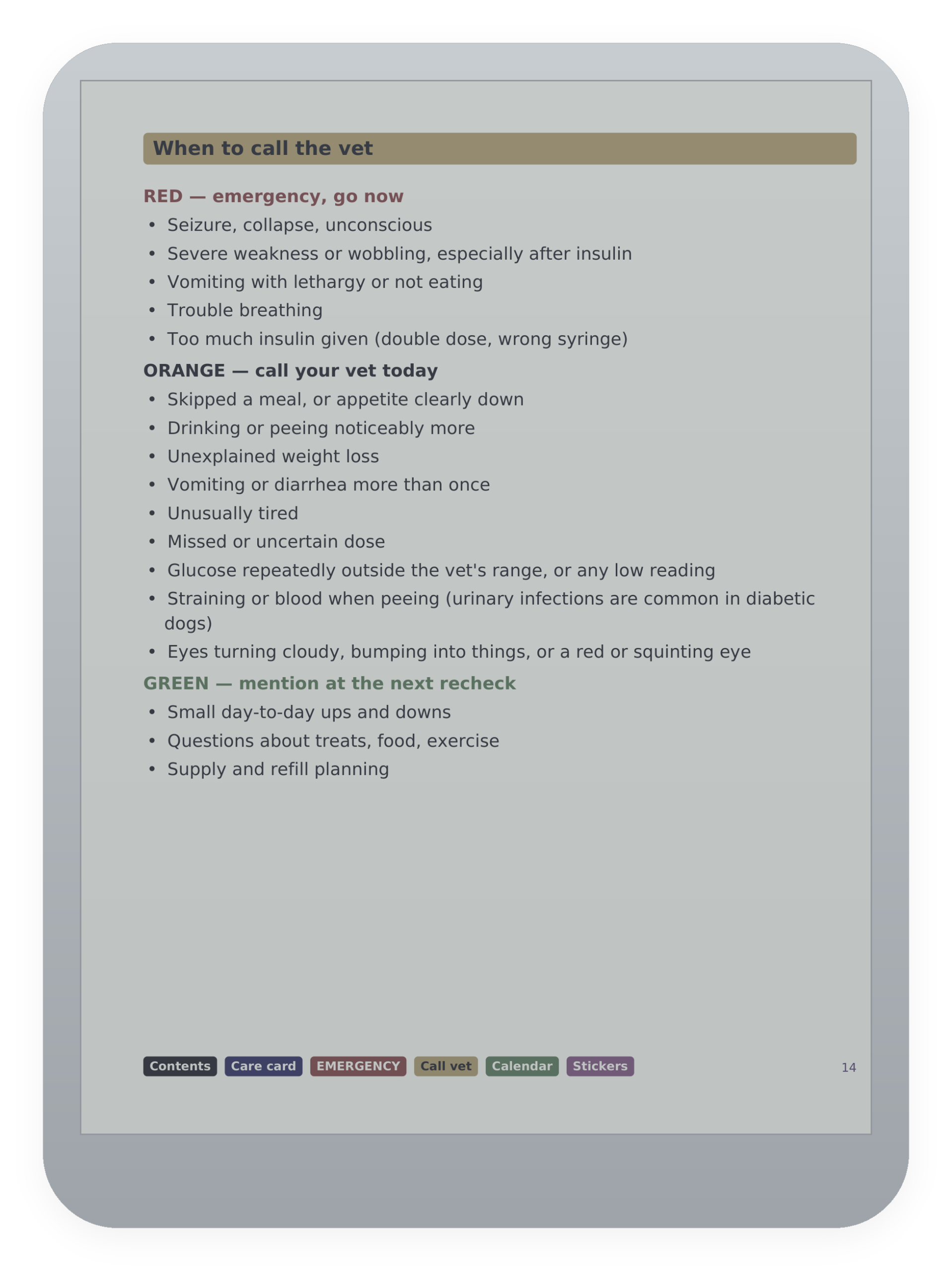
- “When to call the vet” as a red, amber and green guide.
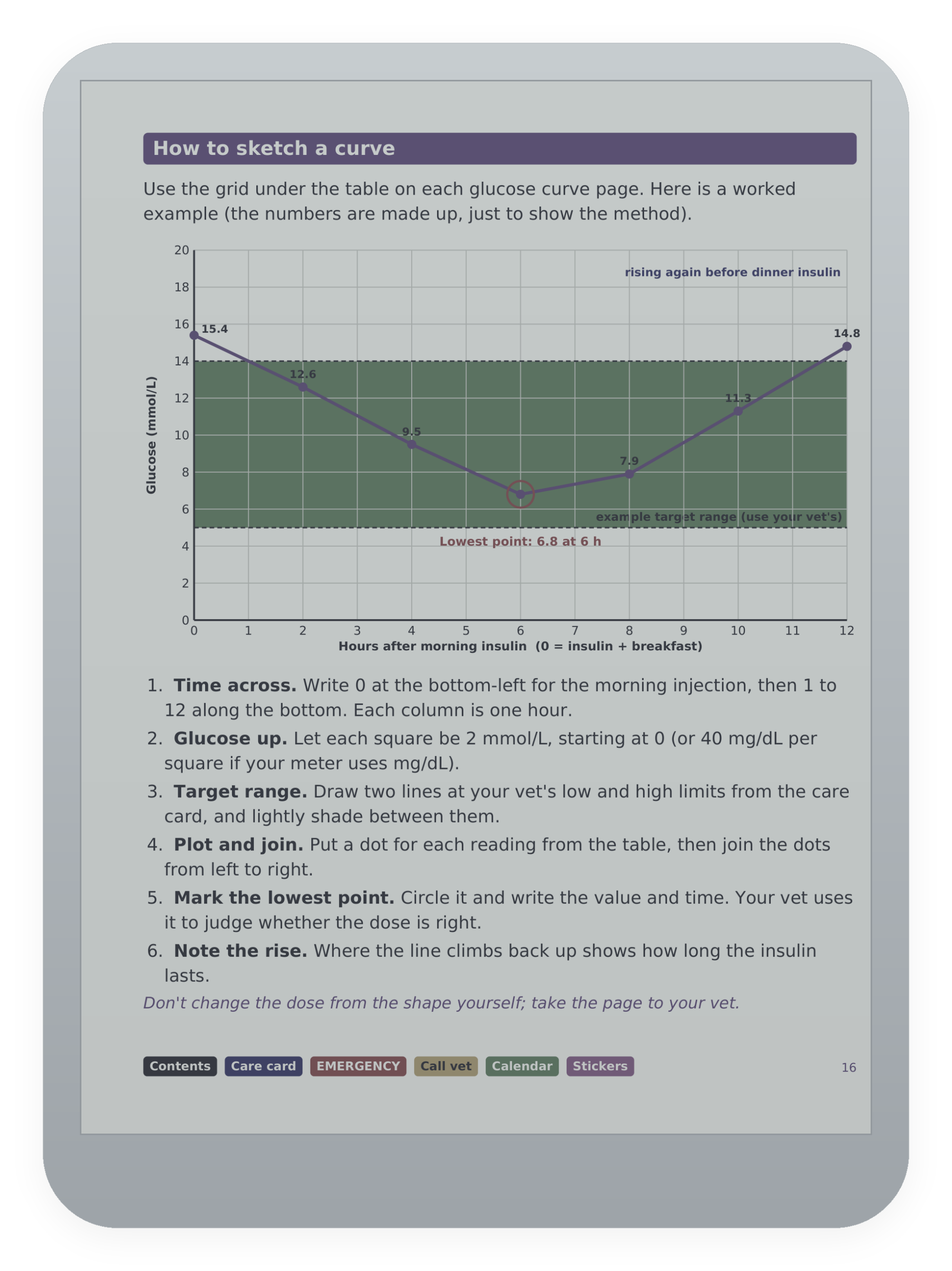
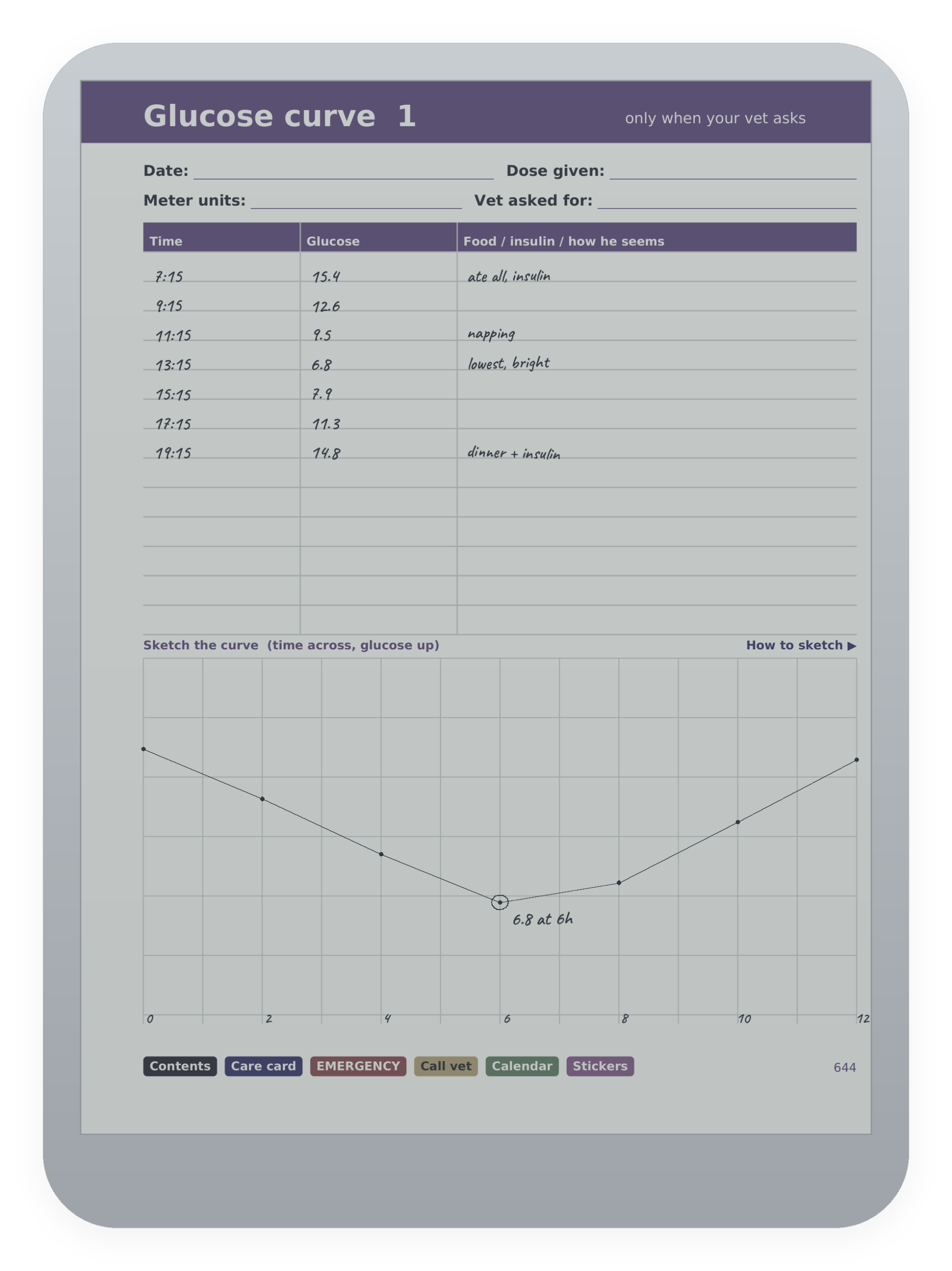
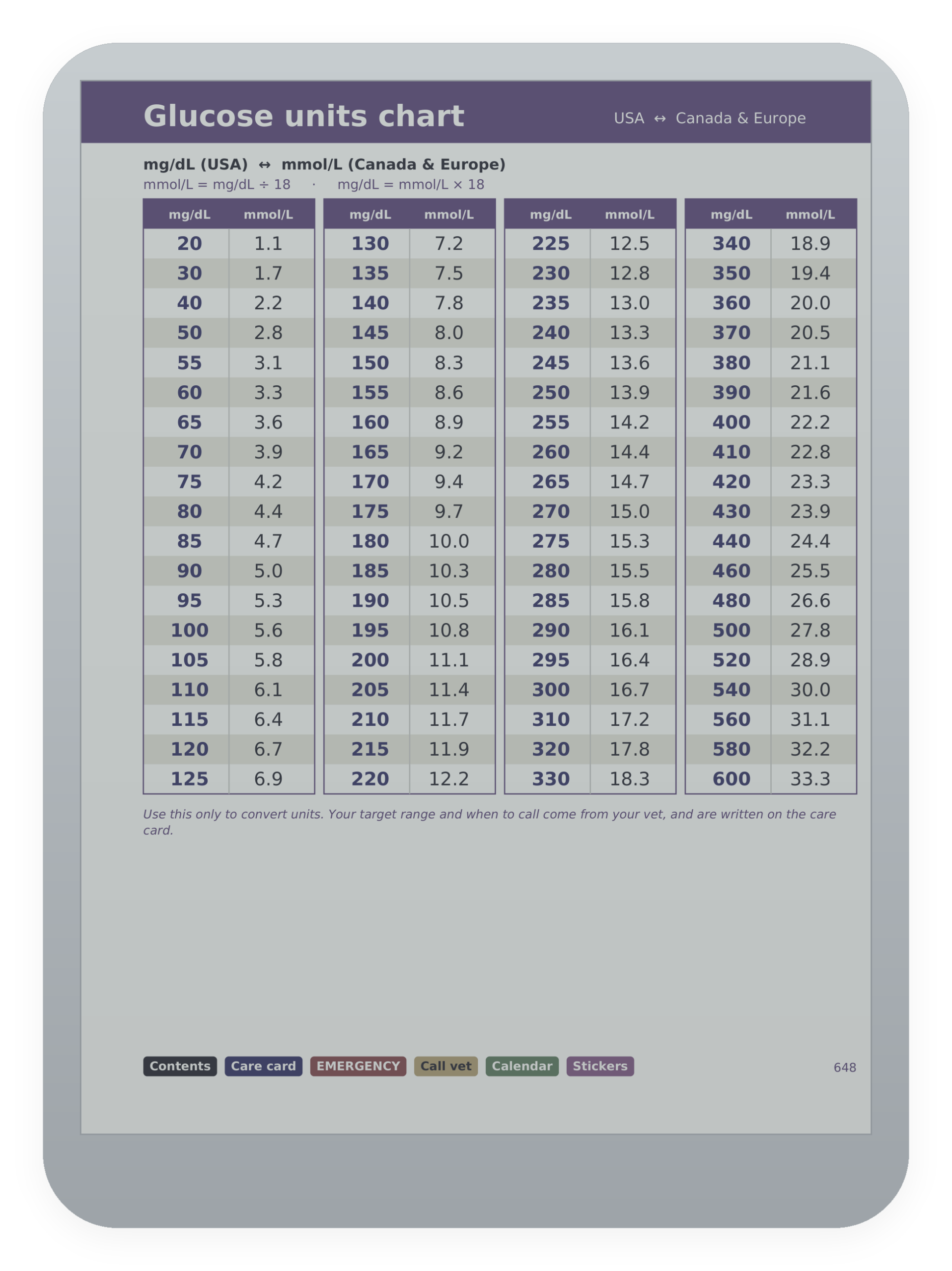
- Glucose tools: curve sheets, a worked example of sketching a curve, and an mg/dL to mmol/L conversion chart.
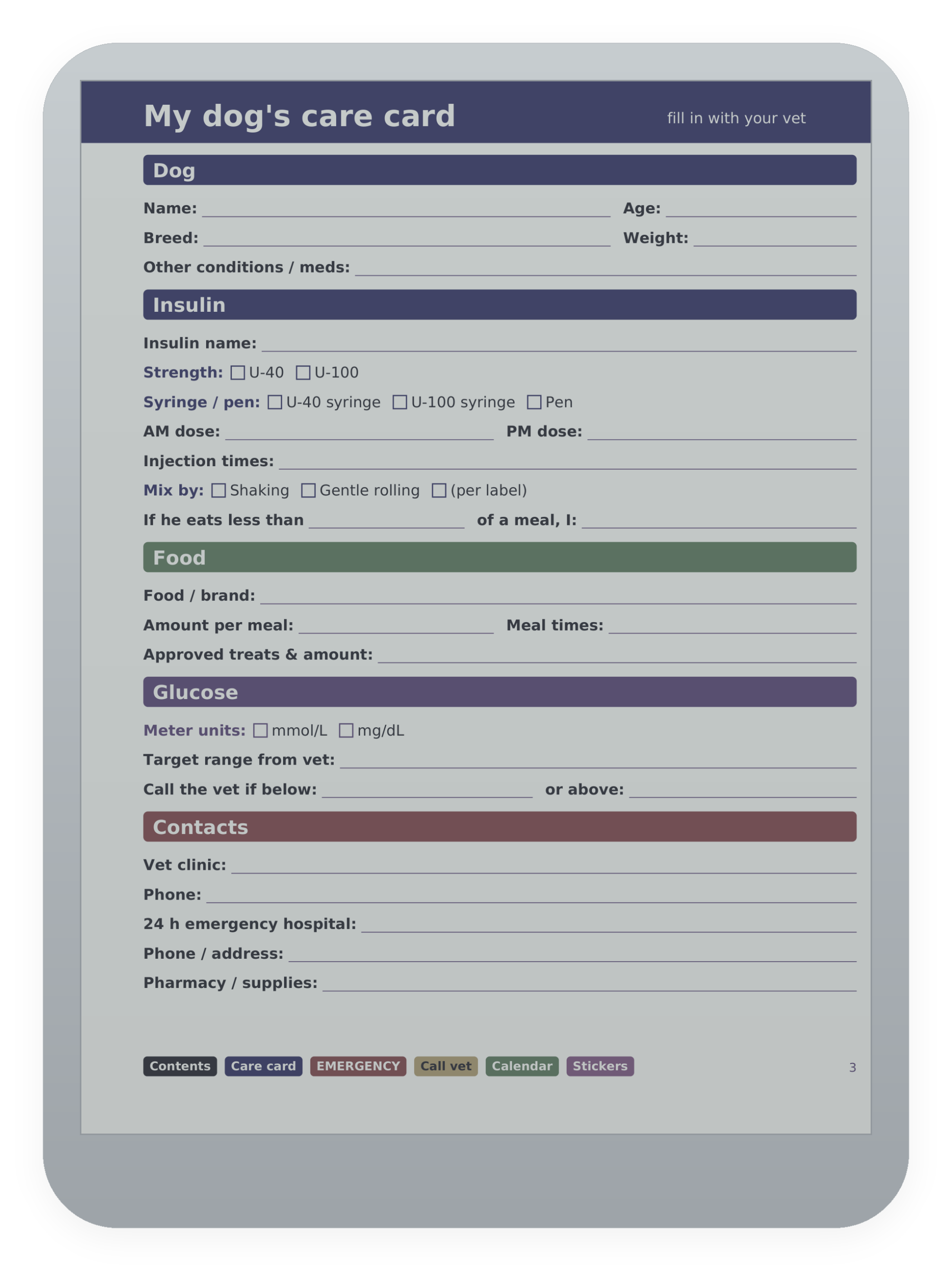
- Care card, weight log, vet visit notes, incident log, and an insulin and supplies log.
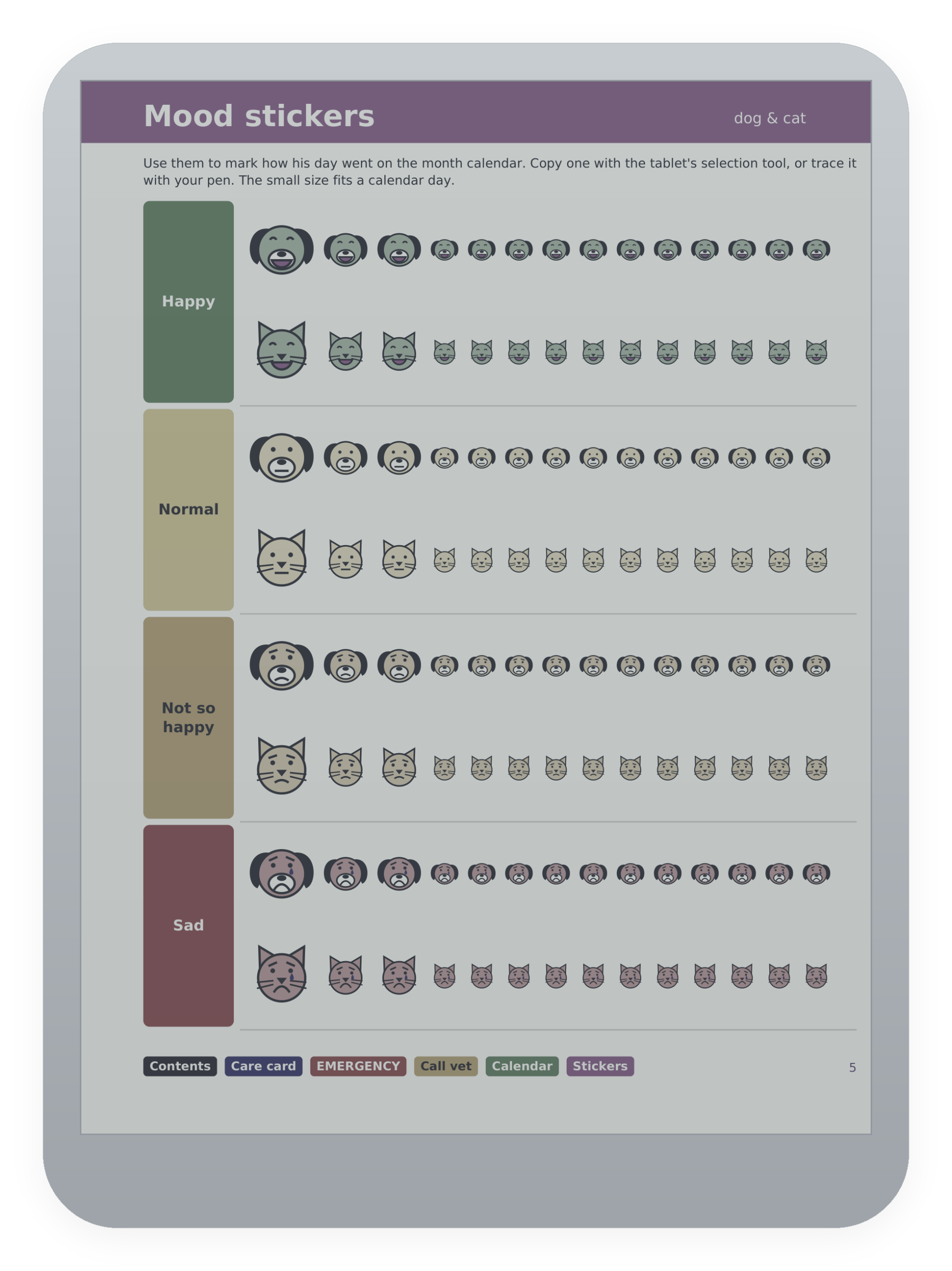
- Mood stickers to mark how his day went.
Built for reMarkable
- Sized for the Paper Pro and the Paper Pro Move; both files are included.
- Uses only the Paper Pro’s native colours, so you get solid blocks with no dotted dithering.
- Fully linked, with quick buttons on every page for Contents, Care card, Emergency, Call vet and Calendar.
- Header buttons are placed clear of the tablet’s own close button.
How to add it to your tablet
Download your file
After purchase, download the PDF or .rmdoc from your order confirmation page or the email we send you. Free files download straight away.
Open the reMarkable app
Open the reMarkable desktop app on your computer, signed in to the same account as your tablet.
Add it to My files
Drag the file into My files in the app. It syncs to your tablet in a few seconds. On your phone, you can also import a PDF from the reMarkable mobile app.
Open it on your tablet
Find it in My files on your Paper Pro and tap to open. Tap the tabs and links to move around, and write anywhere with your Marker.
No Developer Mode, no TabletBob Installer and nothing to install: it's a regular file that opens on any reMarkable, like your other notebooks and PDFs.