
The lamp at Gull Rock PDF Game
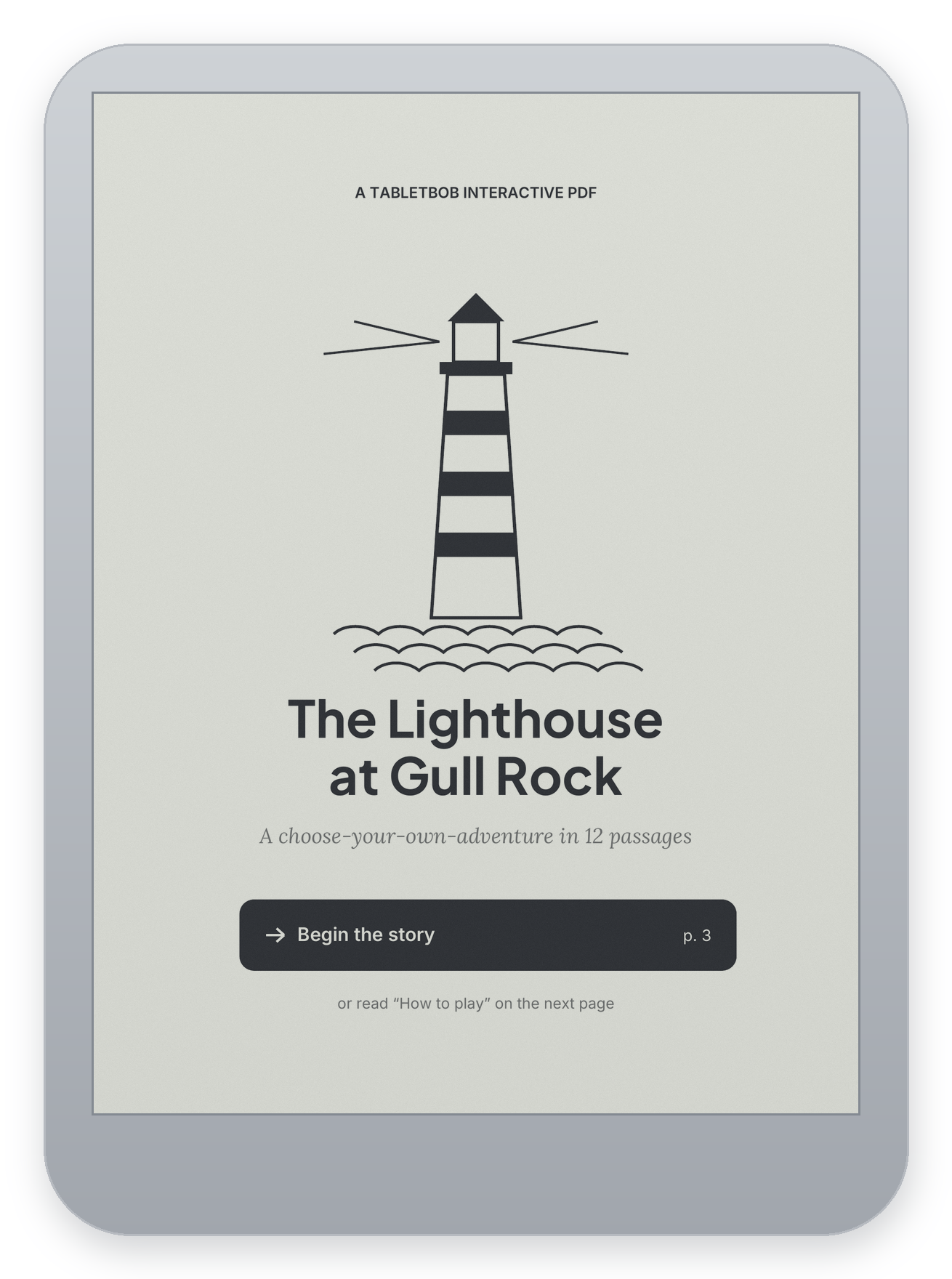
A free choose-your-own-adventure for your reMarkable. Row out to a dark lighthouse on a stormy night and decide what happens next. Every choice is a tap, and four different endings are waiting.
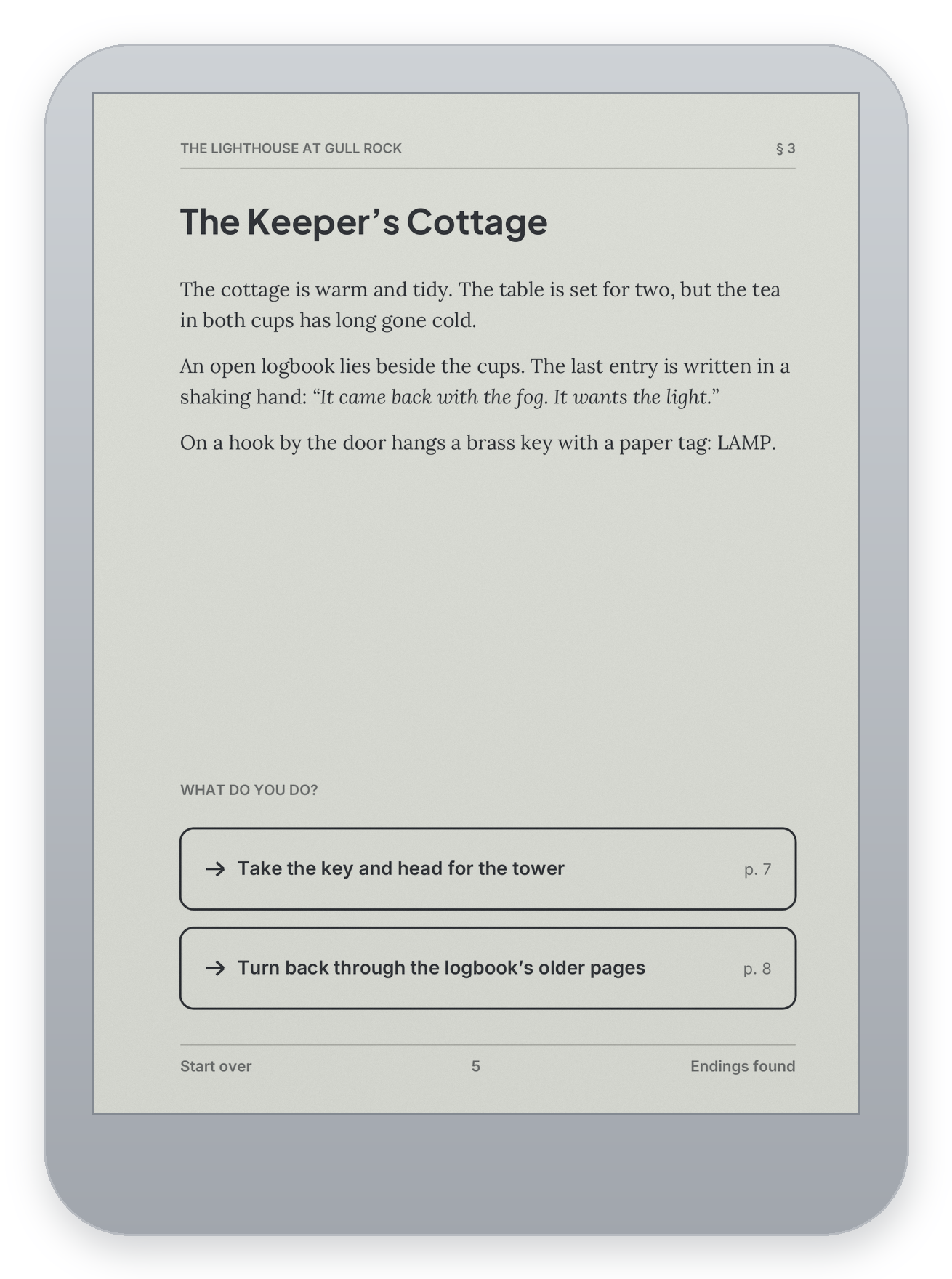
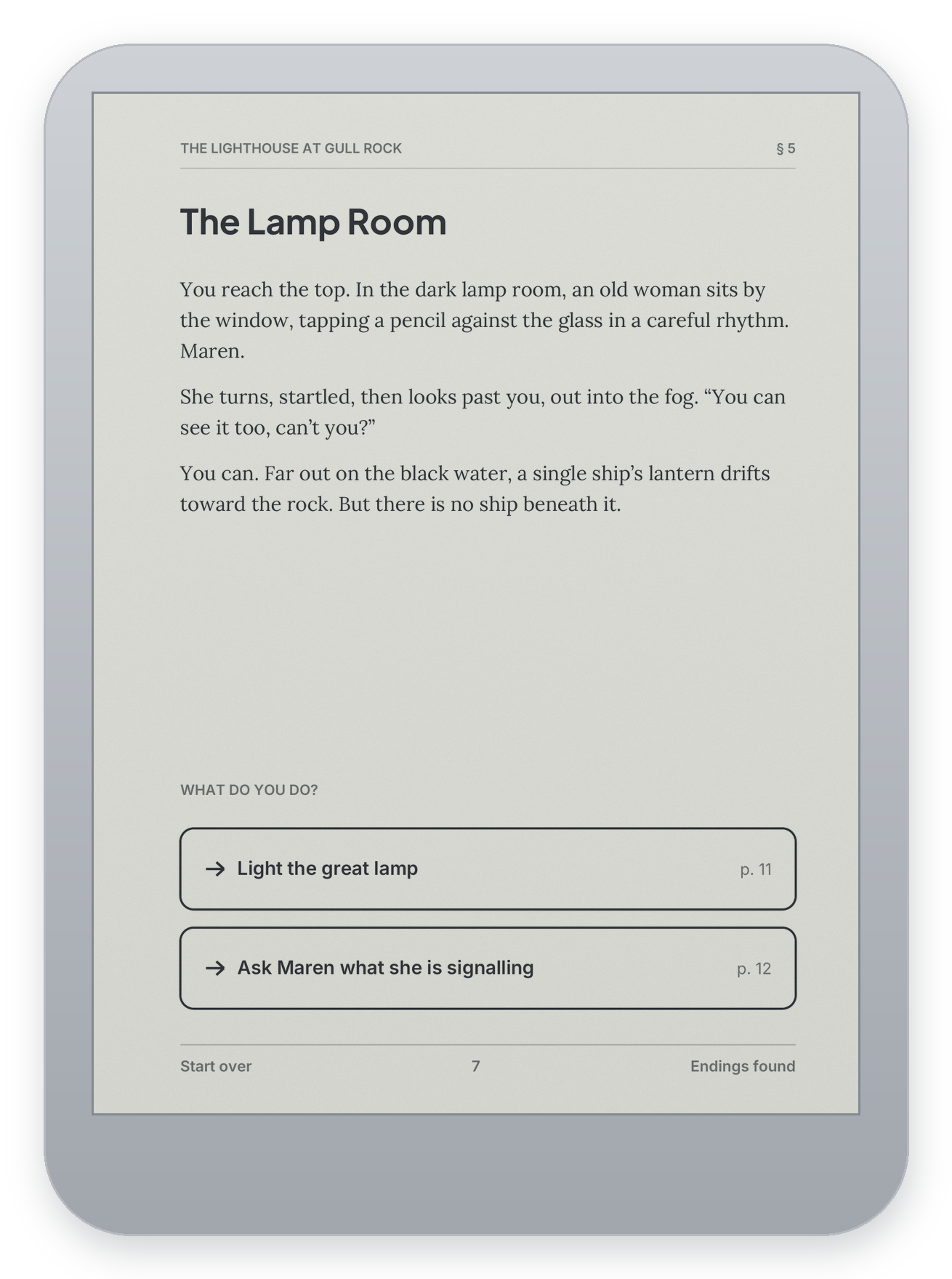
The lamp at Gull Rock hasn’t been lit for three nights. A storm is coming, the old keeper is tapping strange signals on the glass, and far out in the fog a ship’s lantern is drifting toward the rocks, with no ship beneath it.
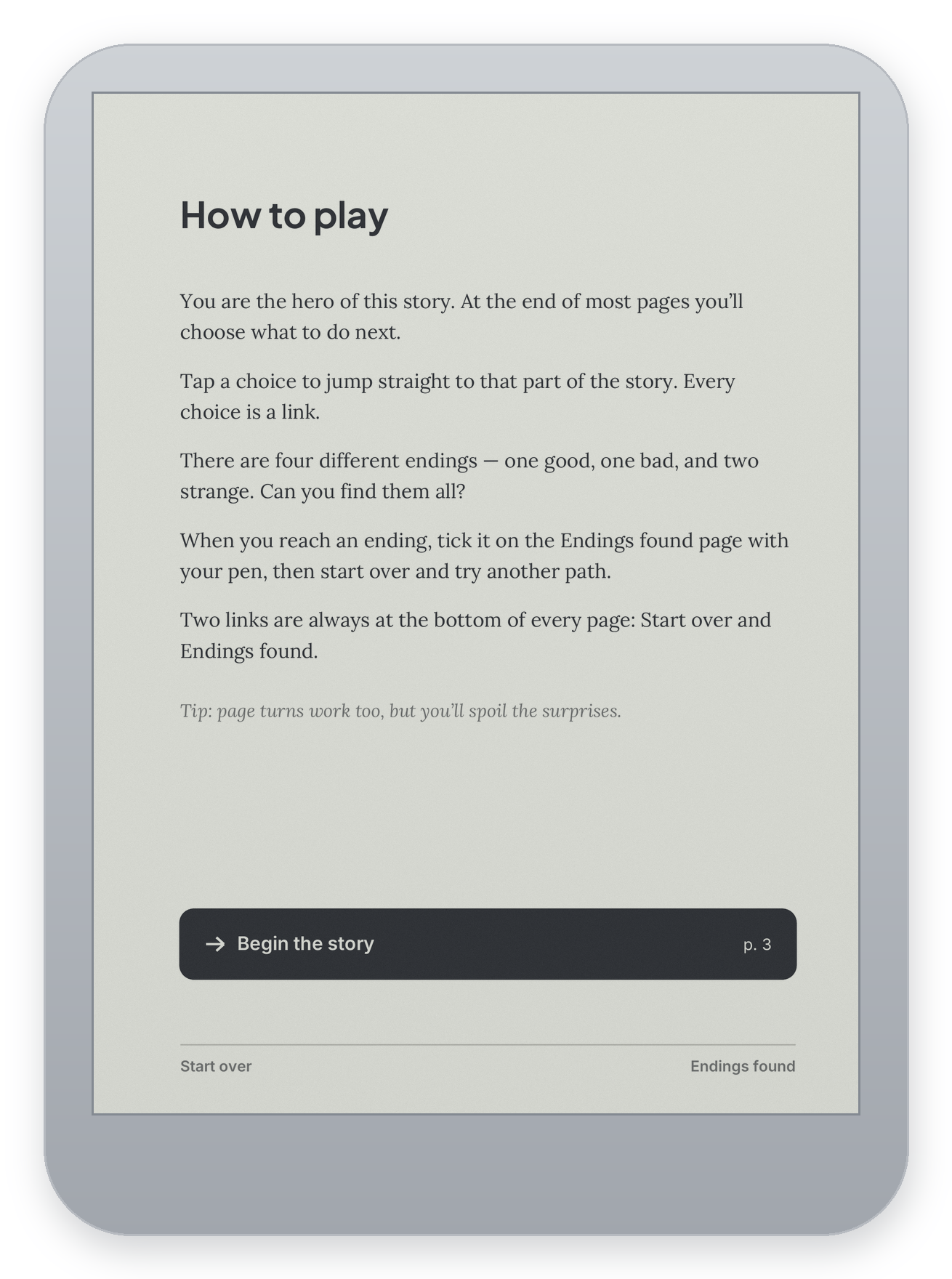
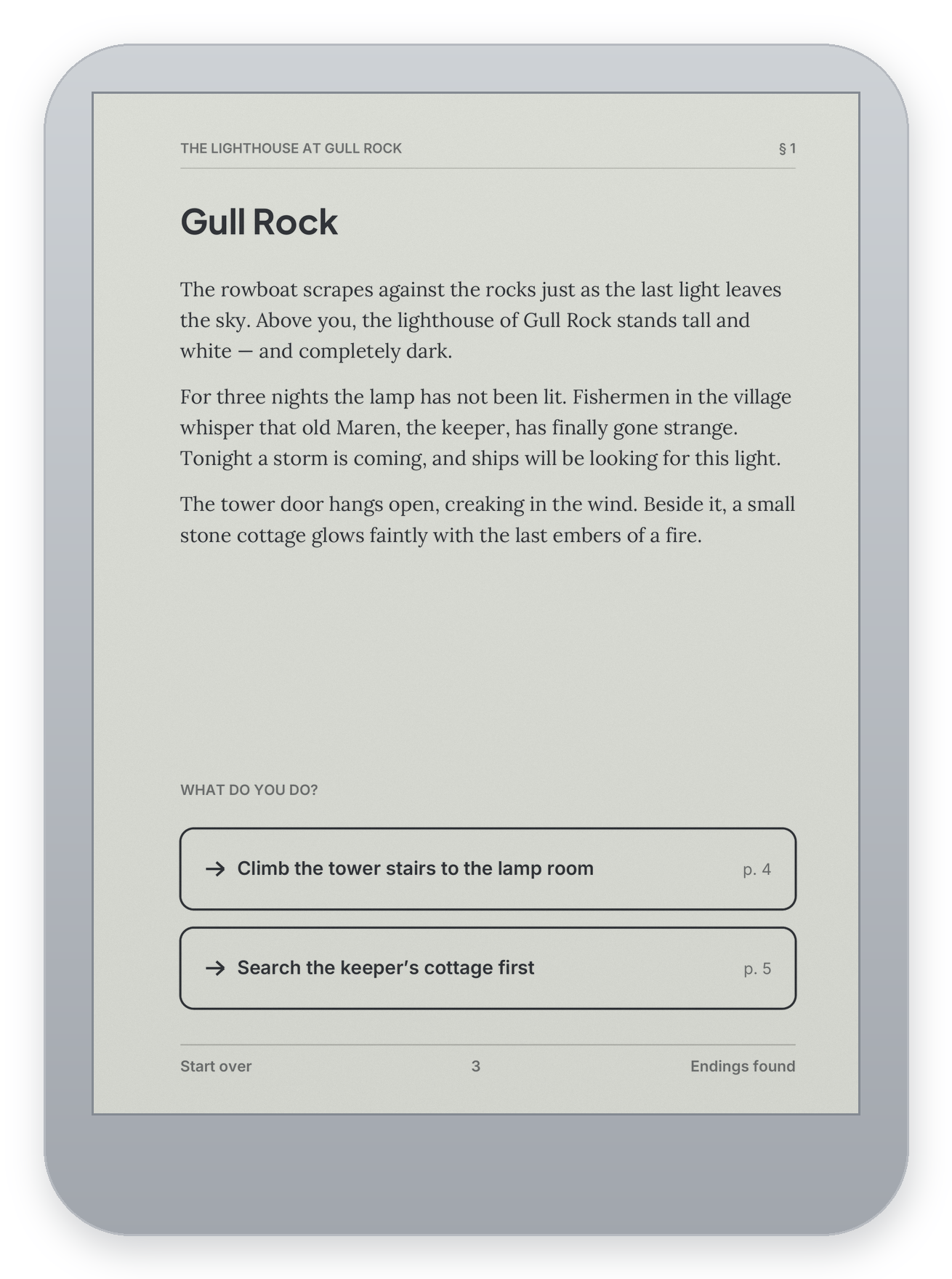
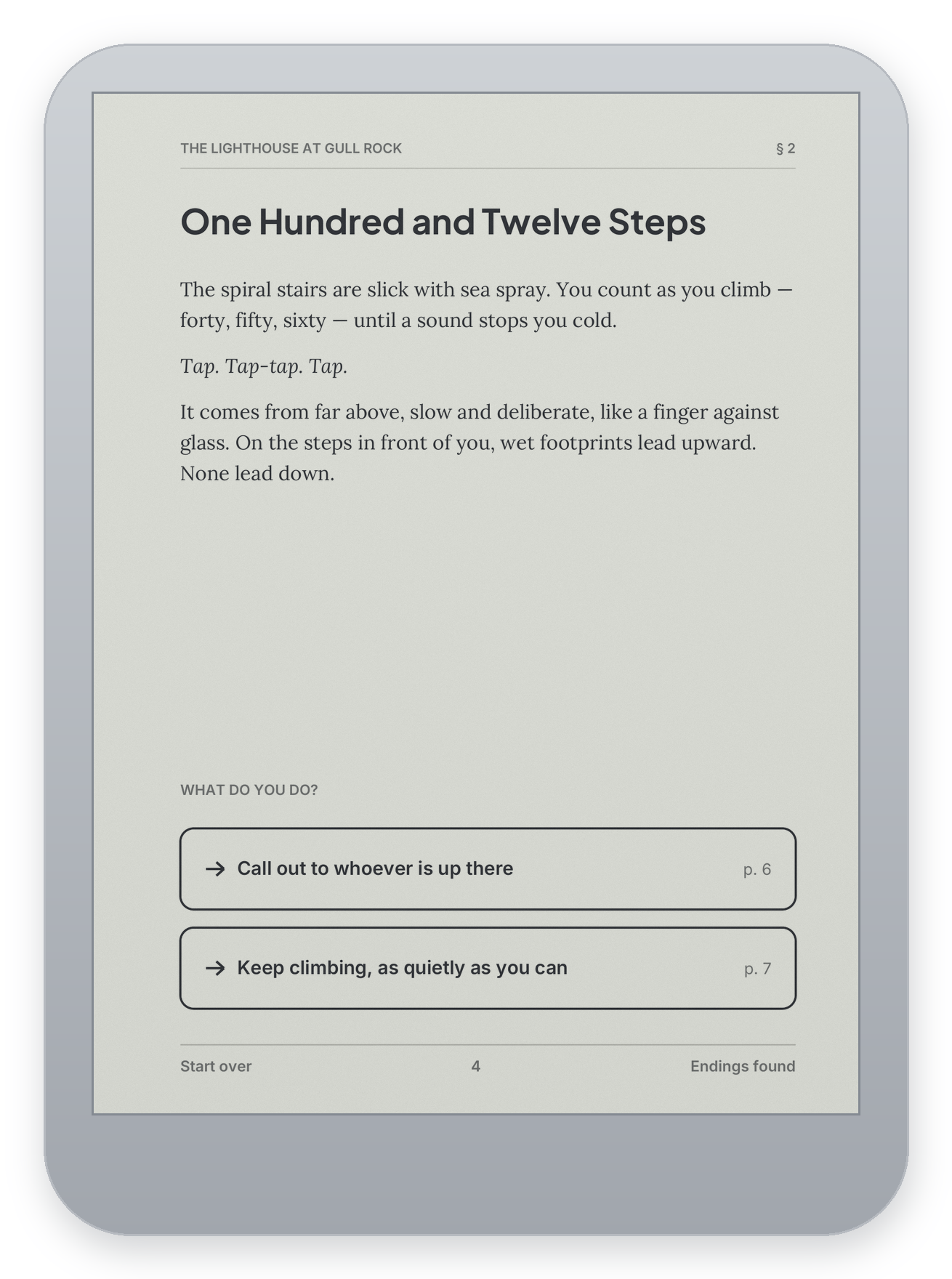
You decide what happens. Each page ends with a choice. Tap it, and the story jumps to where your decision leads. Climb the tower or search the cottage? Light the lamp or answer the signal?
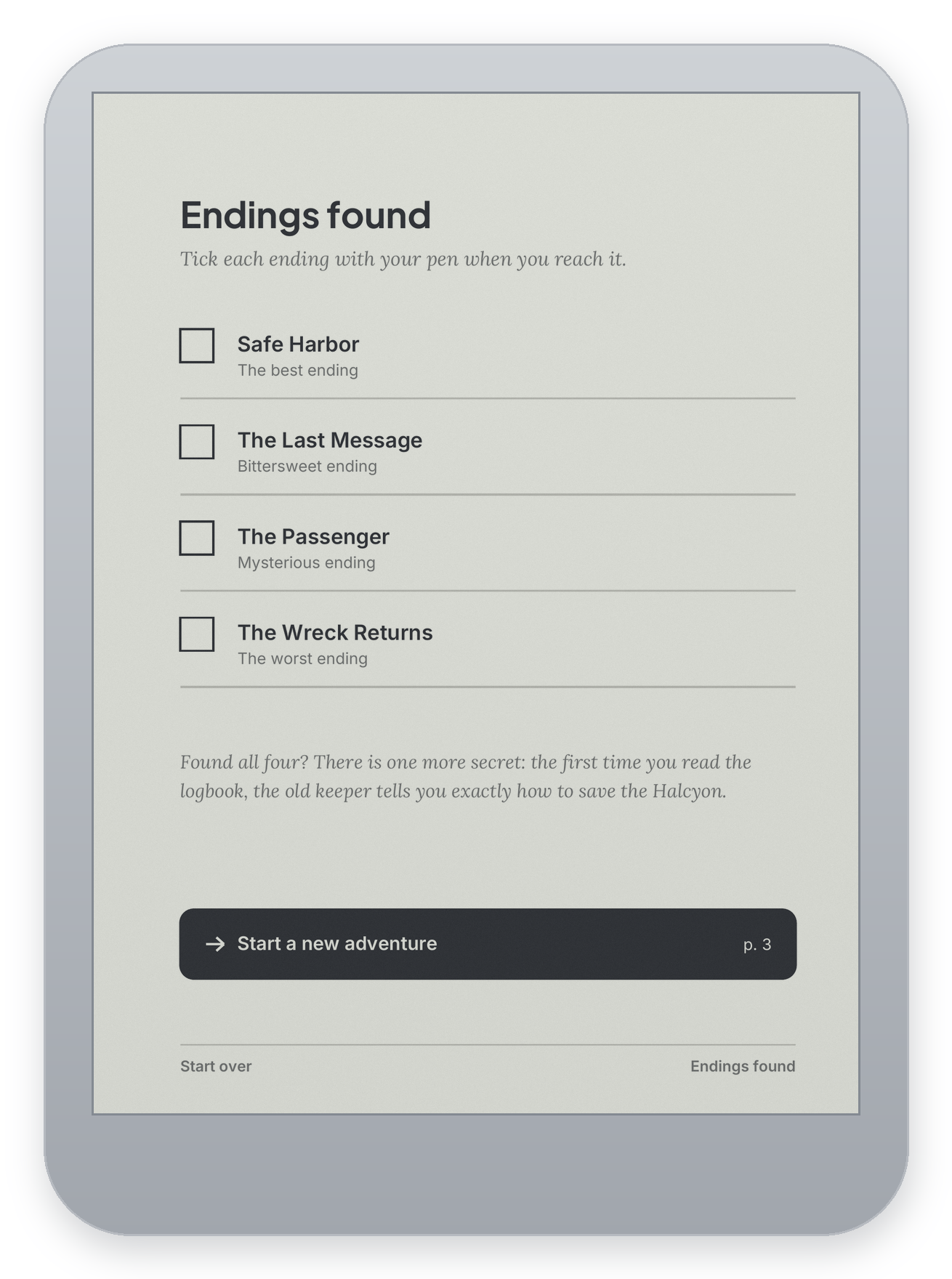
Four endings to discover: one good, one bad and two strange. Tick each one off with your pen on the Endings found page, then start over and try another path.
- 12 illustrated passages, about 10–15 minutes per playthrough
- Every choice is a tappable link, with no app needed
- Designed for the reMarkable Paper Pro screen: large, clear text made for e-ink
- Free: download and start reading straight away
Works on reMarkable Paper Pro and Paper Pro Move.
How to add it to your tablet
Download your file
After purchase, download the PDF or .rmdoc from your order confirmation page or the email we send you. Free files download straight away.
Open the reMarkable app
Open the reMarkable desktop app on your computer, signed in to the same account as your tablet.
Add it to My files
Drag the file into My files in the app. It syncs to your tablet in a few seconds. On your phone, you can also import a PDF from the reMarkable mobile app.
Open it on your tablet
Find it in My files on your Paper Pro and tap to open. Tap the tabs and links to move around, and write anywhere with your Marker.
No Developer Mode, no TabletBob Installer and nothing to install: it's a regular file that opens on any reMarkable, like your other notebooks and PDFs.