
The Lost Map of Hollow Pines — Illustrated PDF Interactive Adventure
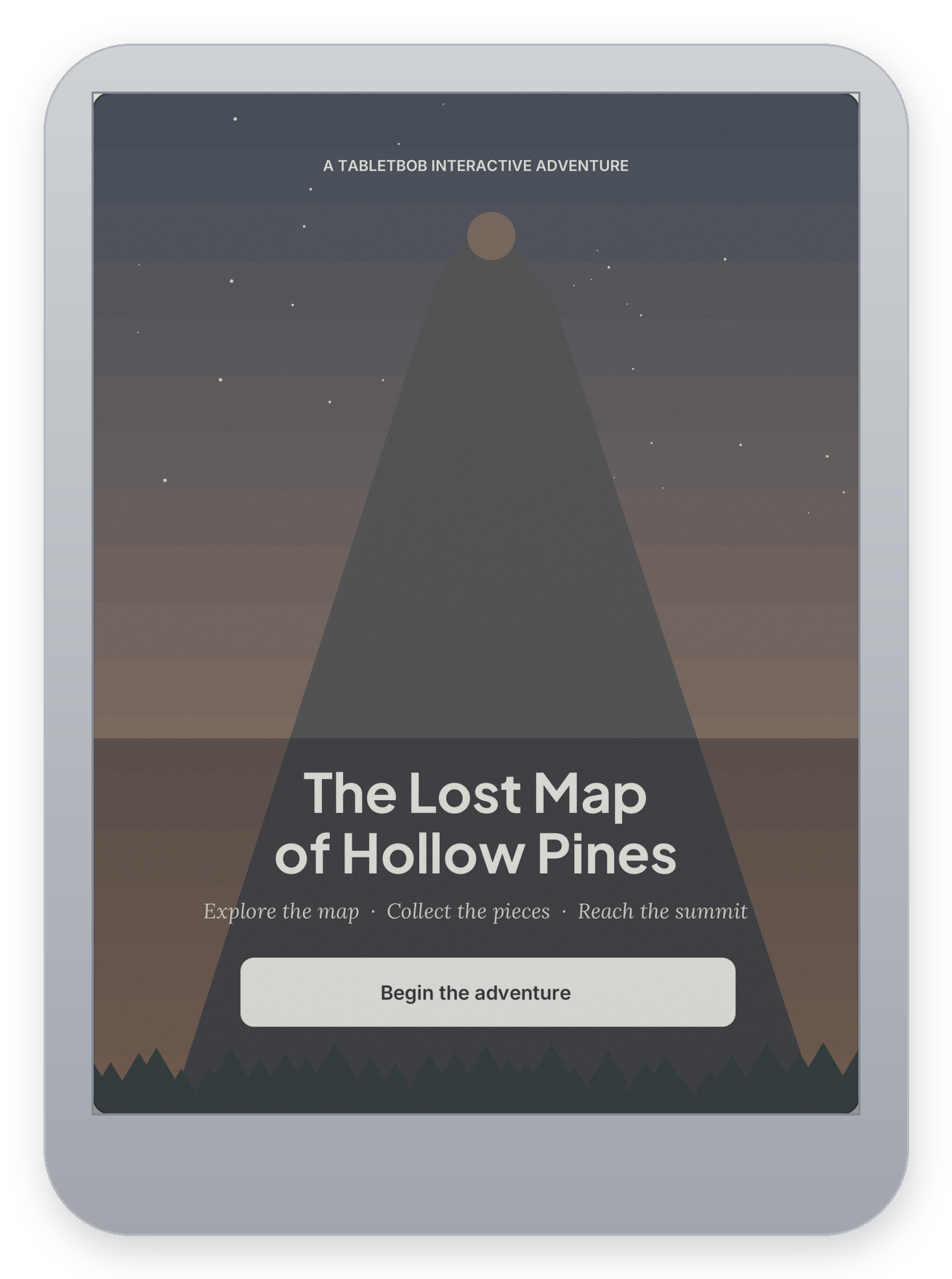
An illustrated adventure for your reMarkable. Explore a tappable map, collect items in your pack with the pen, and find the three missing map pieces to reach Grandfather’s secret on Ember Peak.
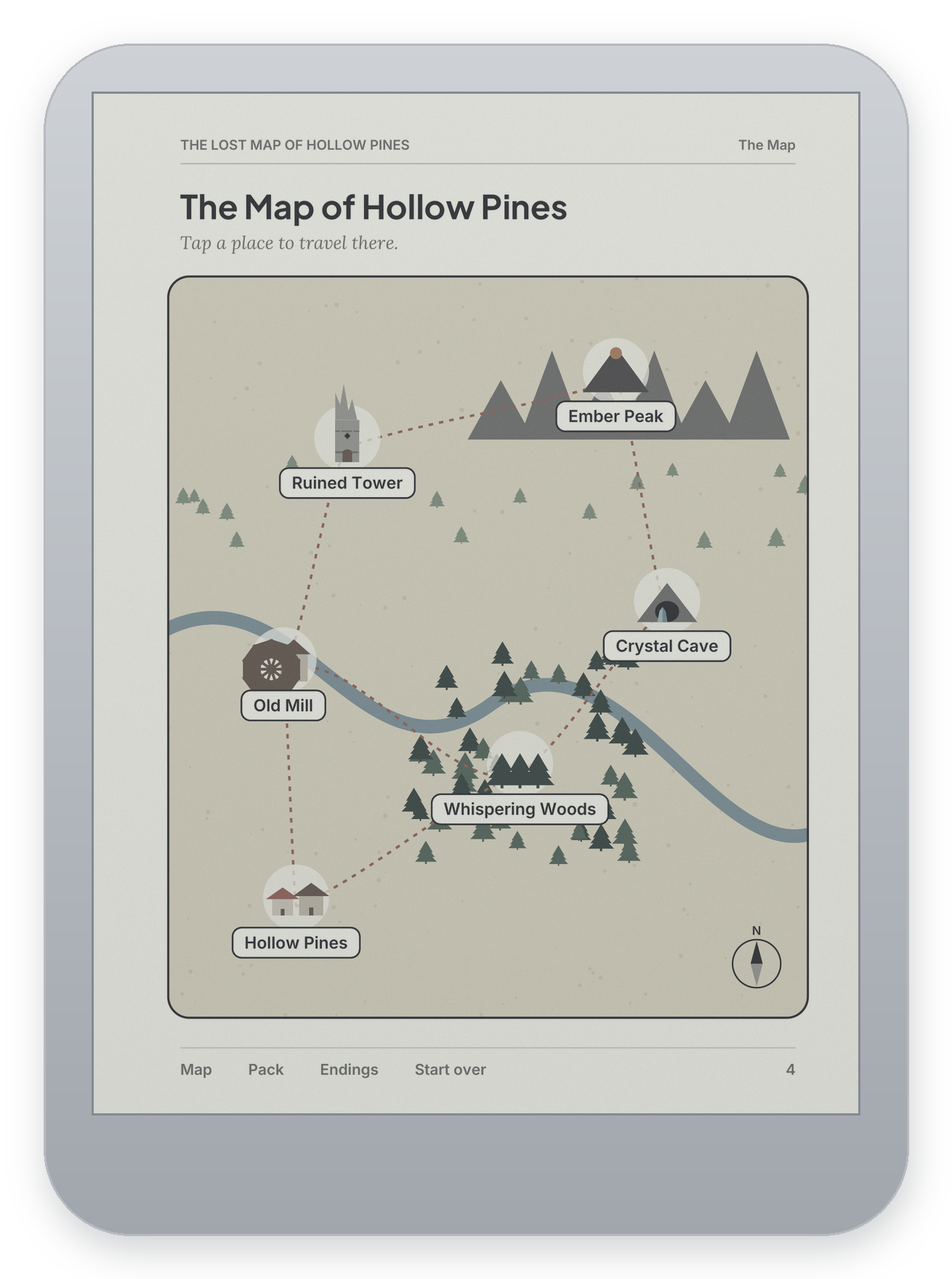
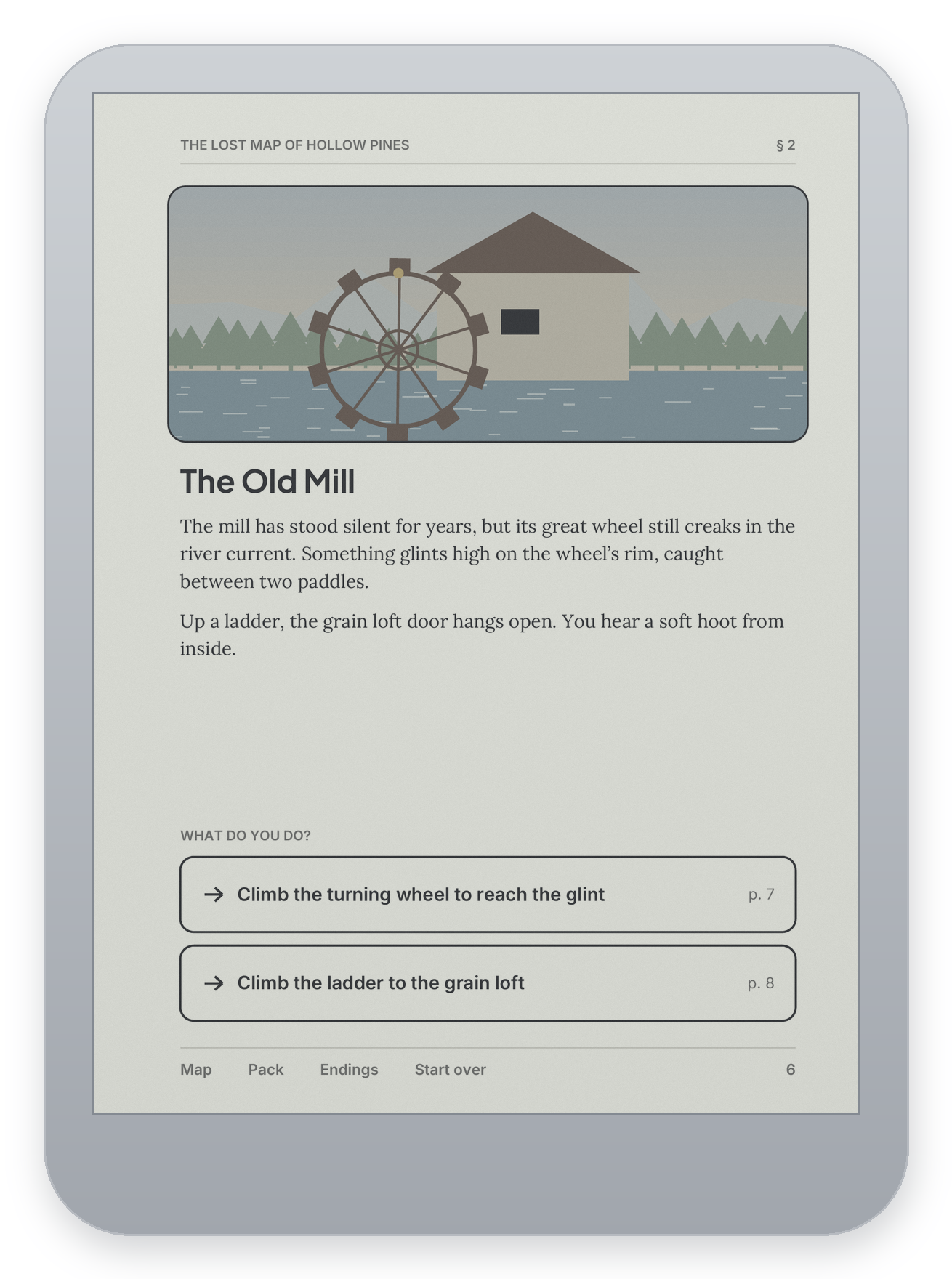
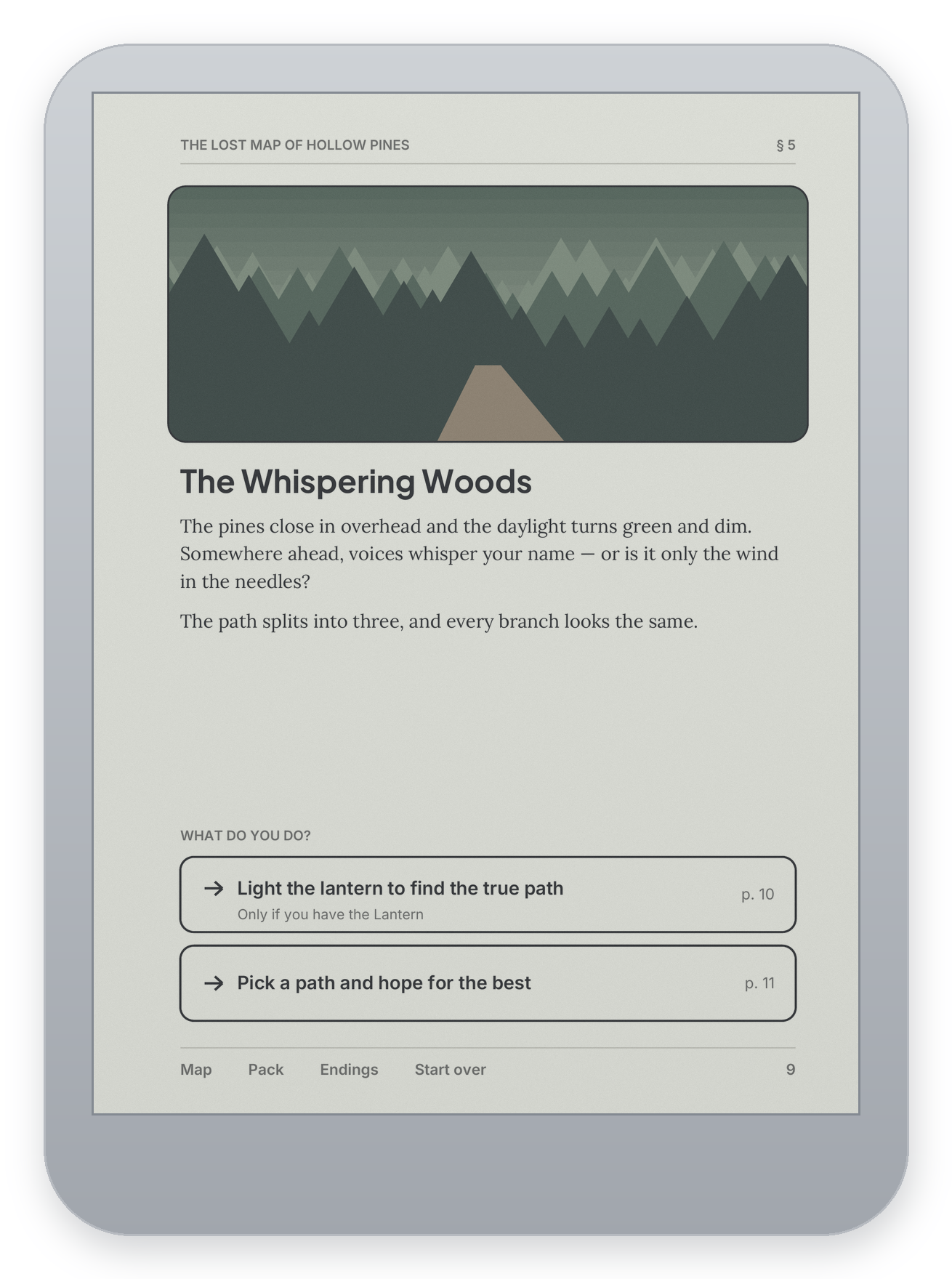
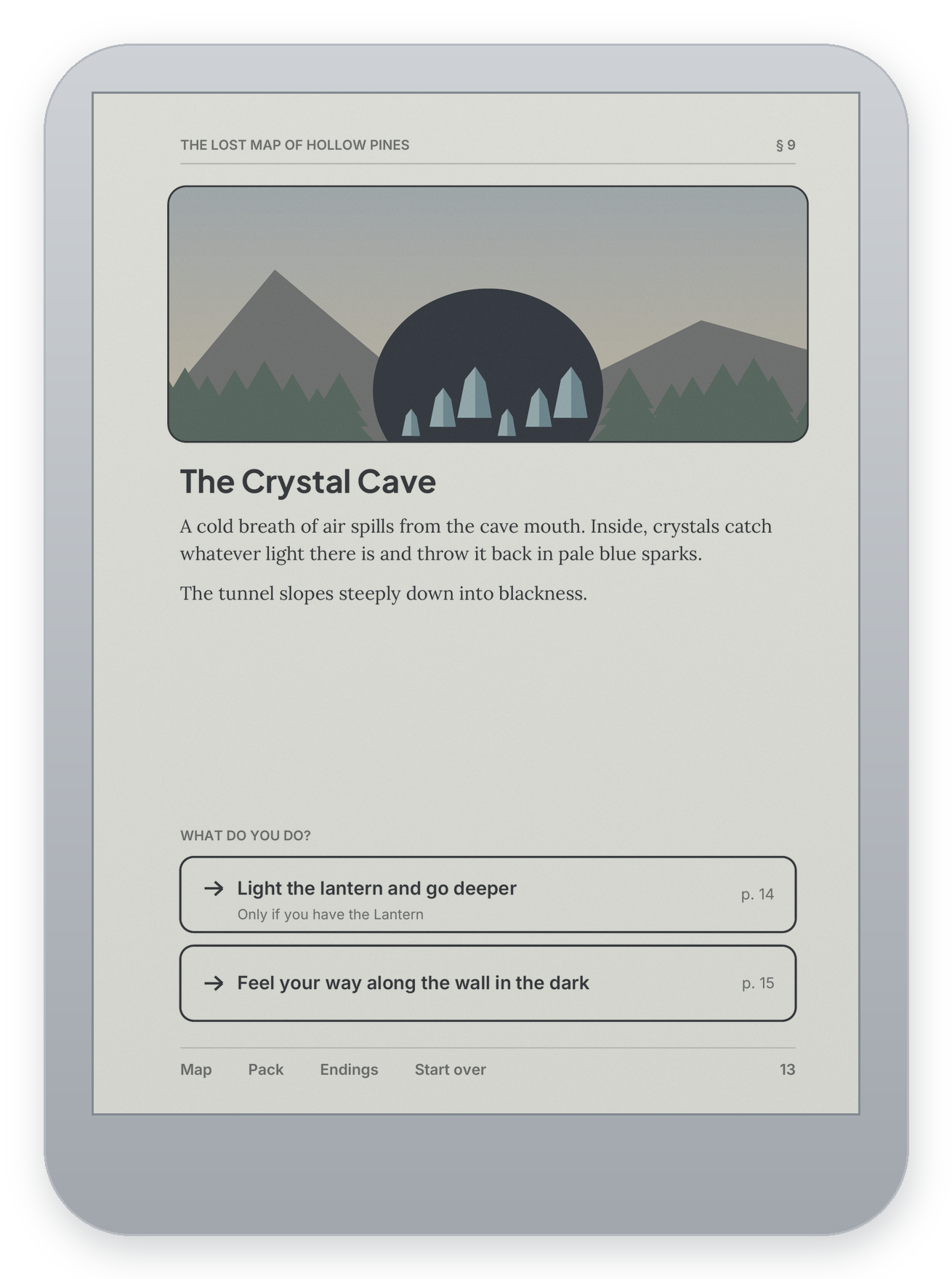
Grandfather left you half a map and one last mystery. Three pieces are hidden around Hollow Pines: in an old mill, deep in the whispering woods and at the bottom of a crystal cave. Find them all, and the hidden path up Ember Peak will reveal itself.
Explore at your own pace. Tap any place on the illustrated map to travel there, in any order. Each scene has its own hand-drawn colour illustration.
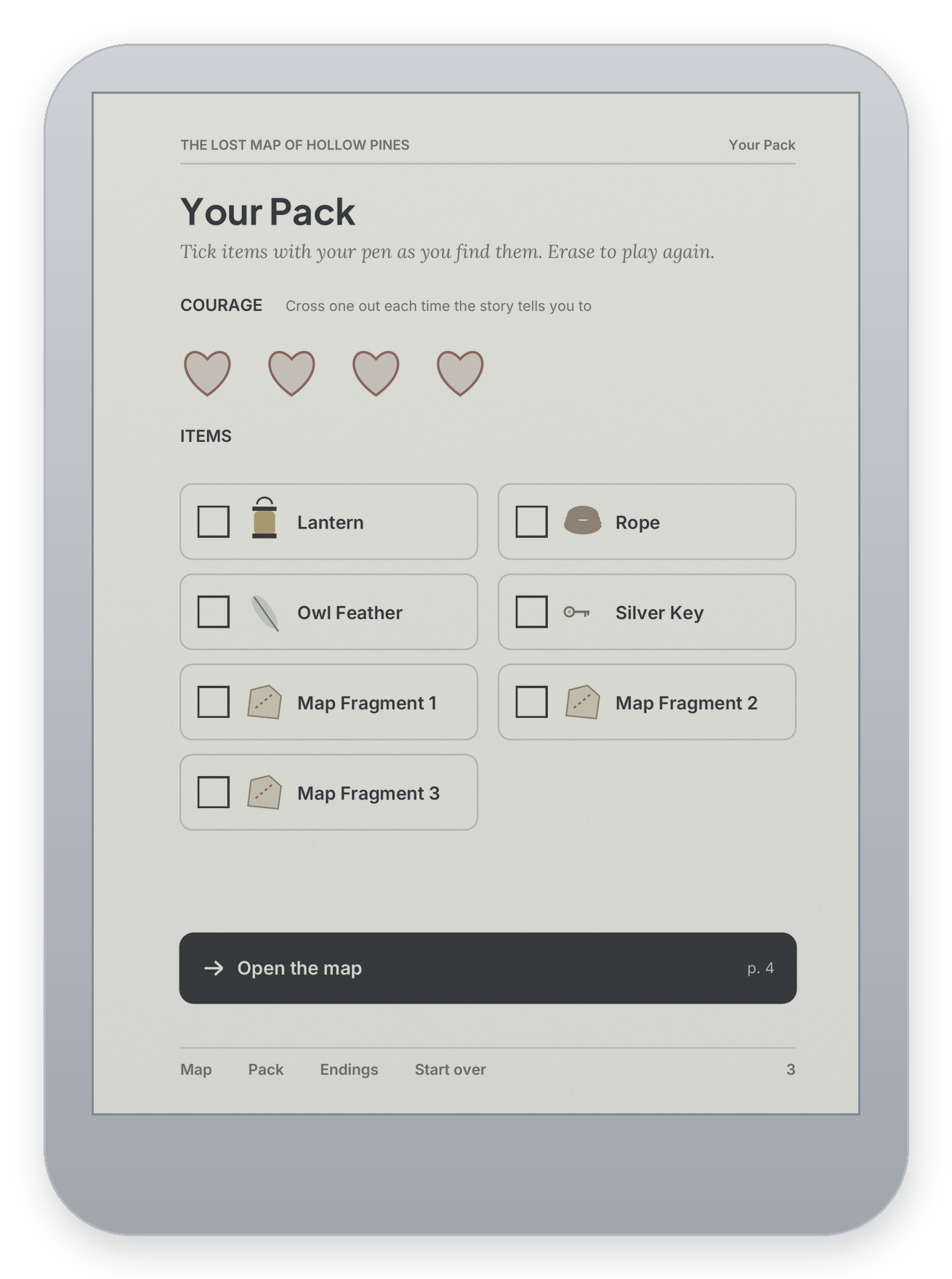
Play with your pen. Keep track of your Courage and tick off what you find on your Pack page: a lantern, a rope, an owl’s feather, a silver key. Some paths only open if you’ve found the right item, and a wise old owl won’t hand over its secret until you solve its riddle.
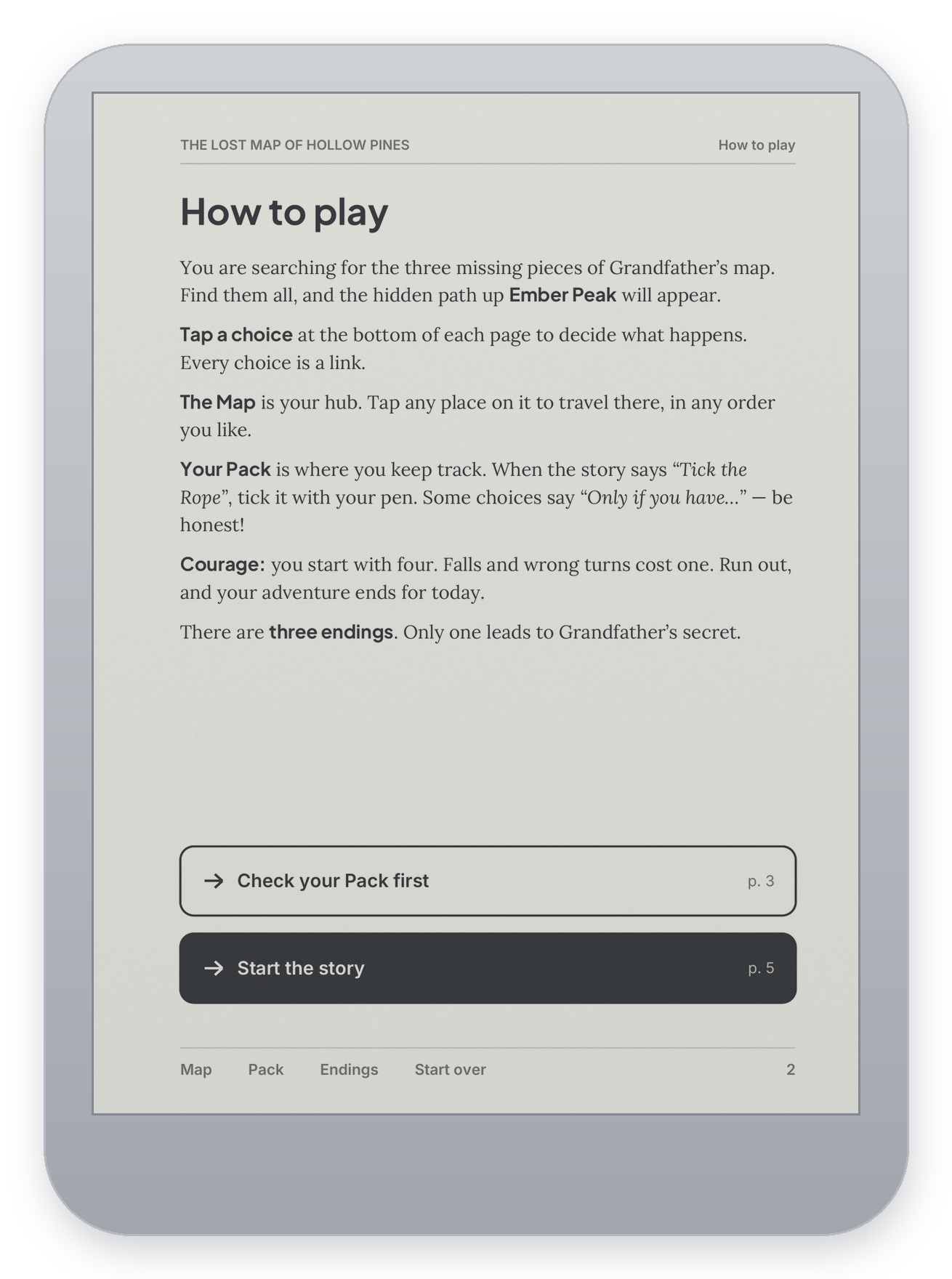
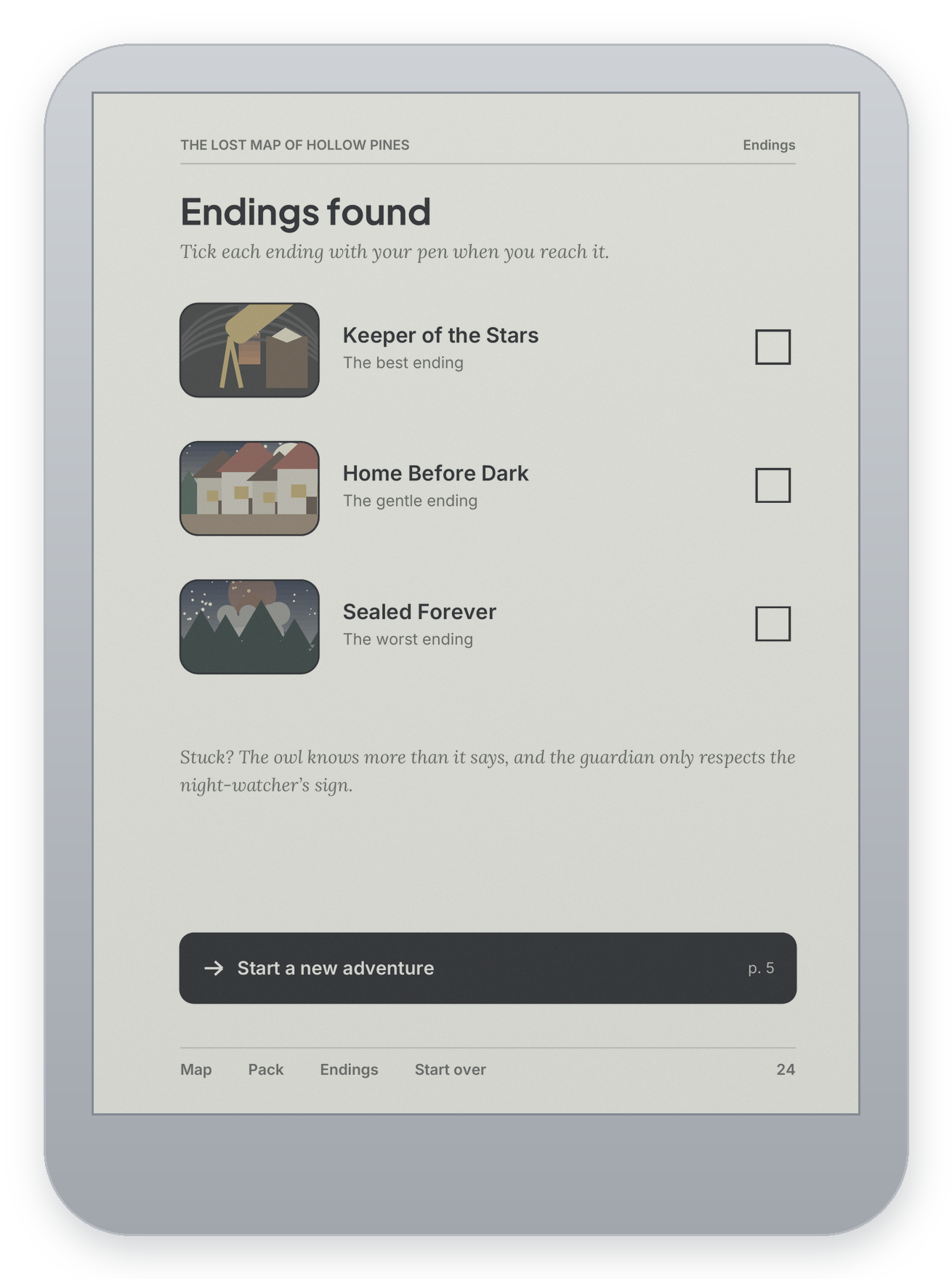
Three endings, only one of which leads to Grandfather’s secret. Erase your pack, start again, and try a different route.
- 19 illustrated scenes and a tappable map
- Pen-and-paper pack: courage, items and map fragments
- Puzzles, item-locked paths and three endings
- About 20–30 minutes per playthrough, with lots of replay value
- Made for the reMarkable Paper Pro’s colour screen; also works on Paper Pro Move
No app needed. It’s a PDF with tappable links that opens like any other document.
How to add it to your tablet
Download your file
After purchase, download the PDF or .rmdoc from your order confirmation page or the email we send you. Free files download straight away.
Open the reMarkable app
Open the reMarkable desktop app on your computer, signed in to the same account as your tablet.
Add it to My files
Drag the file into My files in the app. It syncs to your tablet in a few seconds. On your phone, you can also import a PDF from the reMarkable mobile app.
Open it on your tablet
Find it in My files on your Paper Pro and tap to open. Tap the tabs and links to move around, and write anywhere with your Marker.
No Developer Mode, no TabletBob Installer and nothing to install: it's a regular file that opens on any reMarkable, like your other notebooks and PDFs.