
ibob net browser
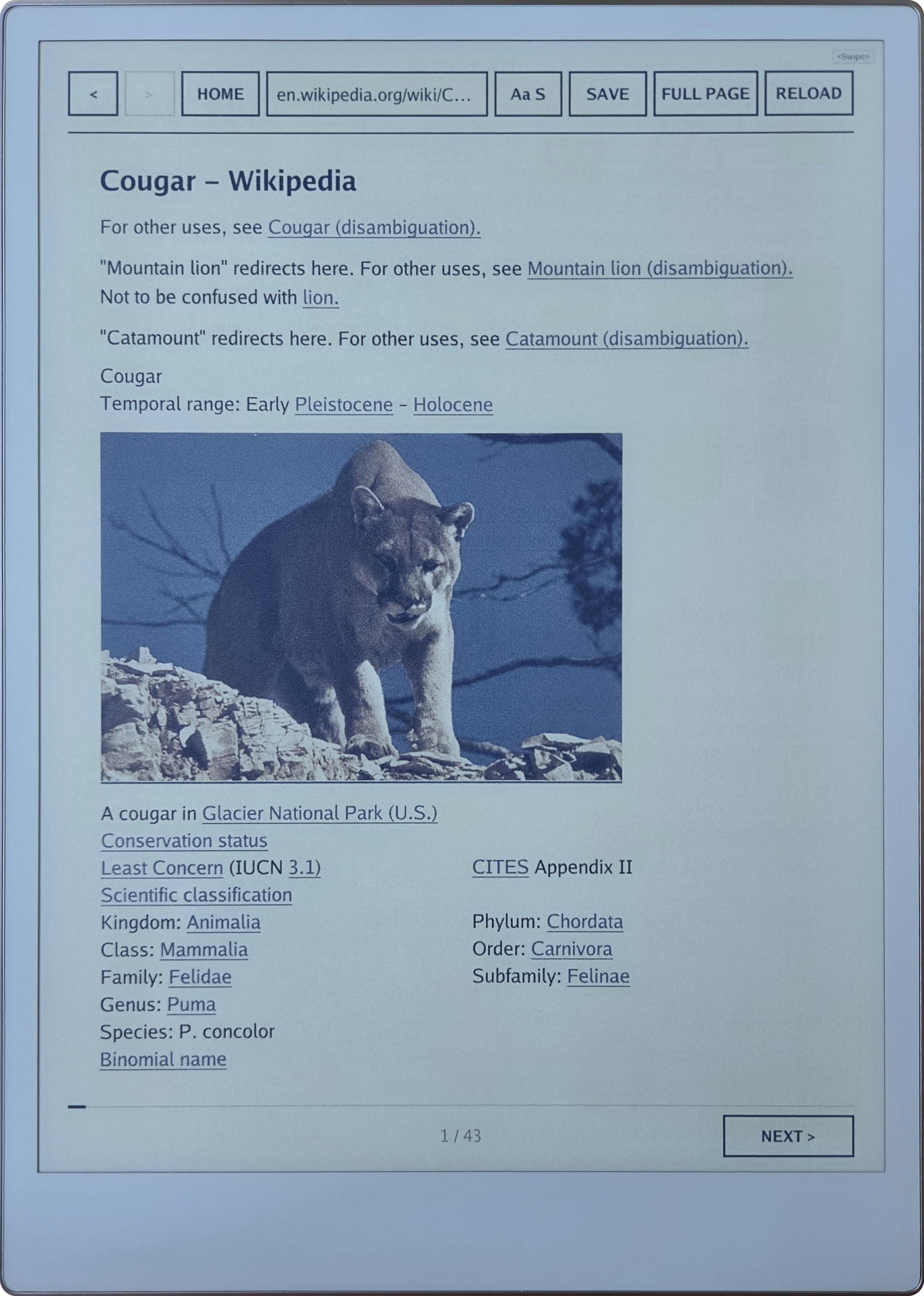
iBob Net is a fast, distraction-free web browser built specifically for the reMarkable Paper Pro and Paper Pro Move that converts web pages into ad-free, book-like pages you can turn instead of scroll
iBob Net: a web browser made for e-ink
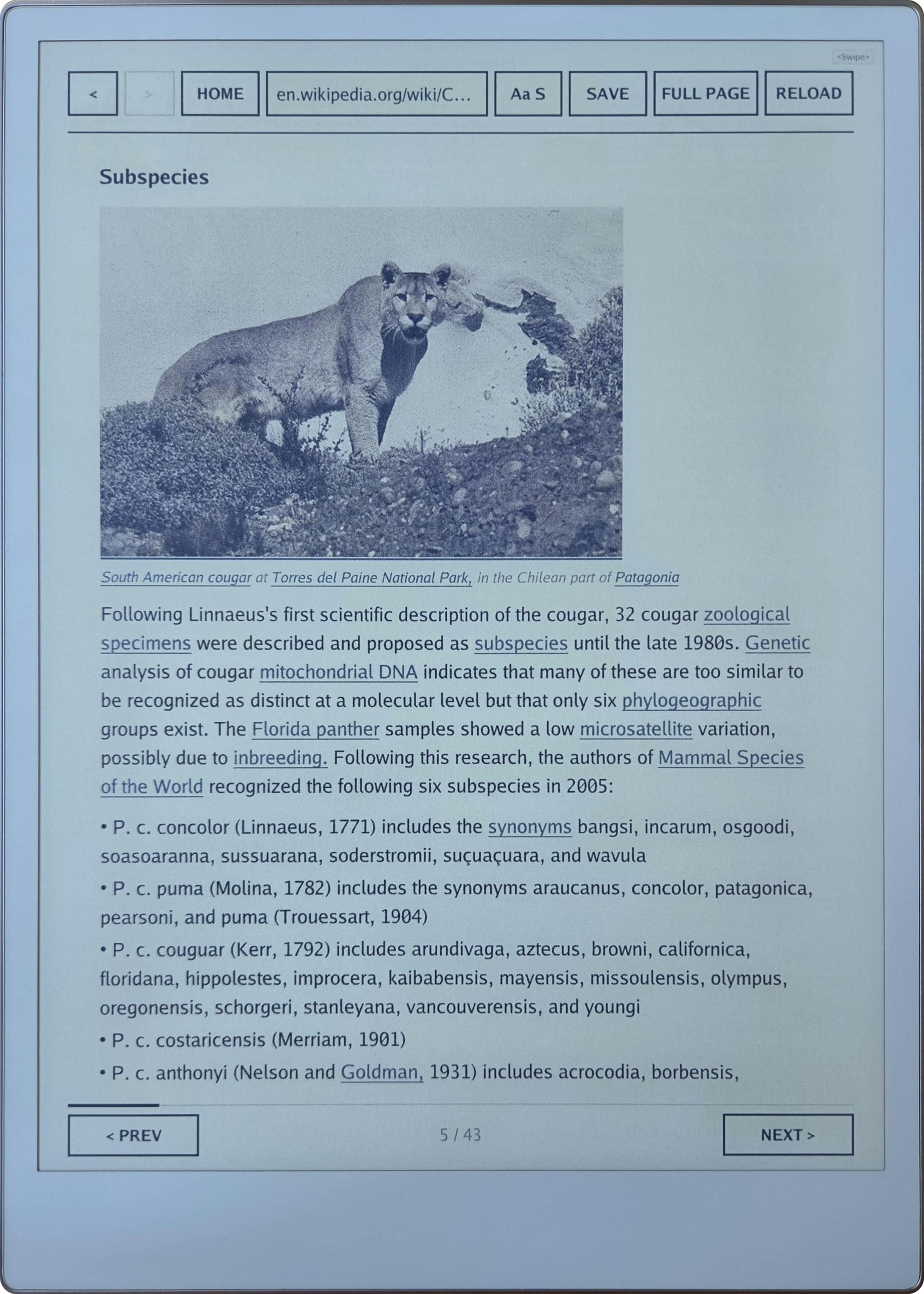
iBob Net turns web pages into clean, book-like pages on your reMarkable Paper Pro or Paper Pro Move. Instead of scrolling through cluttered sites, you turn pages like a book. Ads and pop-ups are left out, and the text, photos, headings and links are kept and laid out to fit your screen.
How it works
iBob Net downloads a page and lays out its content in screens sized for your tablet. On news and blog posts, Article view shows just the story; Full Page shows everything on the page, starting with the content, with the site’s menus gathered at the end. Tables are packed neatly and photos are fitted to the page, so you turn fewer pages.
Pages that need JavaScript
iBob Net is fast and light because it doesn’t run website scripts on its own. When a page comes back empty, tap Open in Full Browser and iBob Net loads it in a real browser, either on your tablet, on your computer, or through an online reading service, then shows it in the same clean layout.
Getting around
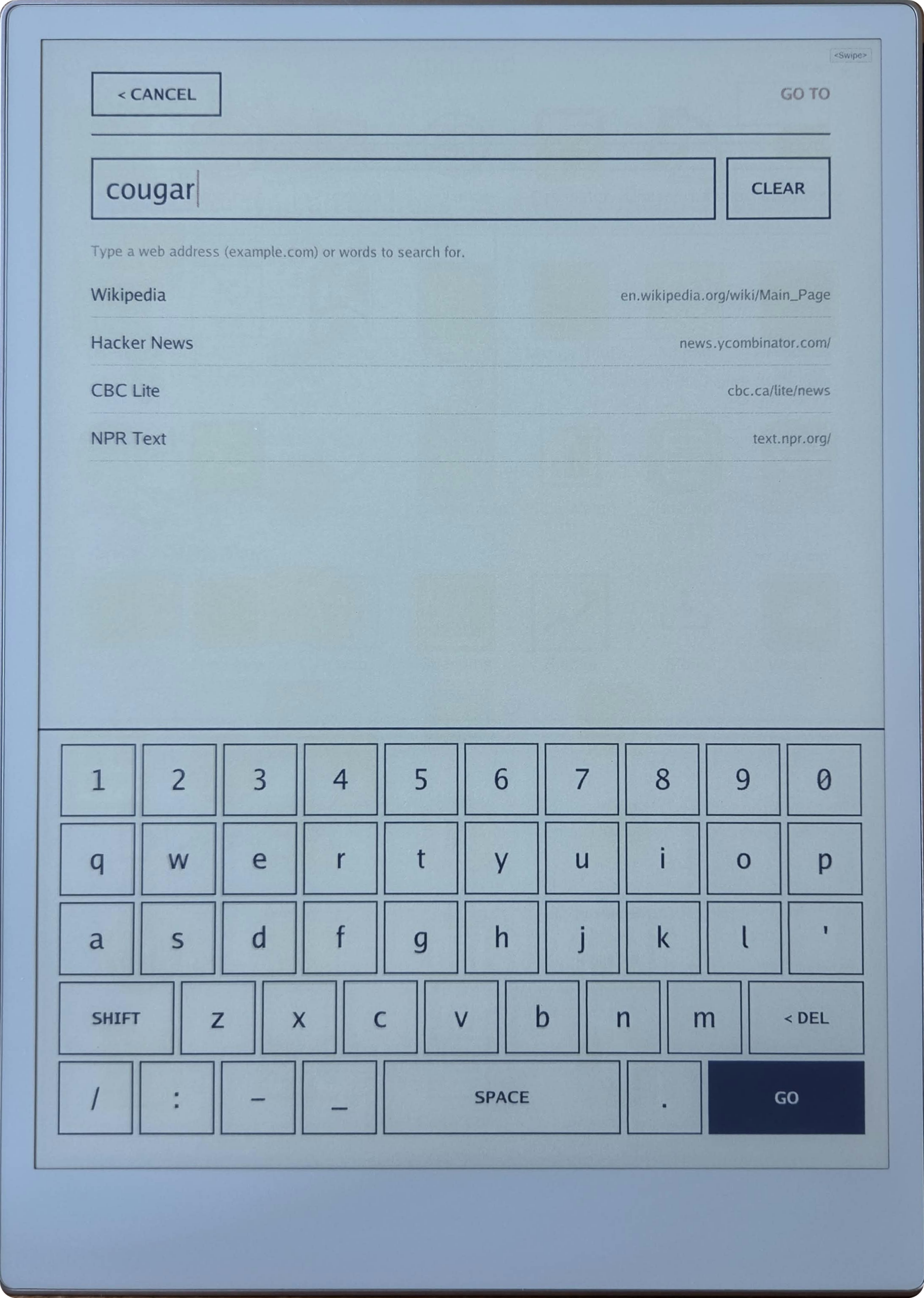
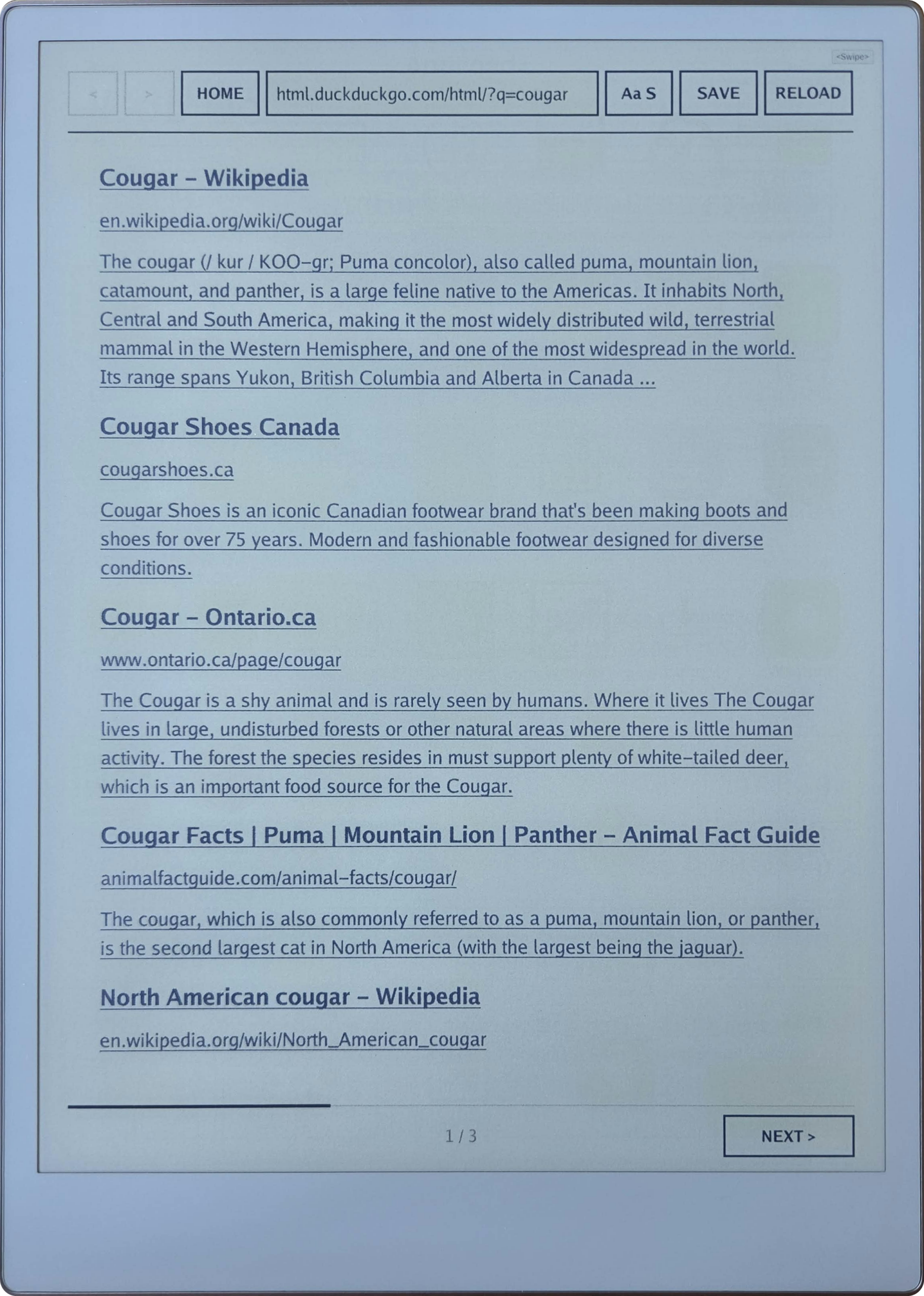
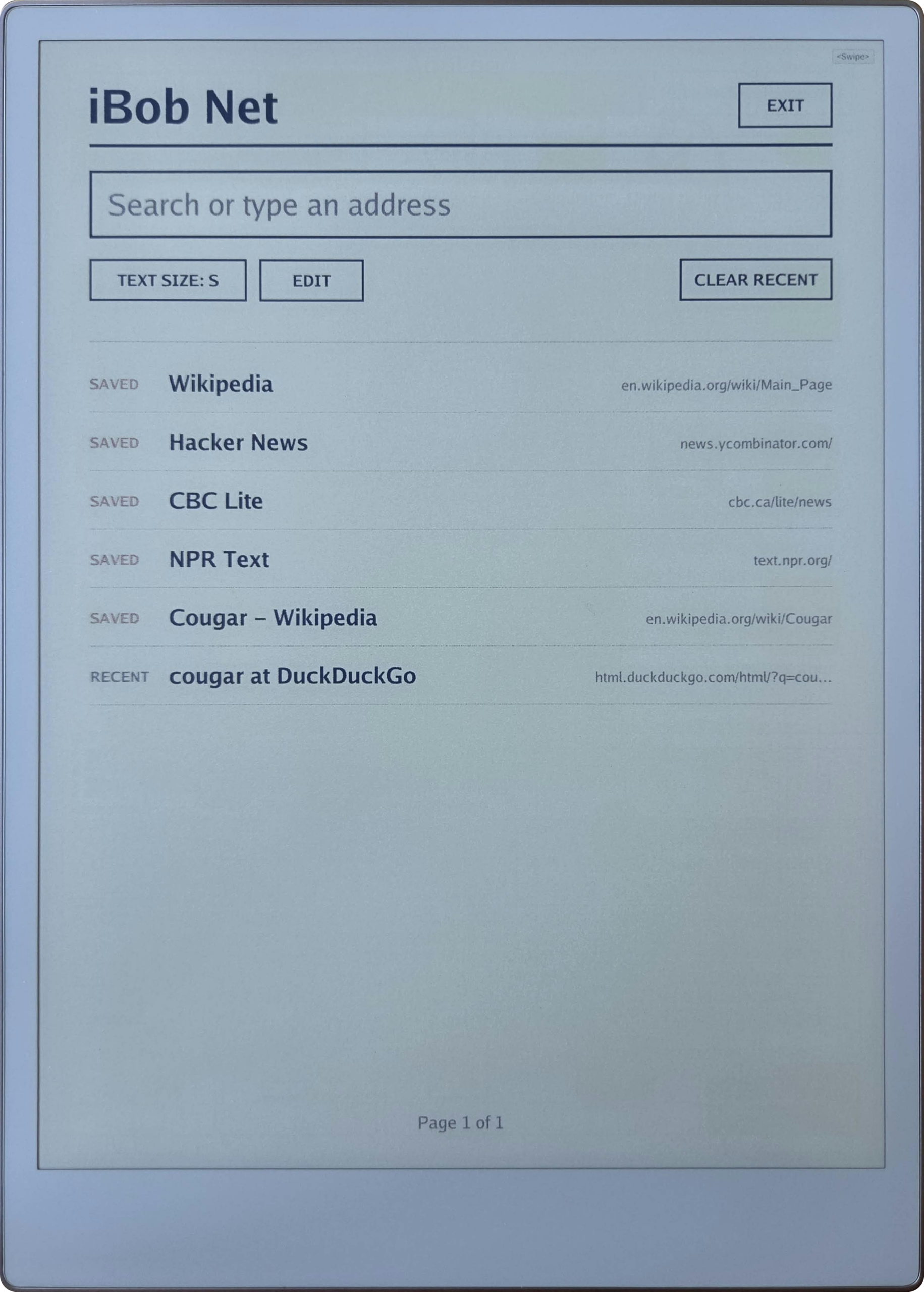
- Search or go to a site: tap the box on the home screen and type an address or a few words to search.
- Turn pages: swipe with your finger, tap NEXT or PREV, or tap the right side of the page to go forward and the left side to go back.
- Follow links: links are blue and underlined; just tap one.
- Navigate: use the back and forward arrows, HOME, and RELOAD at the top.
- Text size: tap Aa on any page to switch between four reading sizes.
- Bookmarks: tap SAVE on any page to keep it on your home screen; EDIT removes bookmarks.
- History: recent pages appear on the home screen; CLEAR RECENT (tap twice) removes them.
Selecting text
Drag the pen across words, or hold a finger on a word and slide. Then choose:
- Copy: paste the words into any text box.
- Search: look the words up instantly.
- Save Clip: keep the passage, with a link back to its page, in Clippings on your home screen.
Works on both tablets
One app for the Paper Pro and the Paper Pro Move, with every screen laid out for the tablet it’s running on.
How to install
Download the ZIP
After purchase, you'll receive a download link by email. Save the ZIP file to your computer.
Connect your tablet
Connect your reMarkable Paper Pro to your computer via USB and connect the TabletBob Installer.
Copy the files
Install the app via the Tablet Bob Installer. Find how to install our Free AppLoader: Get Tablet Ready
Open the AppLoad Store
Open or Reload the AppLoad Store using the reload arching arrows. Enjoy.
TabletBob apps are third-party tools not affiliated with, endorsed by, or supported by reMarkable AS. Install at your own discretion. We are not responsible for any issues arising from use of these apps on your device.