
The Clockmaker’s Study — Interactive Escape Room reMarkable Pro
An illustrated escape room for your reMarkable. Explore three rooms, uncover clues hidden in the artwork, and crack three real locks before the clock strikes midnight.
$1.99
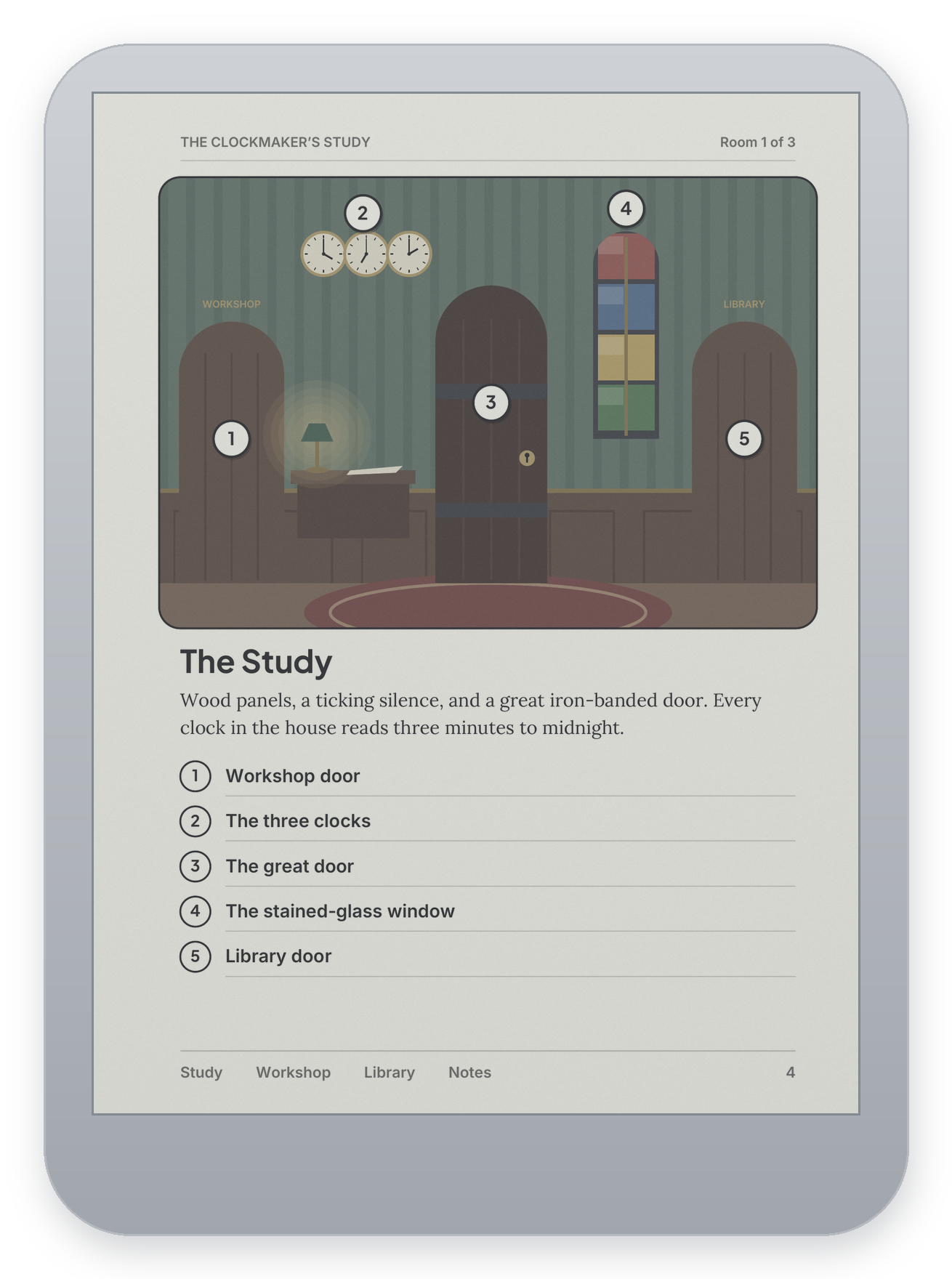
It’s three minutes to midnight, and the door is locked. An eccentric old clockmaker has sealed you inside his study. The great iron door will open only for someone clever enough to solve his three puzzles.
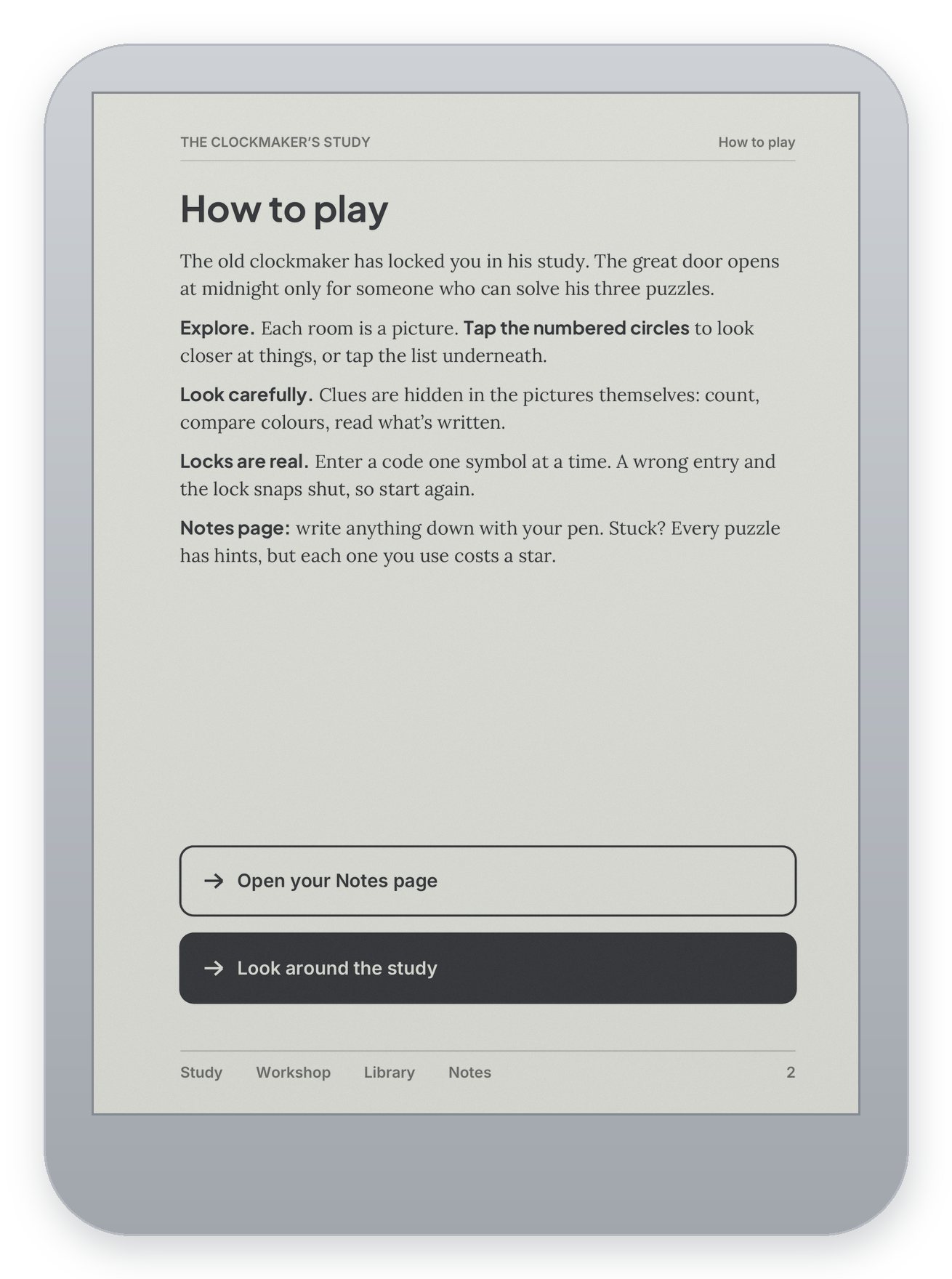
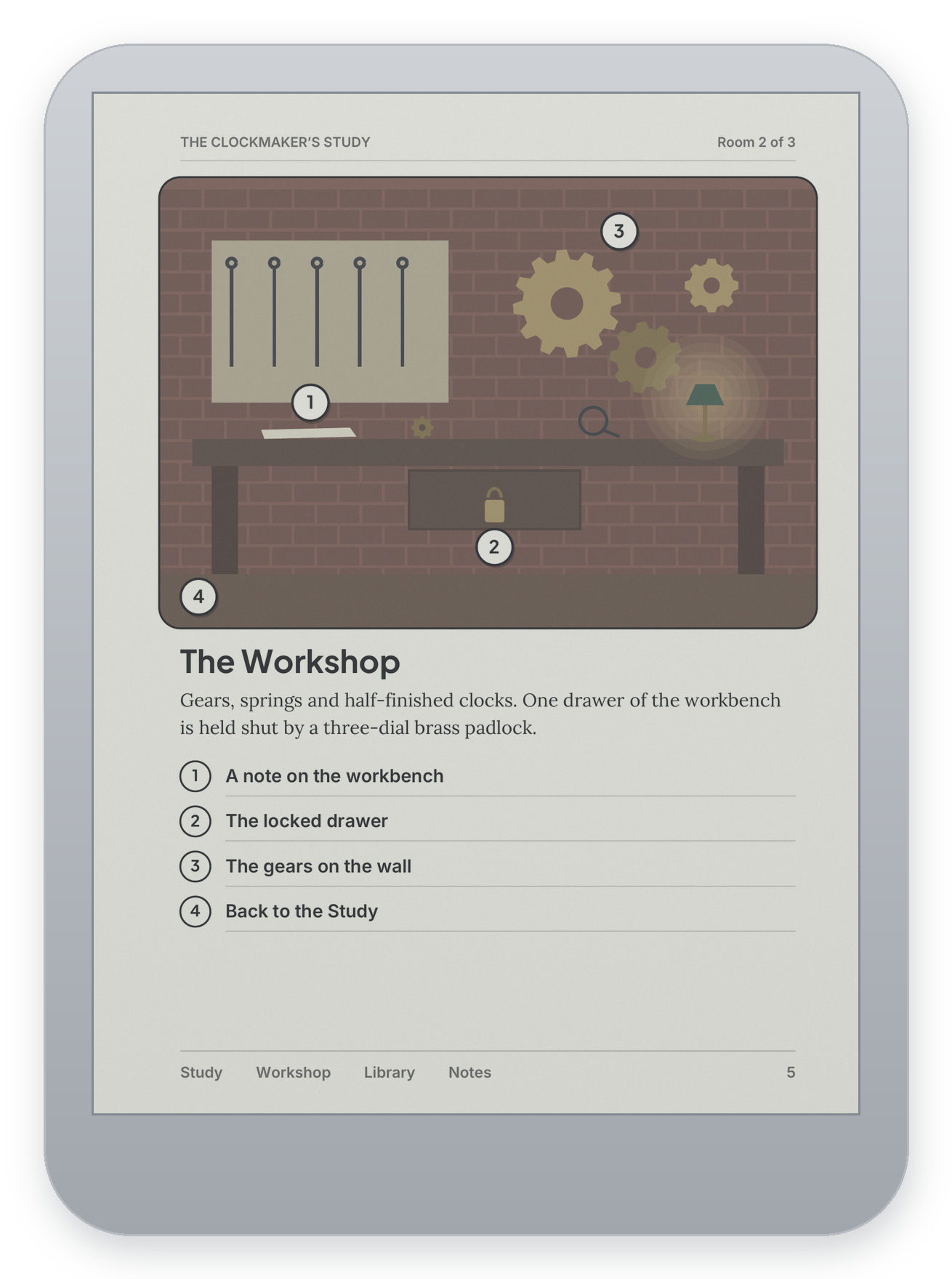
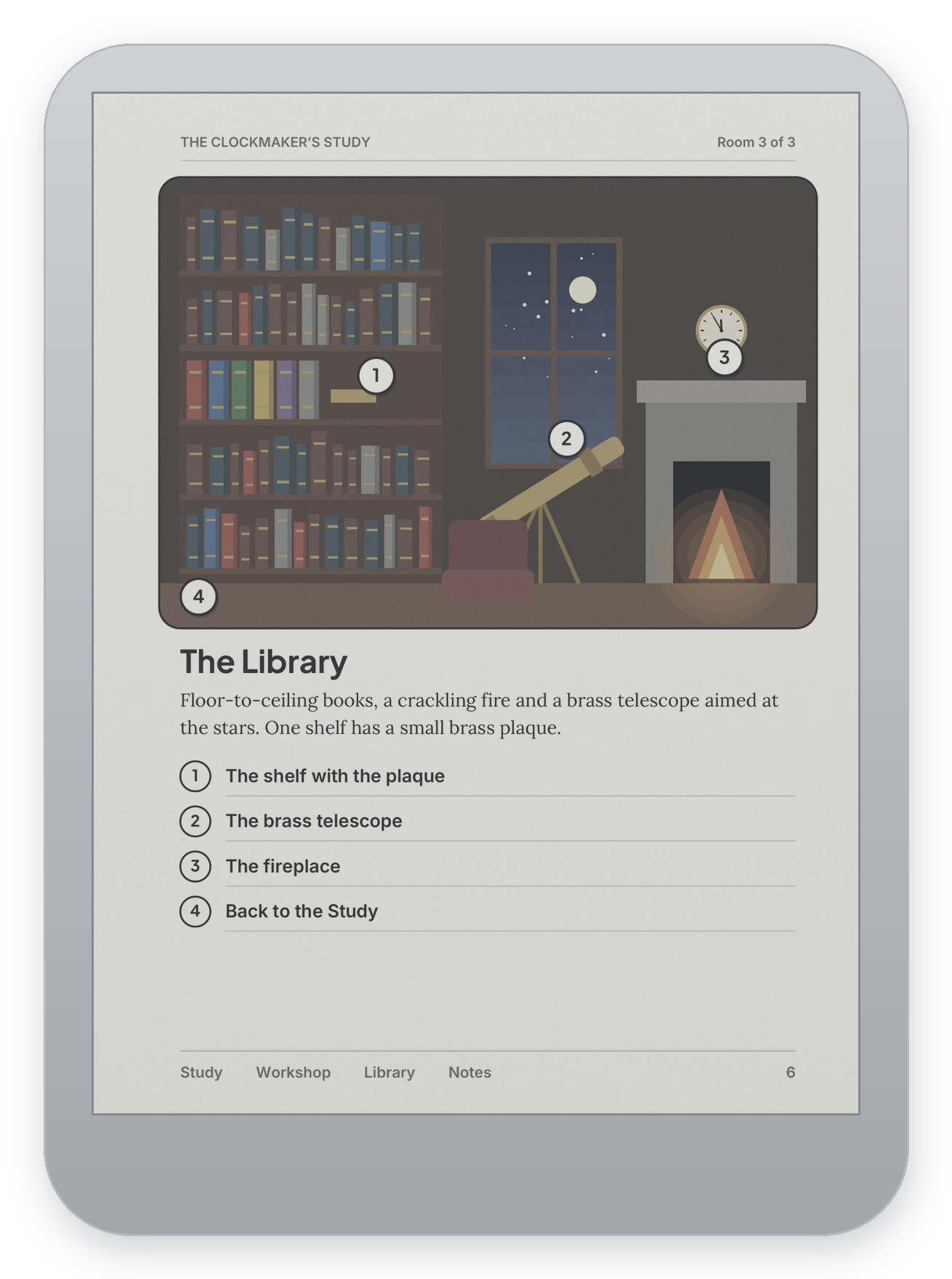
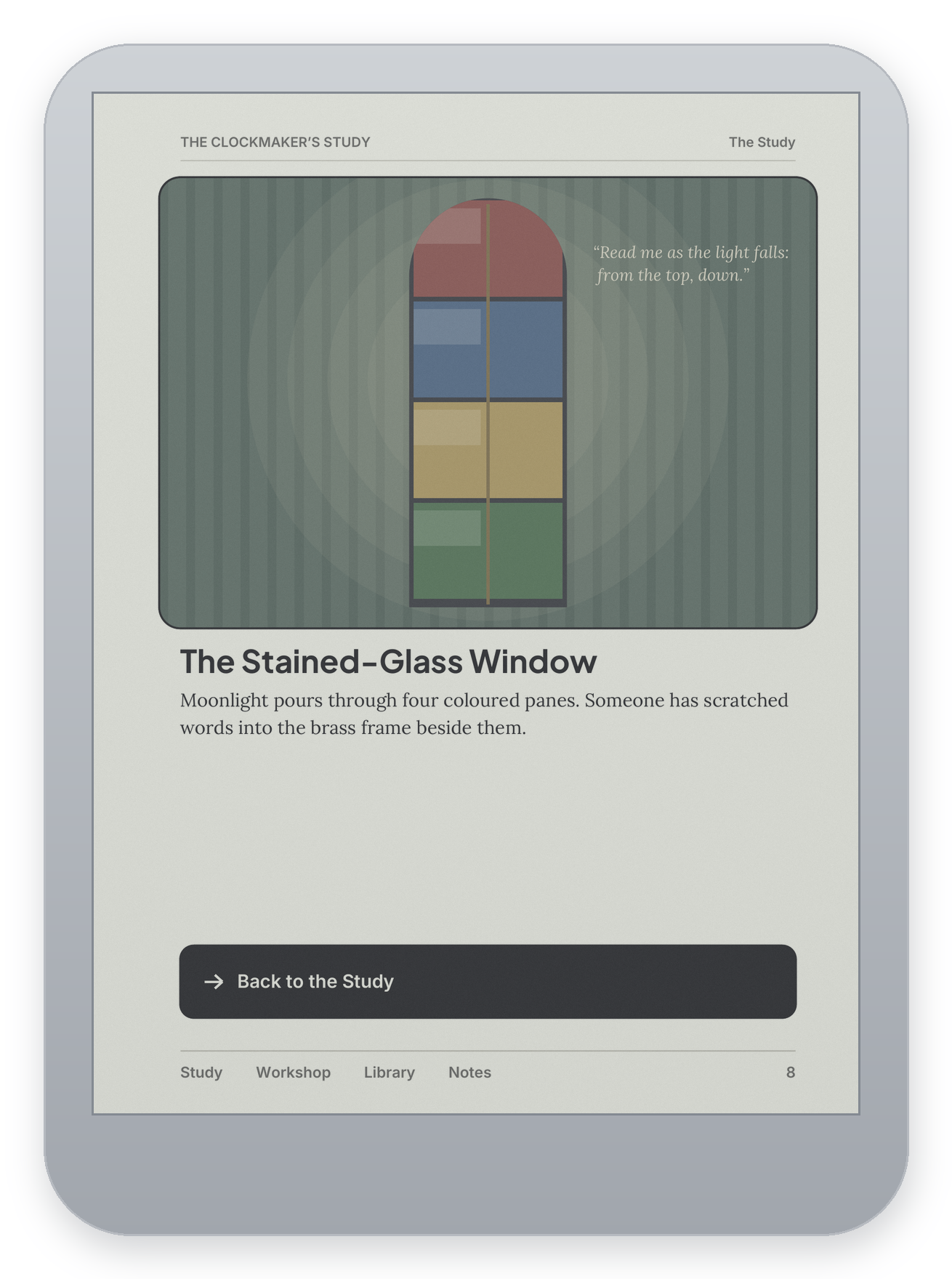
Explore by tapping. Each room — the Study, the Workshop and the Library — is a full-colour illustration. Tap the numbered spots to look closer at stopped clocks, a stained-glass window, a note on the workbench, a brass telescope and more.
Look carefully. The clues are hidden in the pictures themselves. Read what’s written, compare colours, notice what doesn’t add up. Not everything is a clue.
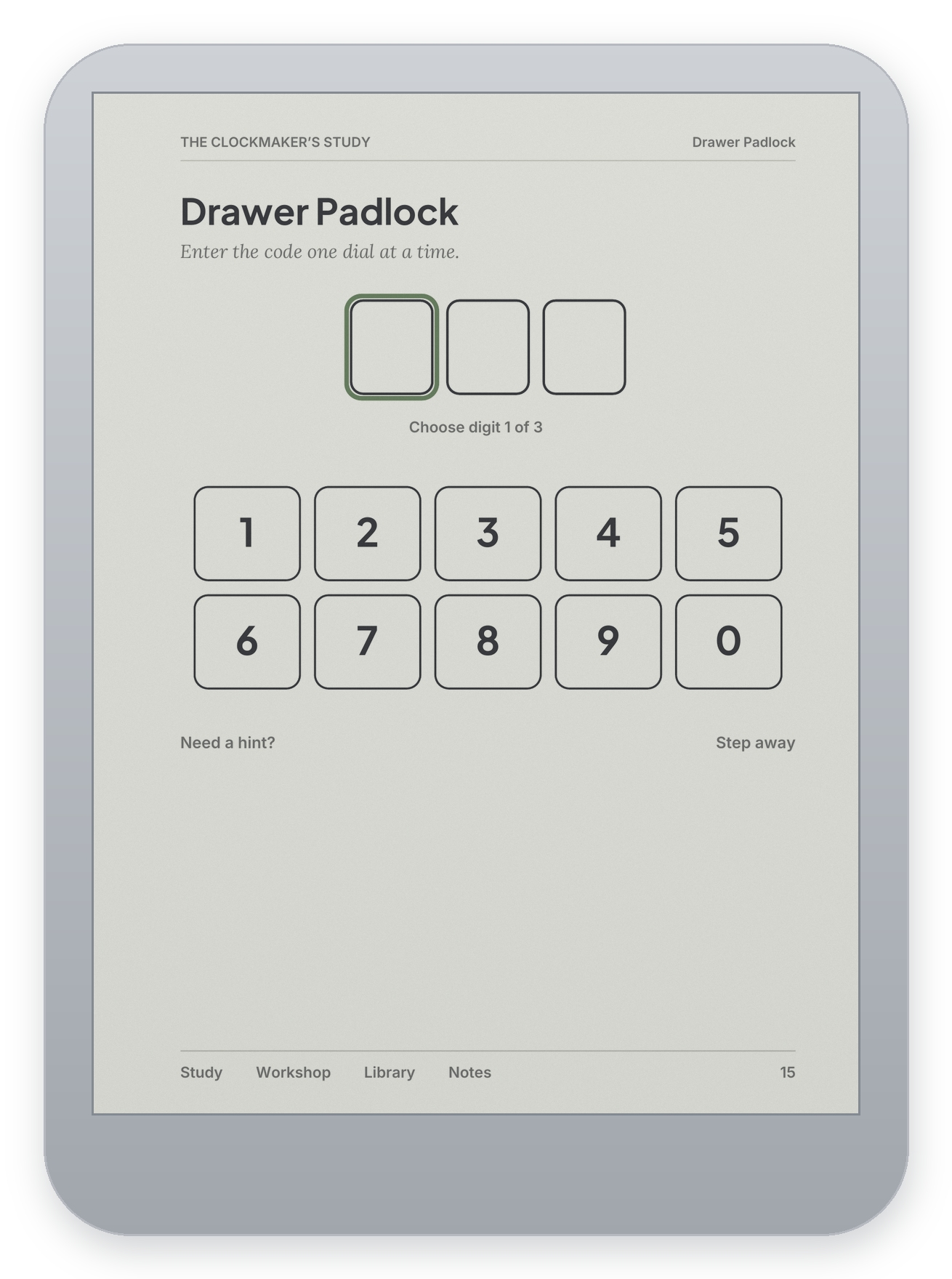
Crack real locks. Enter codes one symbol at a time on a brass padlock, a wall of coloured book levers and a lettered door lock. Get one wrong and the lock snaps shut, so there’s no skipping ahead.
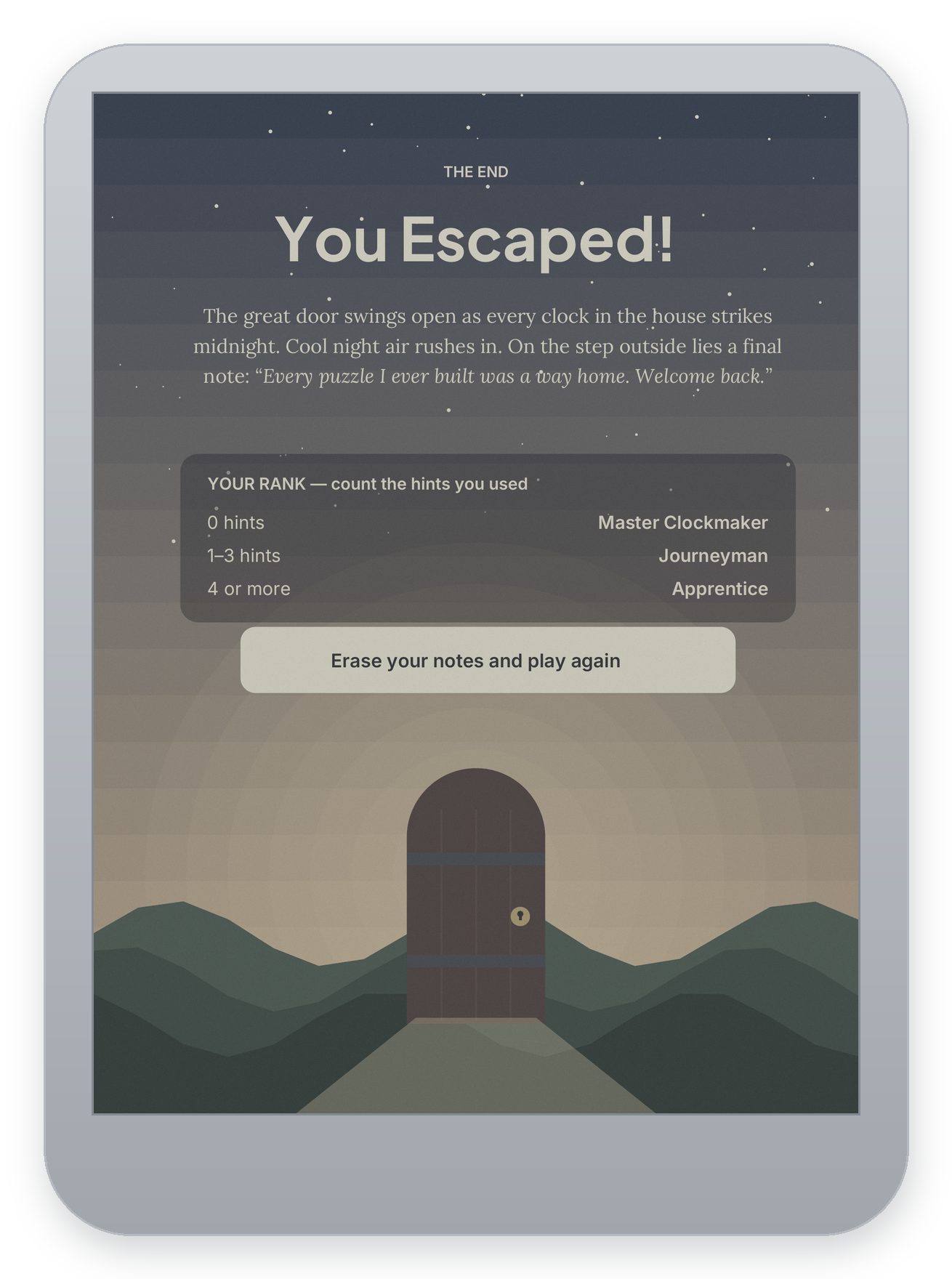
Play with your pen. Jot down clues on the Notes page, tick off what you find, and keep count of your hints. Stuck? Every puzzle has three levels of hints, but each one costs you. Finish with zero hints to earn the rank of Master Clockmaker.
- 3 illustrated rooms and 9 close-ups to explore
- 3 locks that really check your answer: digits, colours and letters
- A cipher to decode and red herrings to avoid
- Built-in hints and an end-of-game rank
- About 20–40 minutes of play; erase your notes to play again or pass it to a friend
- Designed for the reMarkable Paper Pro’s colour screen; also works on Paper Pro Move
No app needed: it’s a PDF with tappable links that opens like any other document.
How to add it to your tablet
Download your file
After purchase, download the PDF or .rmdoc from your order confirmation page or the email we send you. Free files download straight away.
Open the reMarkable app
Open the reMarkable desktop app on your computer, signed in to the same account as your tablet.
Add it to My files
Drag the file into My files in the app. It syncs to your tablet in a few seconds. On your phone, you can also import a PDF from the reMarkable mobile app.
Open it on your tablet
Find it in My files on your Paper Pro and tap to open. Tap the tabs and links to move around, and write anywhere with your Marker.
No Developer Mode, no TabletBob Installer and nothing to install: it's a regular file that opens on any reMarkable, like your other notebooks and PDFs.