
World Brief
A curated daily news digest sent to your tablet, no subscription required. Save any article as a PDF. Landscape Supported. Now that's truly remarkable!
$6.99
Full app, free for 3 days. No account or payment needed. It installs the same way as the paid version (see Get Tablet Ready). Buy any time to keep using it.
World Brief
The world’s top stories, ranked and ready to read on your reMarkable.
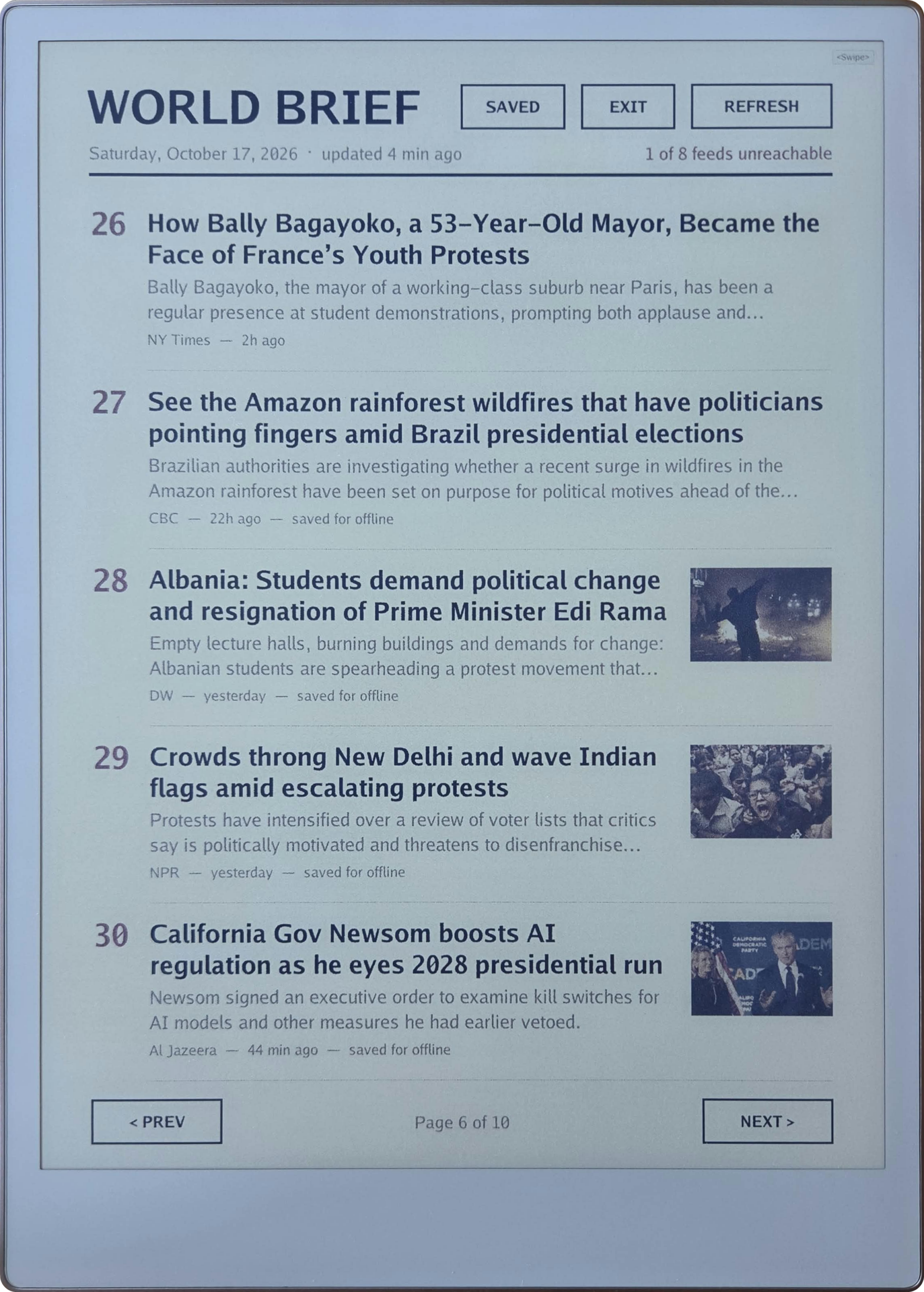
World Brief turns your reMarkable into a calm, ad-free morning paper. It gathers the latest world news from eight major international newsrooms and ranks every story by how many of them are covering it, so what matters most rises to the top on its own. There’s no endless scrolling and no clickbait, just the day’s 50 biggest stories laid out for e-ink.
What you get
- A front page that ranks itself: 50 stories across 10 pages, each with a headline, a short summary, a picture and a badge showing how many outlets are reporting it.
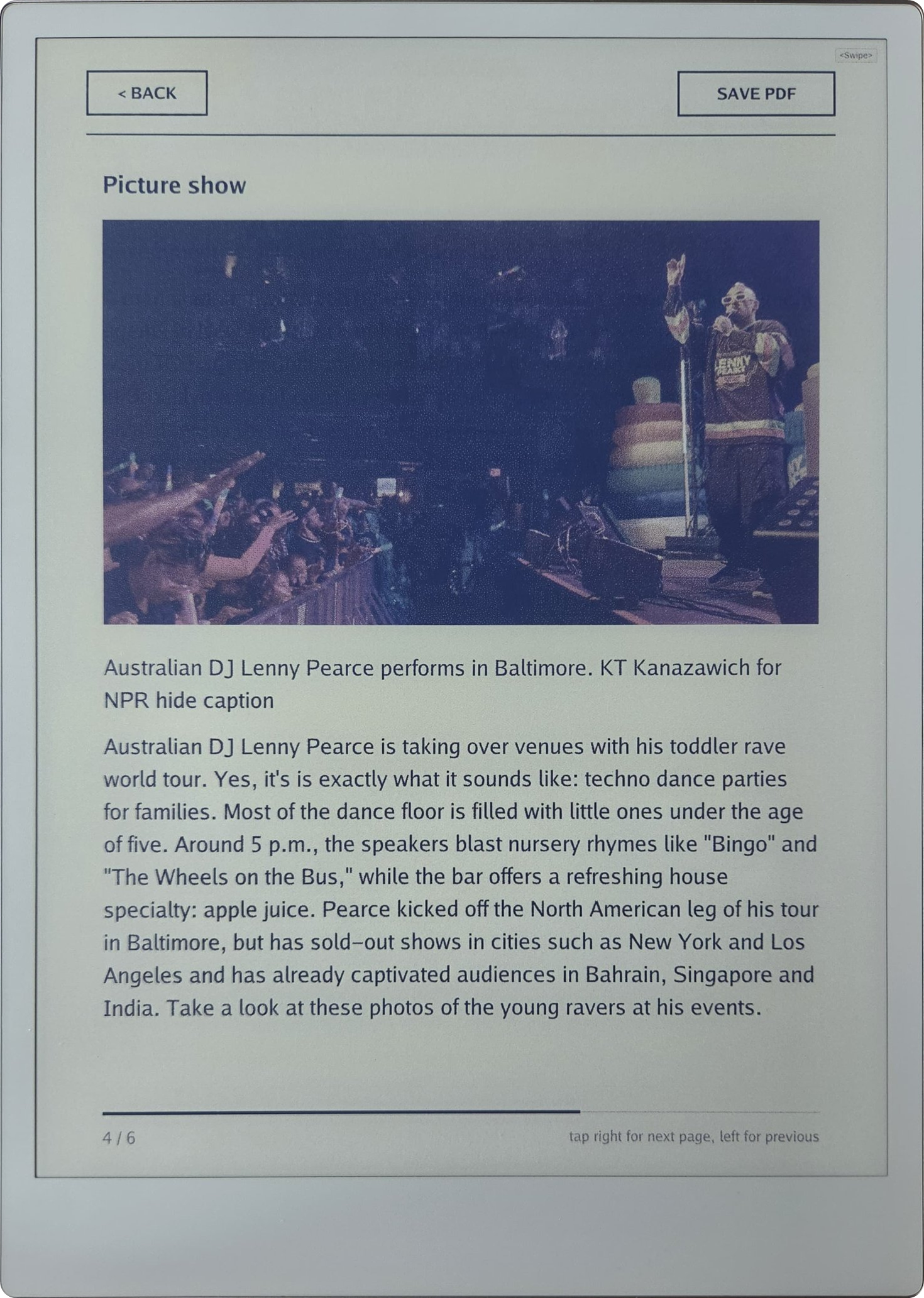
- Clean, book-like reading: tap any story to read the full article as paged text with its photos and captions. Tap or swipe to turn pages, with no scrolling and no ads.
- Reads offline: every article and picture downloads in the background when the brief refreshes. Load it at home and read on the train, at the cottage or on a plane.
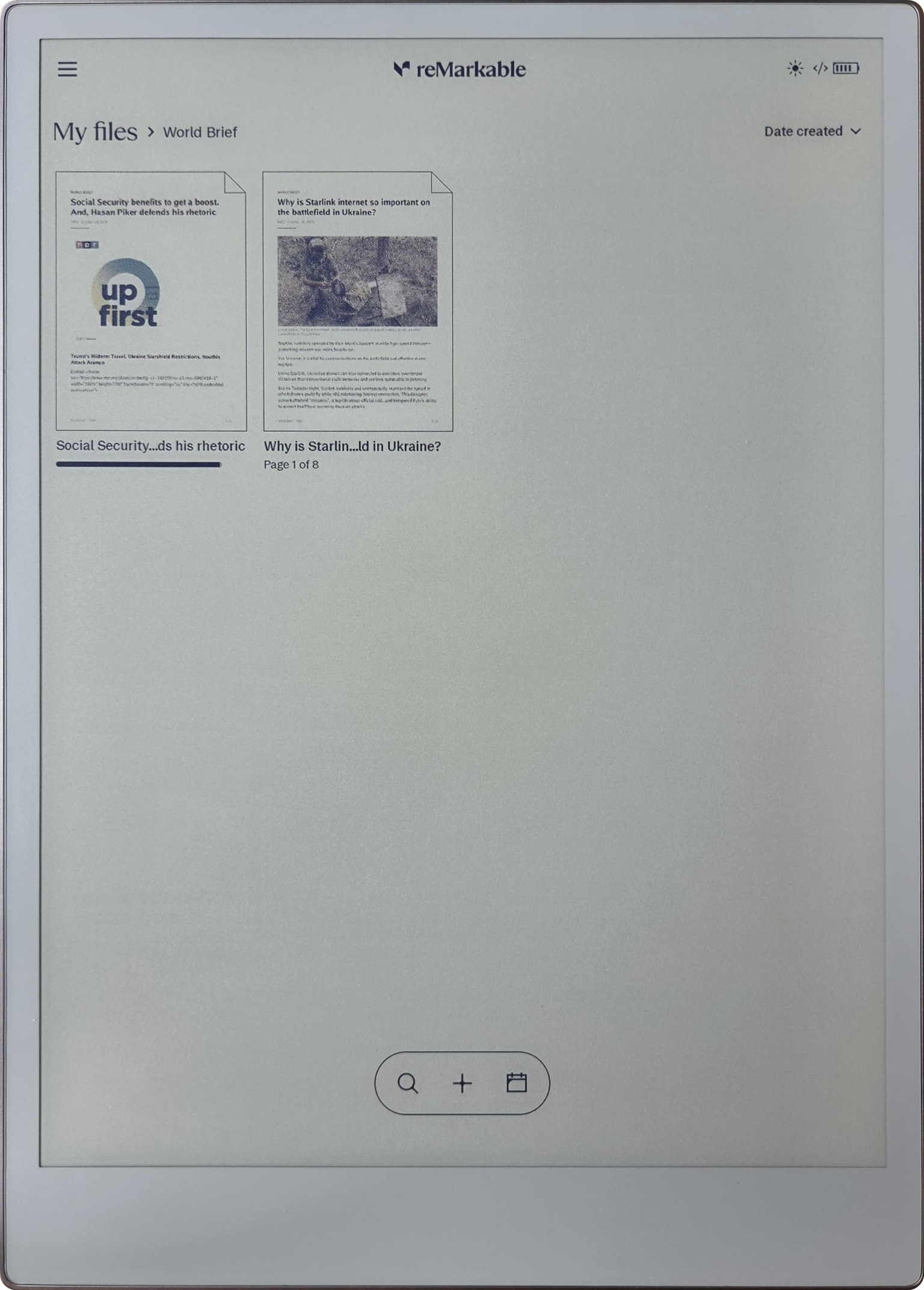
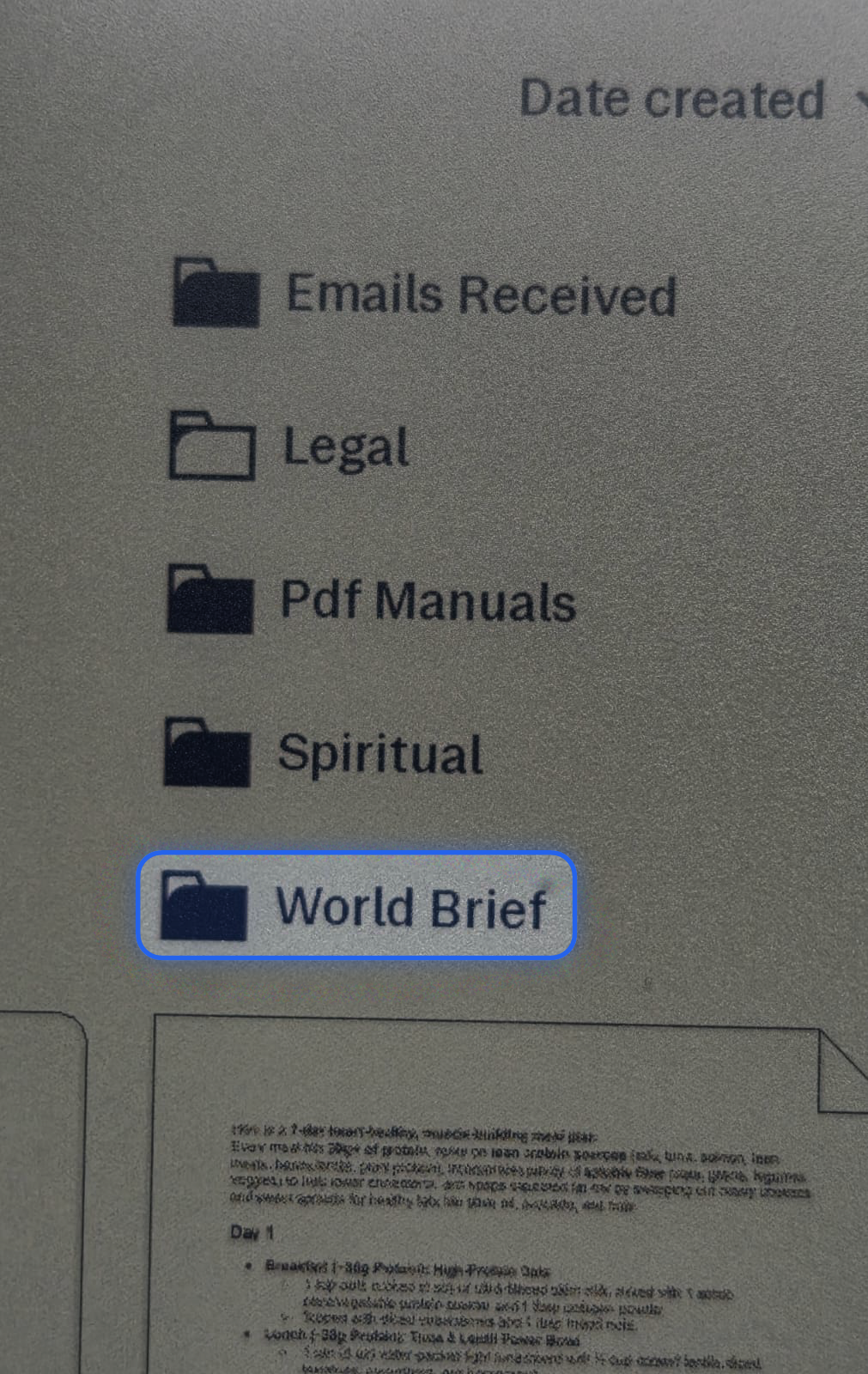
- Save as PDF: keep the stories you care about. One tap saves an article as a clean, searchable PDF in a World Brief folder in My Files, ready to annotate with your pen and sync like any other document.
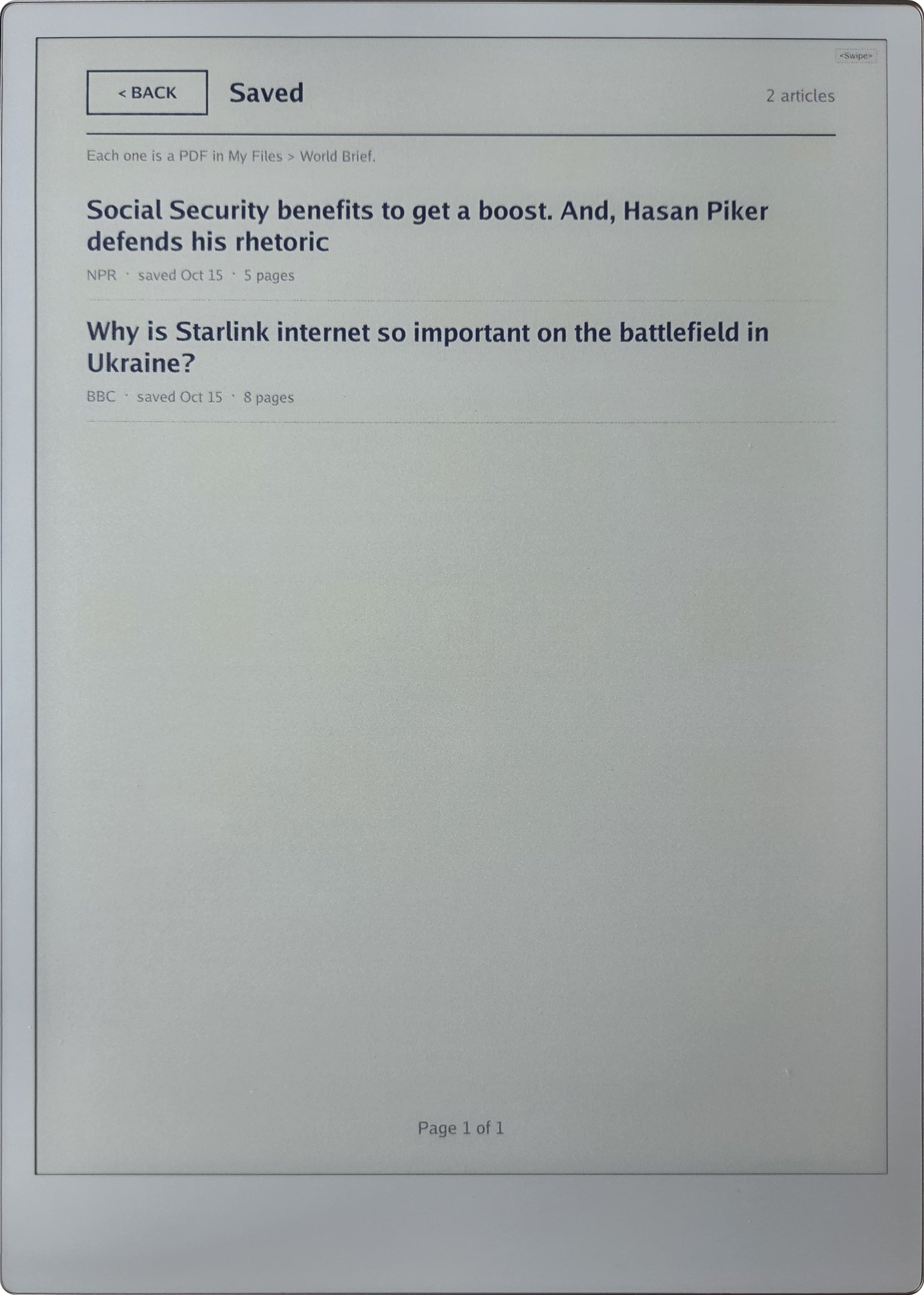
- Saved list: your saved articles stay readable inside the app even after they’ve left the daily brief.
- Built for both tablets: works on the reMarkable Paper Pro and adapts automatically to the Paper Pro Move’s smaller screen.
- Nothing to set up: no account, no subscription and no API keys. Open it and read.
Requirements
- A reMarkable Paper Pro or Paper Pro Move with developer mode, XOVI and AppLoad installed
- Wi-Fi to refresh the news (reading saved stories works offline)
Some publishers limit their articles to subscribers. When the full text isn’t available, World Brief shows the story’s summary instead.
How to install
Download the ZIP
After purchase, you'll receive a download link by email. Save the ZIP file to your computer.
Connect your tablet
Connect your reMarkable Paper Pro to your computer via USB and connect the TabletBob Installer.
Copy the files
Install the app via the Tablet Bob Installer. Find how to install our Free AppLoader: Get Tablet Ready
Open the AppLoad Store
Open or Reload the AppLoad Store using the reload arching arrows. Enjoy.
TabletBob apps are third-party tools not affiliated with, endorsed by, or supported by reMarkable AS. Install at your own discretion. We are not responsible for any issues arising from use of these apps on your device.